Chat
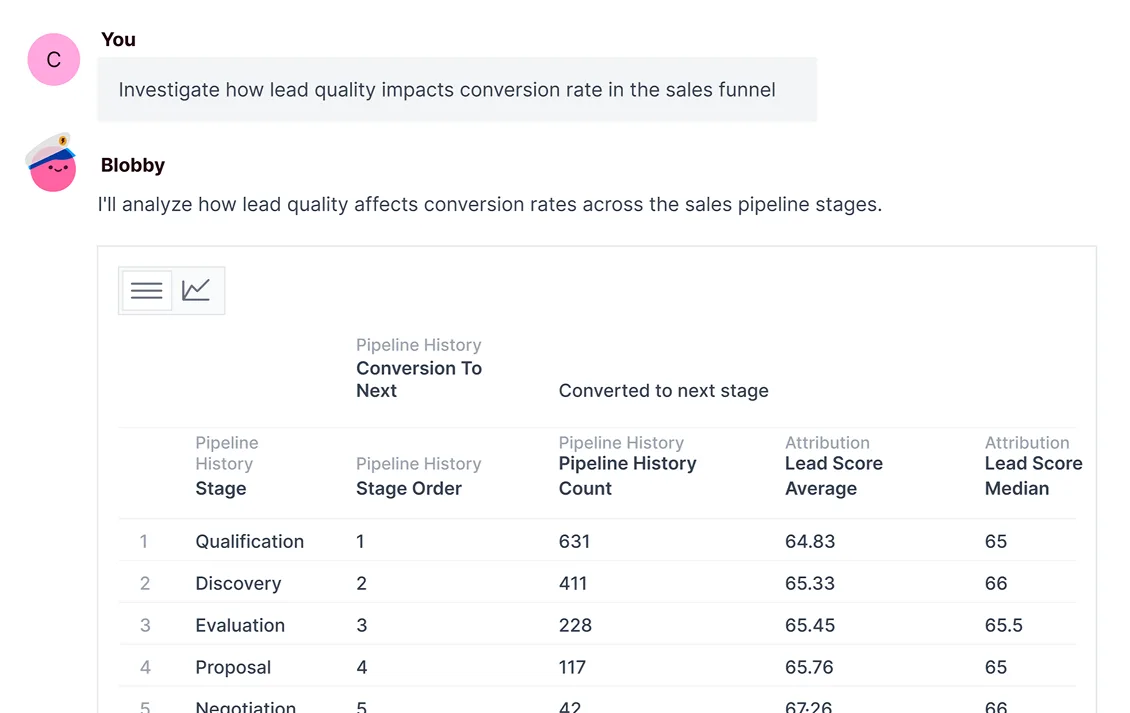
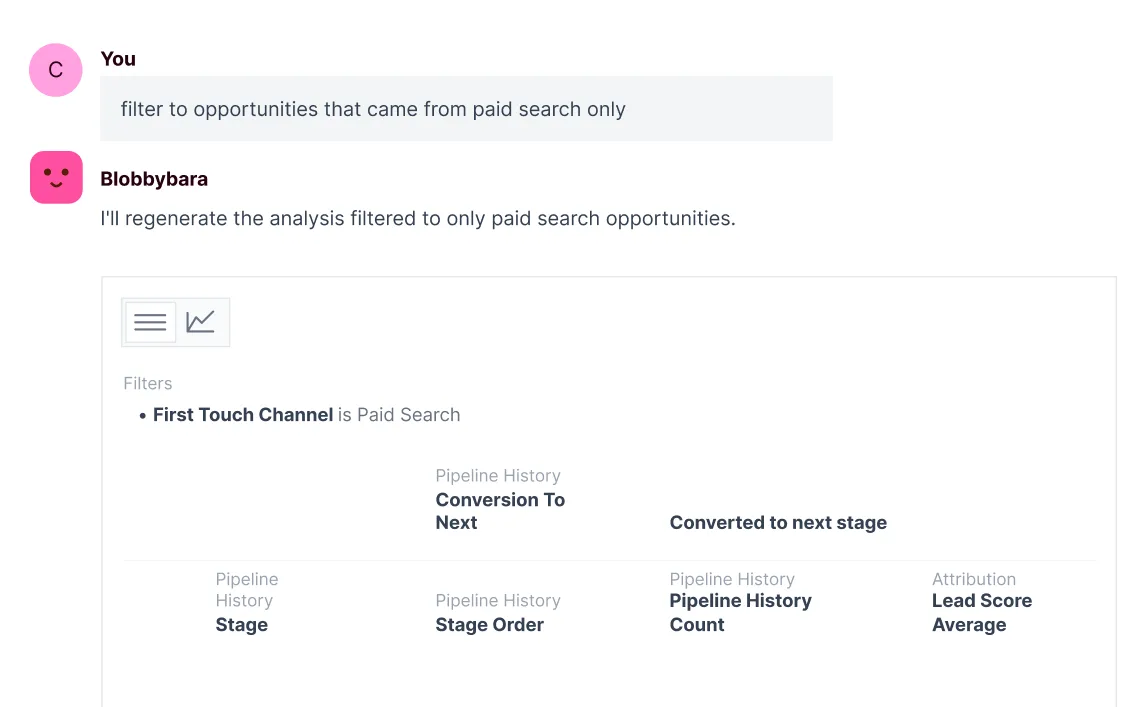
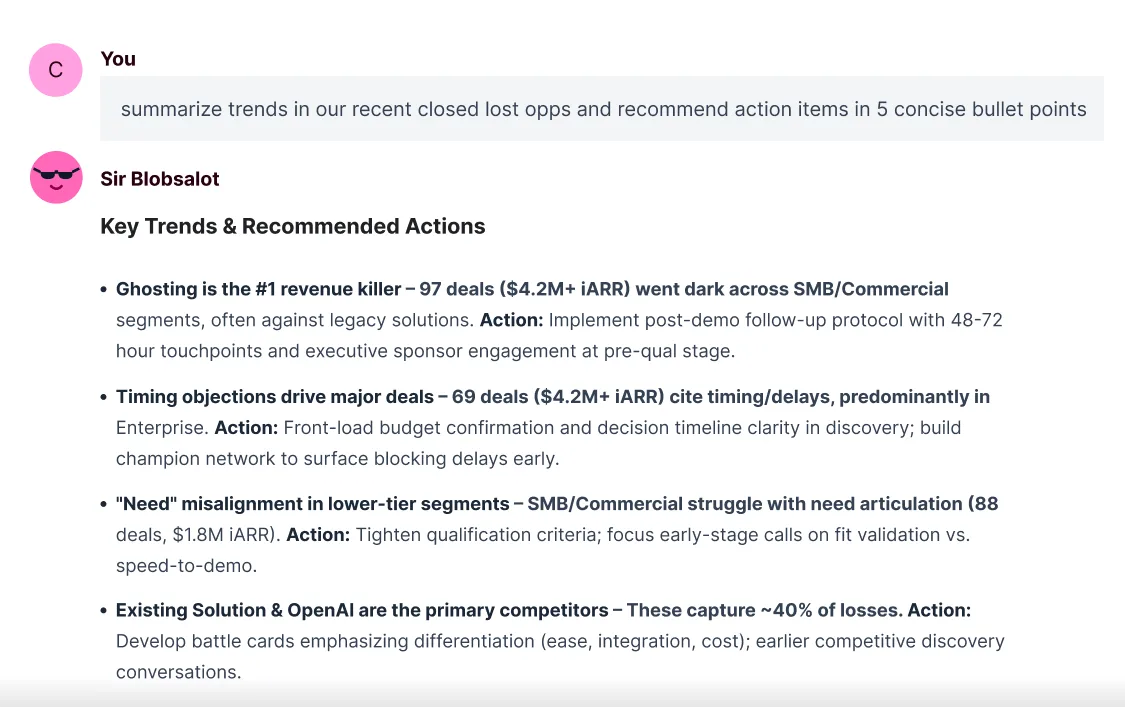
Ask questions in a natural language interface that keeps context from question to question.
Powered by Omni's semantic model.
Ask questions in a natural language interface that keeps context from question to question.

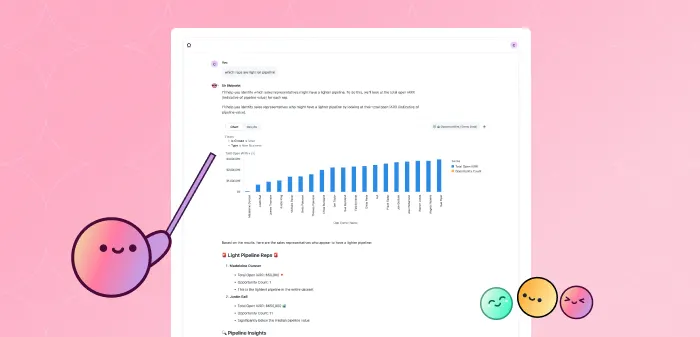
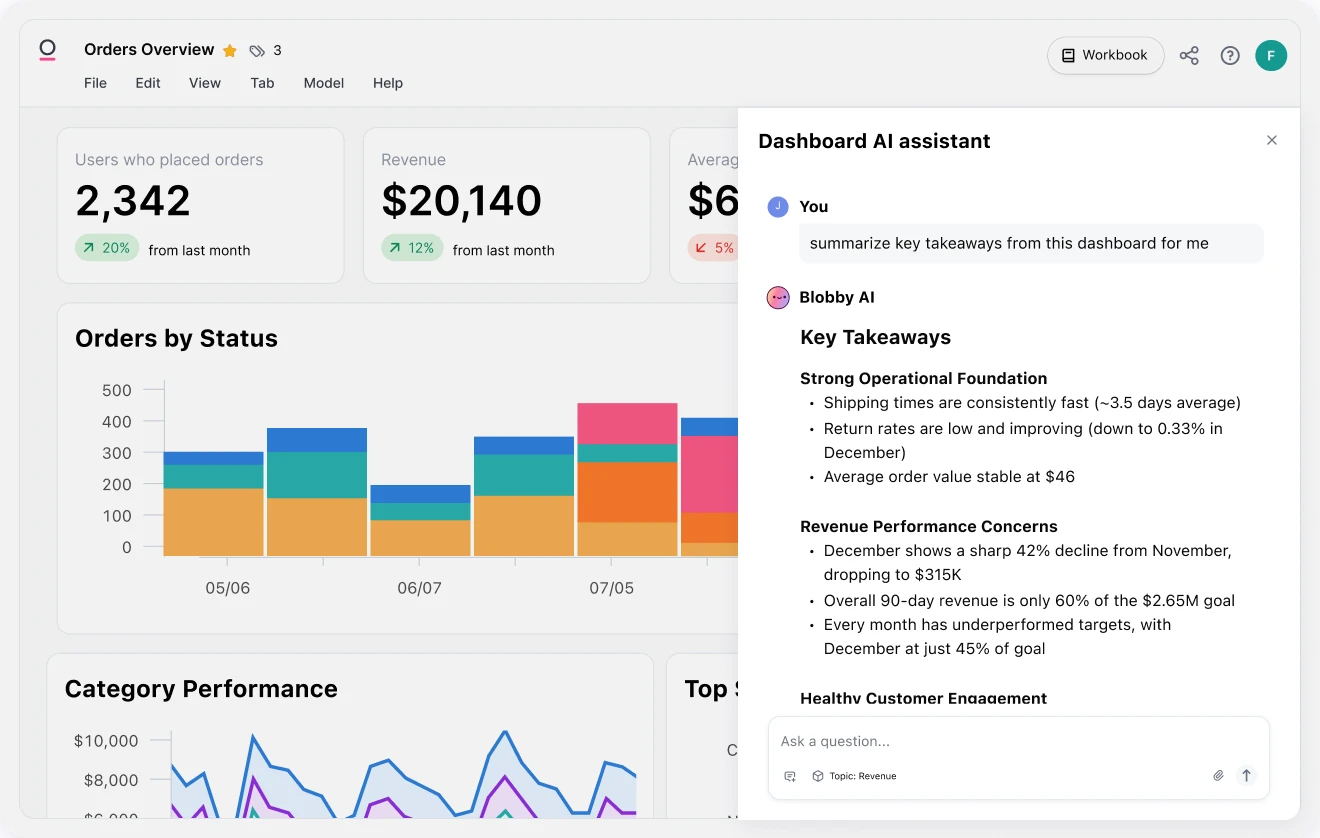
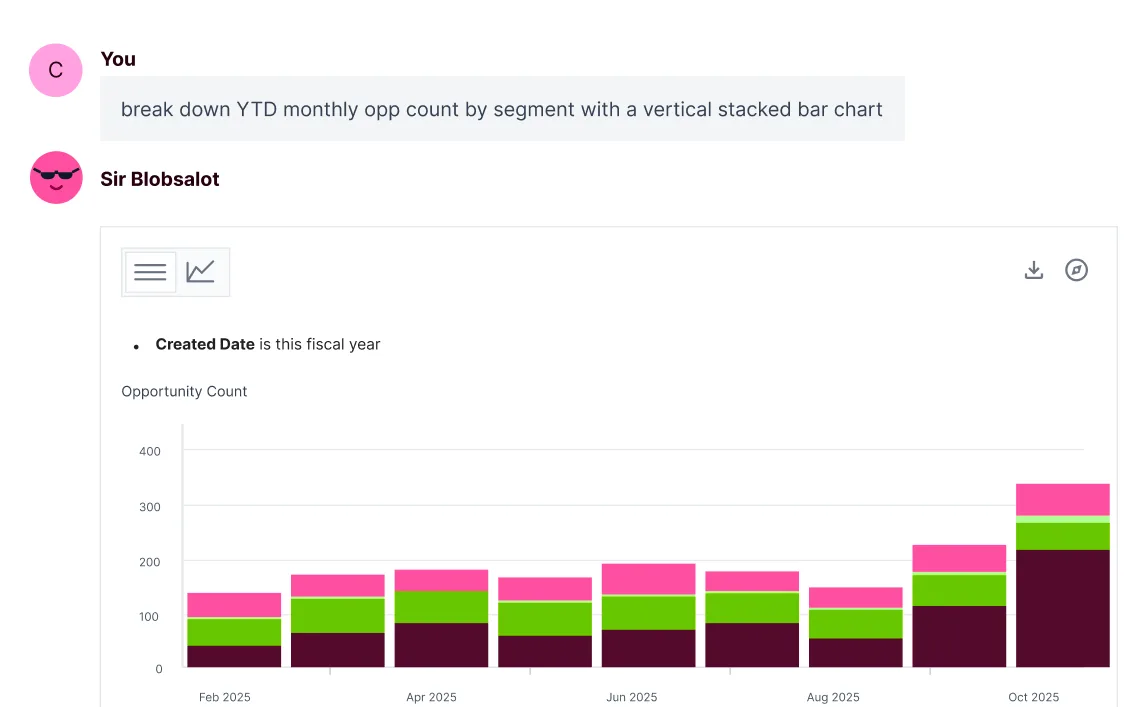
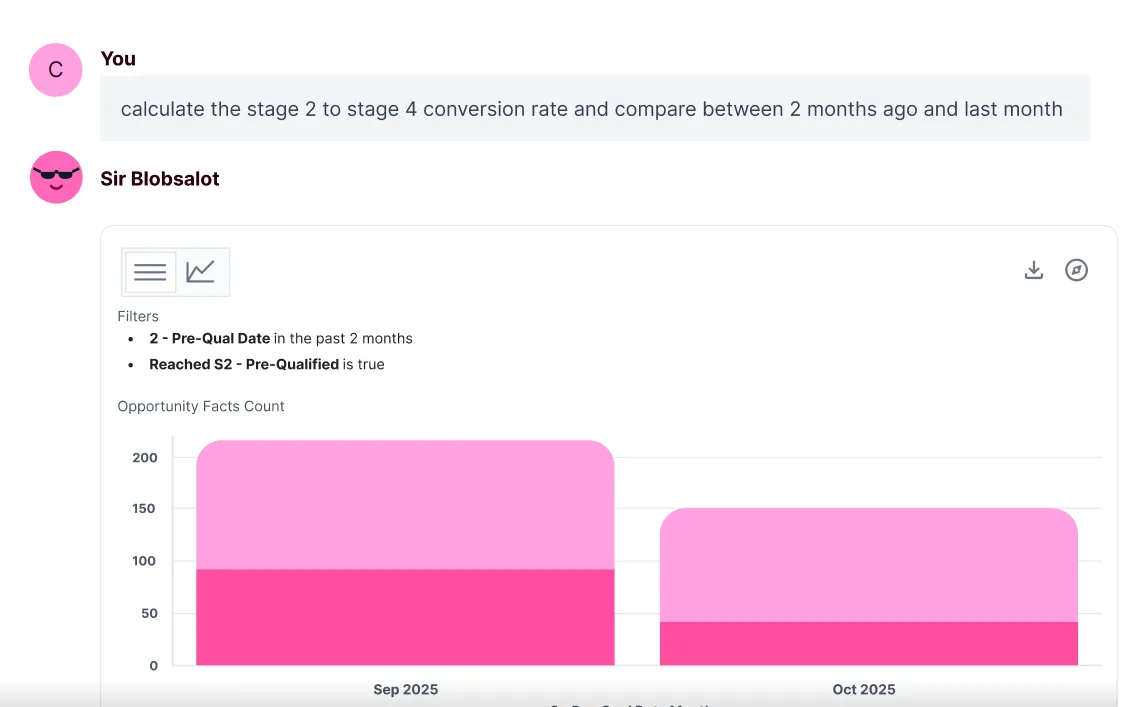
Synthesize insights across charts and dig in further. Just ask!

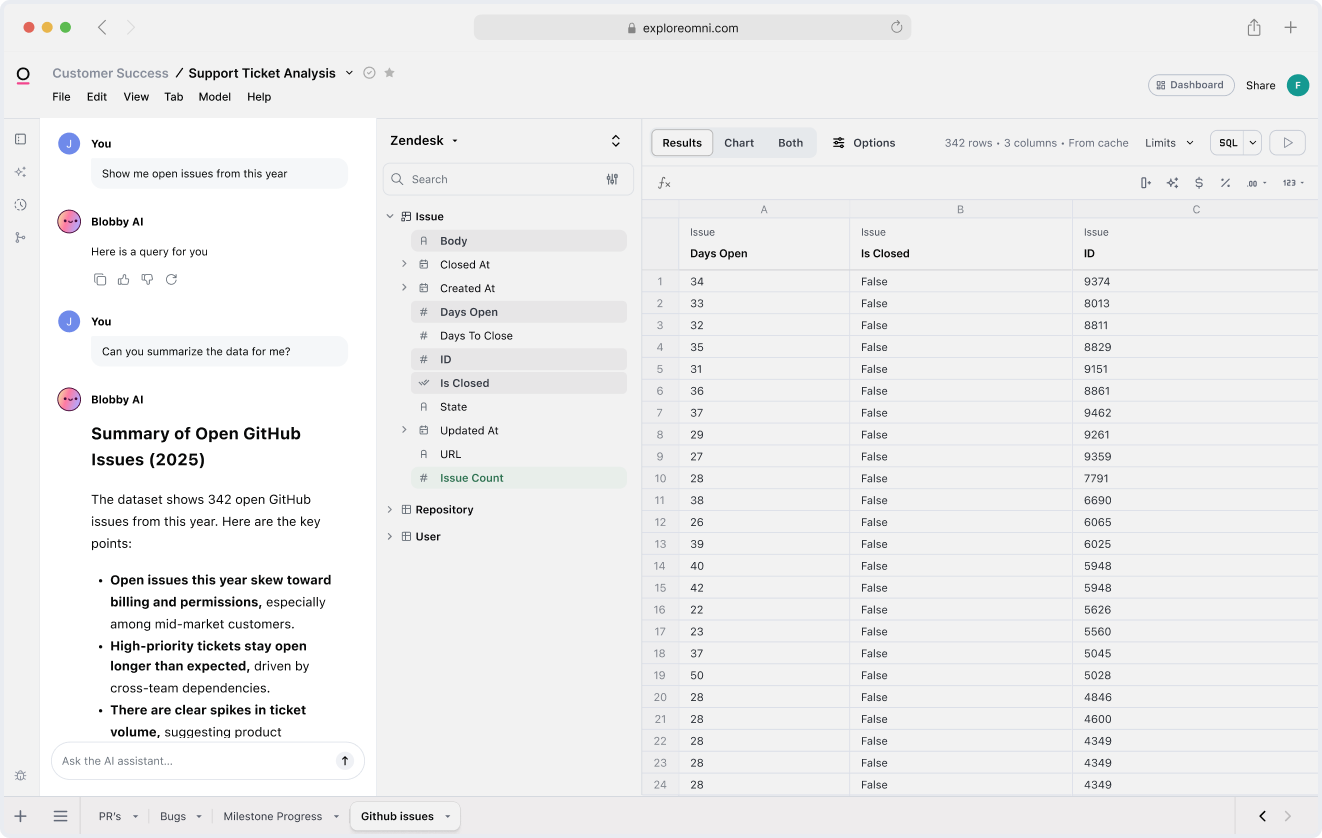
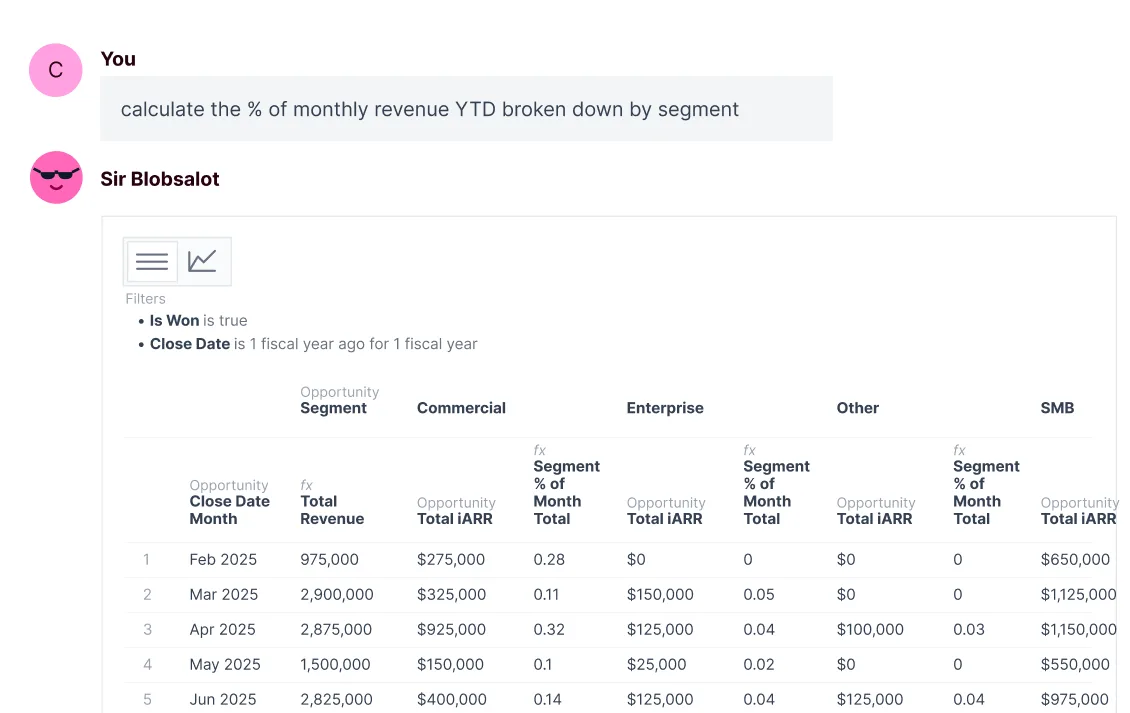
Build queries with a prompt, and switch into point/click, SQL, or spreadsheets at any point.

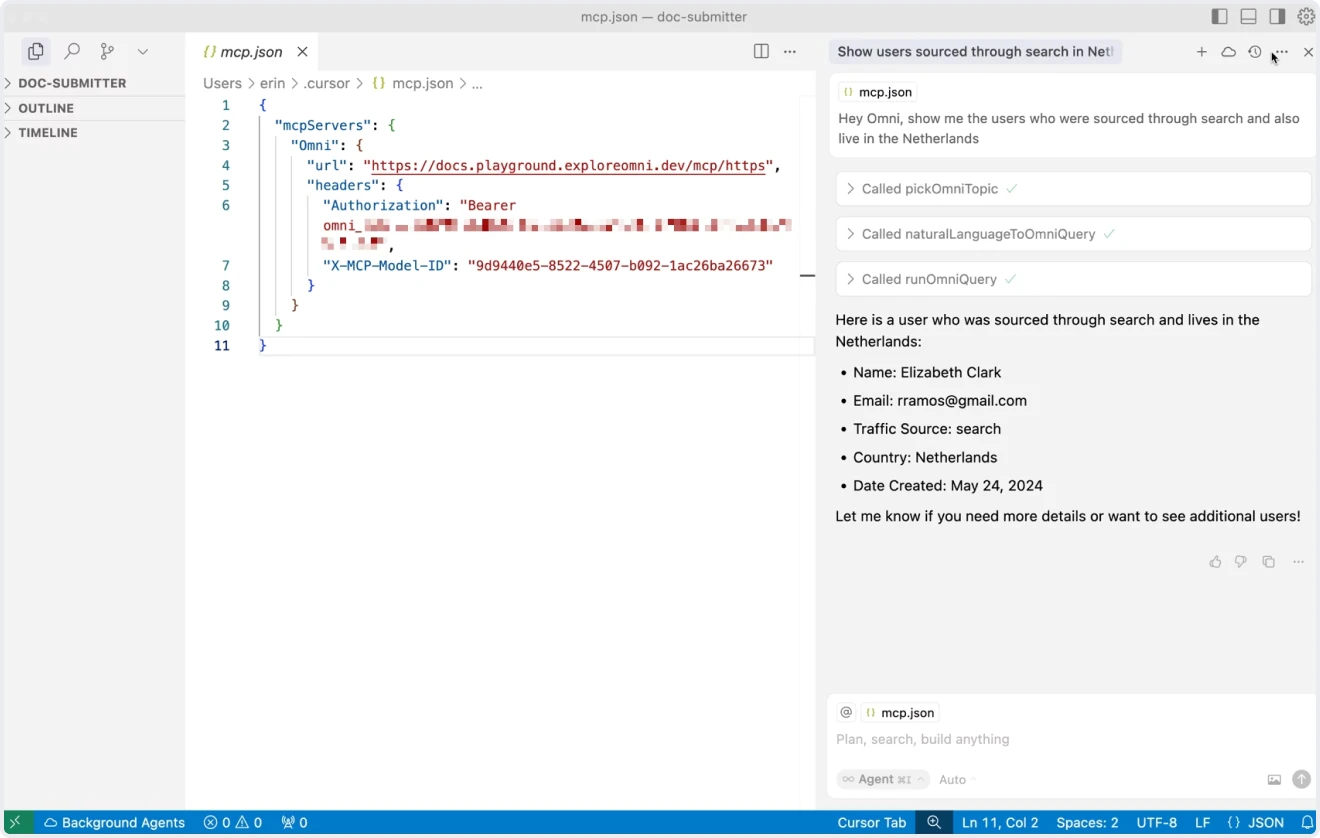
Use Omni’s querying capabilities in your team’s chatbots and other external AI tools.
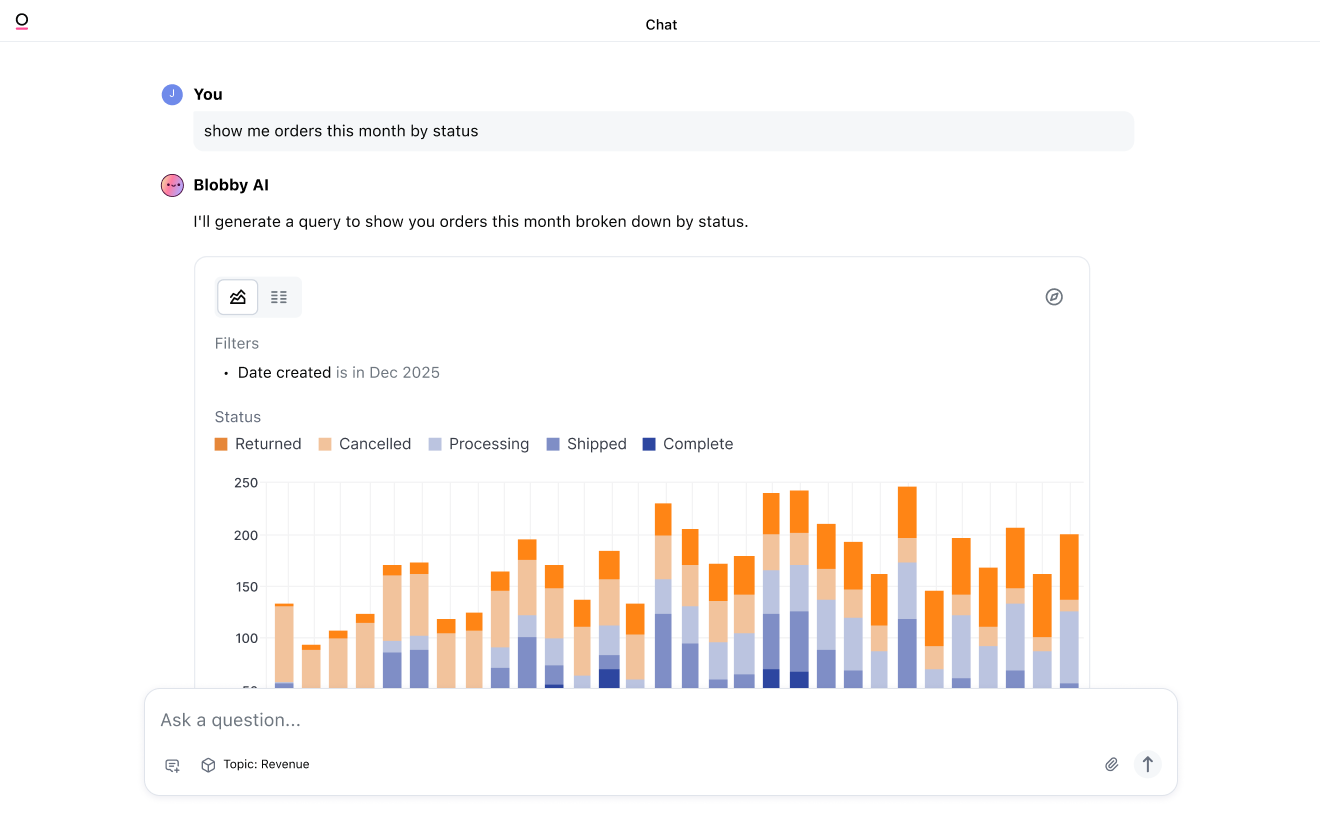
Ask questions in a natural language interface that keeps context from question to question.
Synthesize insights across charts and dig in further. Just ask!
Build queries with a prompt, and switch into point/click, SQL, or spreadsheets at any point.
Use Omni’s querying capabilities in your team’s chatbots and other external AI tools.
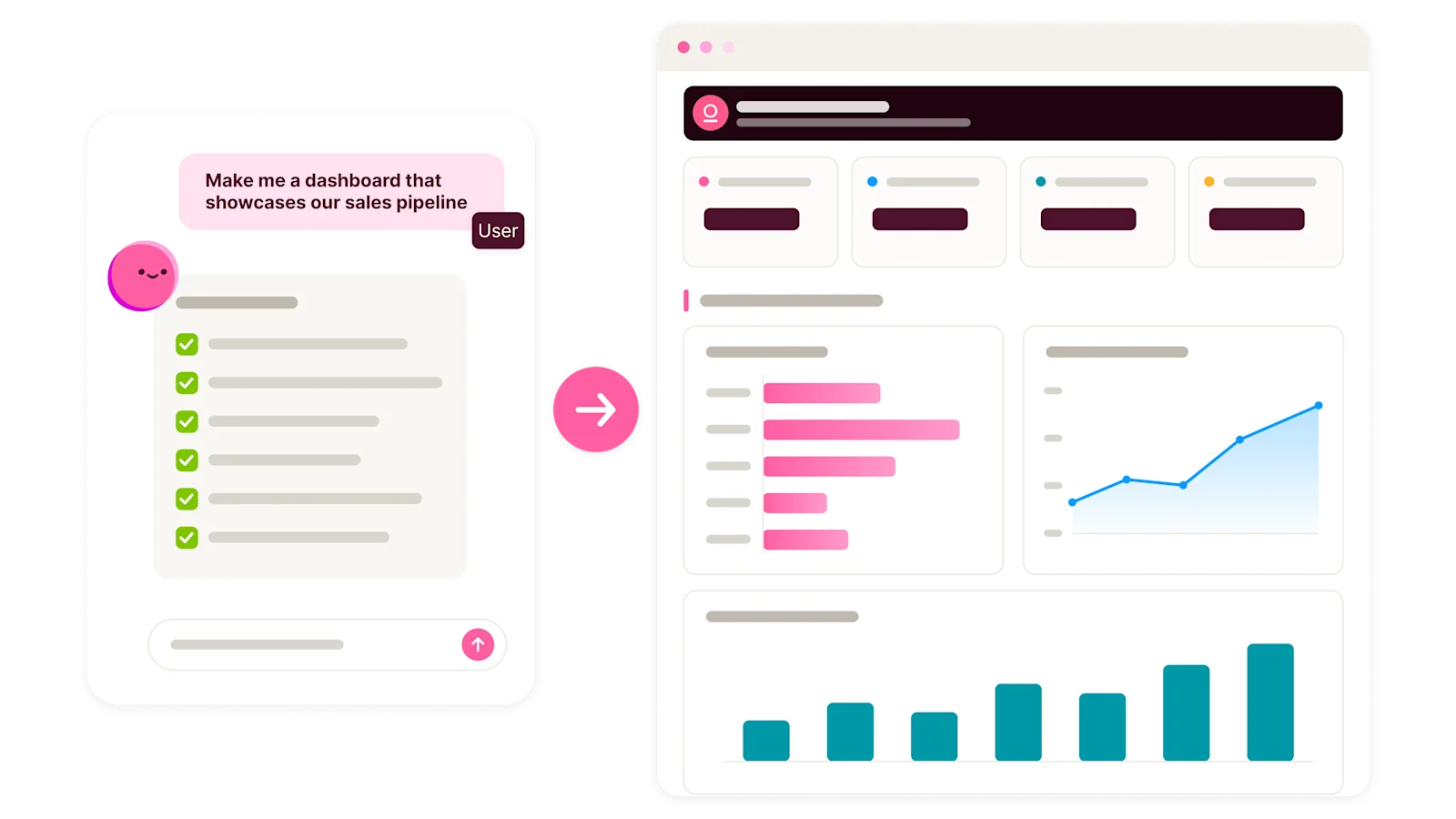
Tell our agent what you want and our Dashboard Builder plans the queries, picks the charts, and lays out a dashboard using the logic and permissions already in your semantic model. Review, refine, and publish when you're ready.
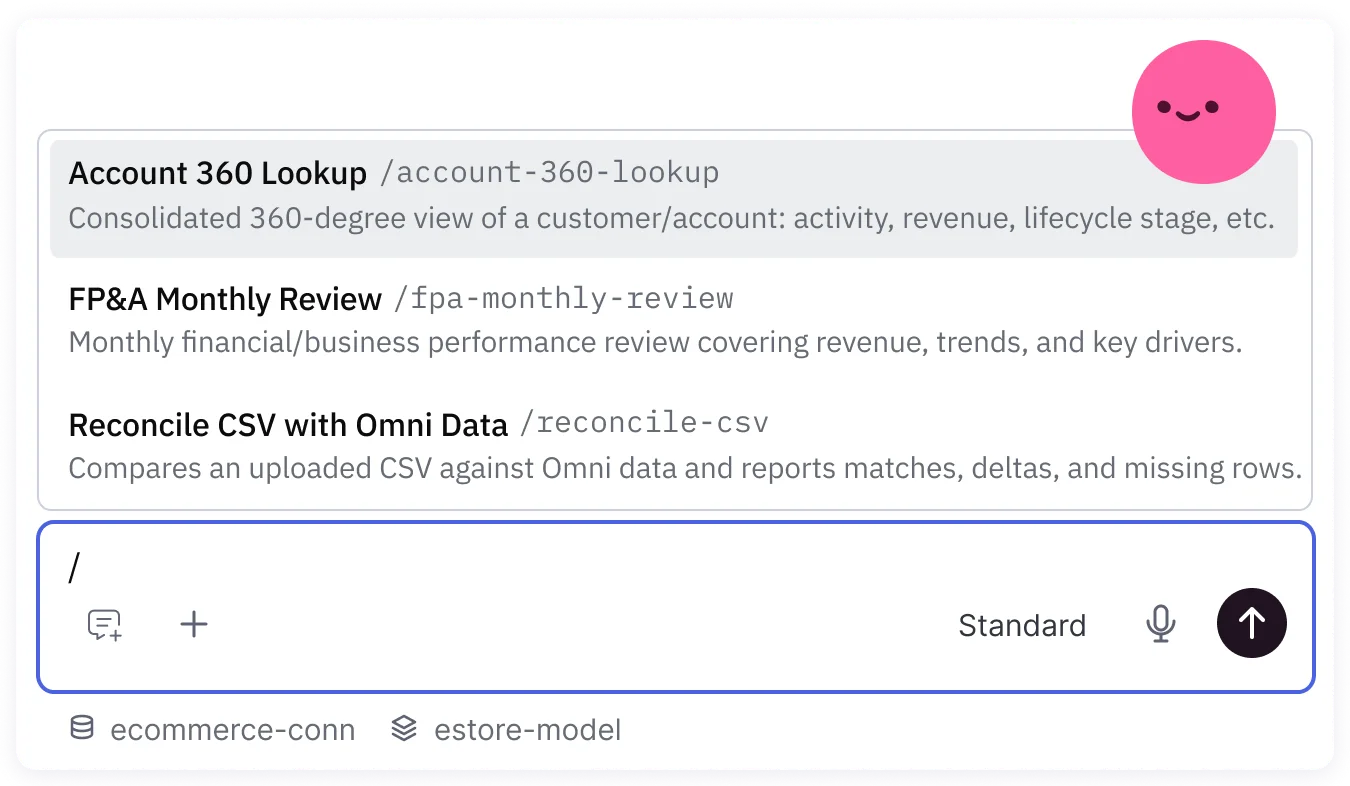
Skills provide repeatable instructions for Omni’s Agent. Anyone with AI chat can easily create and access skills to handle common workflows from account research to financial analyses.
Automate tedious tasks to spend more time on high-value work.
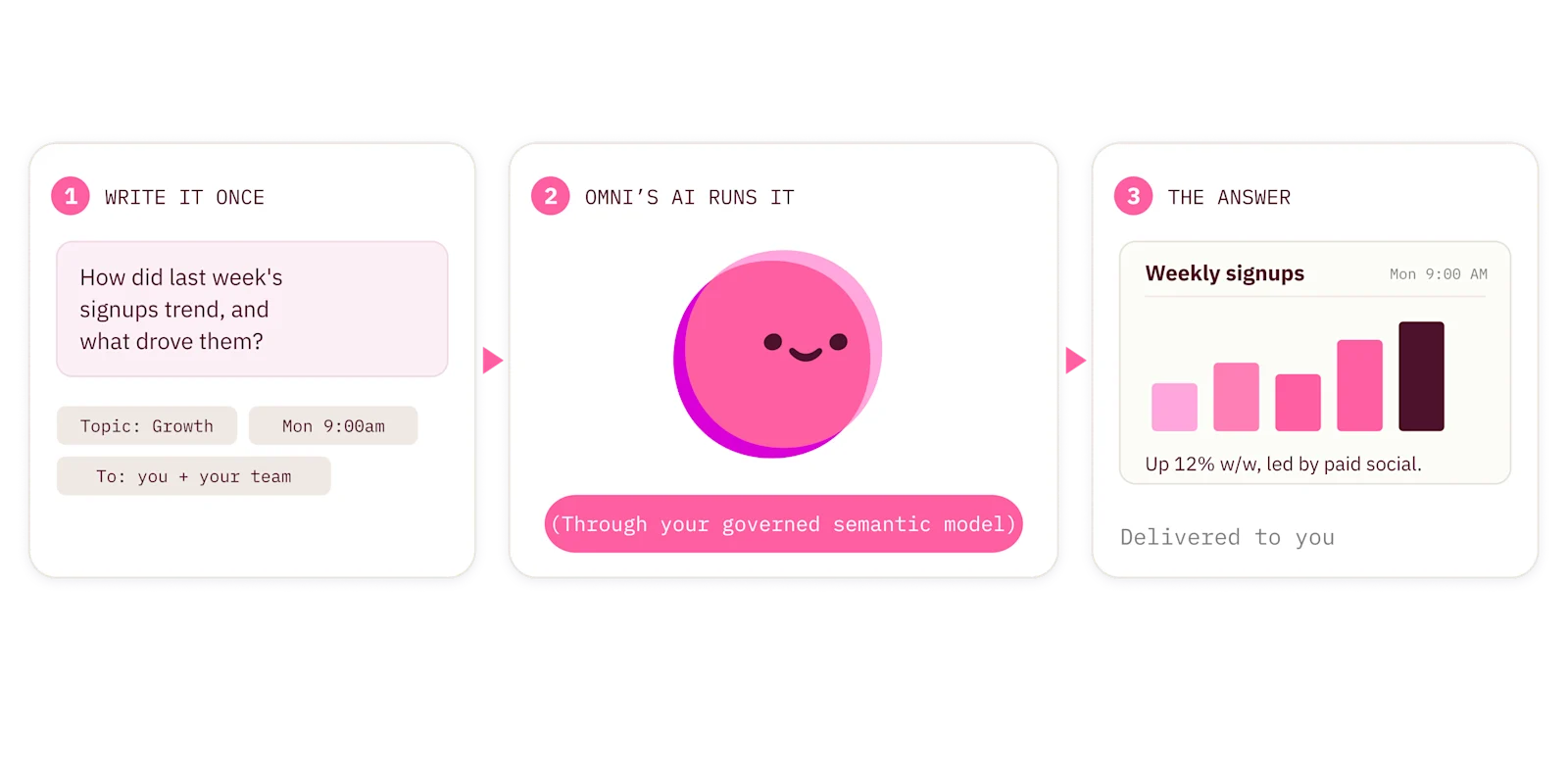
Routines let you write a prompt once and run it on a schedule, through your governed semantic model.
With Conditional Routines, Omni can also monitor your live data and only notify you when a specific condition is met, so reports show up when they actually matter.
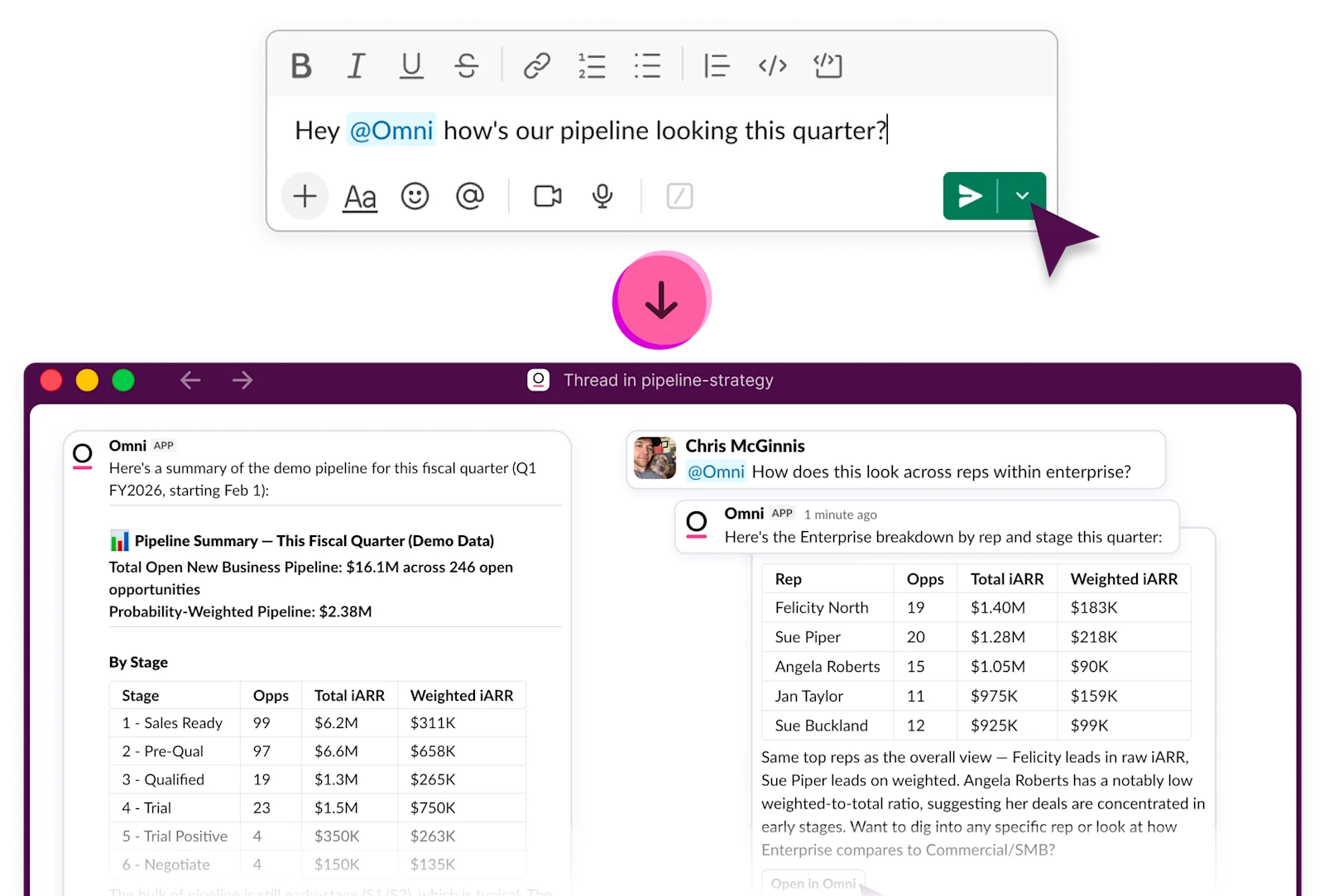
The Omni Slack Agent brings your governed data into the conversation. Mention @Omni, ask in plain language, and get a trusted answer right in the thread.



We looked at the questions people ask, like ‘How many tickets did Michael resolve last year?’ Then we taught the AI how to interpret names, attributes, and domain-specific language. Omni’s AI accuracy jumped overnight.

Omni’s AI does well because it’s backed by a structured data model. Now, it’s easier for us to train it like we would teach an analyst — giving it the right context to understand our business language and definitions.

When we asked AI to explain a chart for the first time and it gave us an accurate response, our team literally screamed out of excitement. People always ask for help interpreting data, and now Omni’s AI gives them a starting point and saves my team time.

Omni gives our customers power without overwhelming them. And with AI, analyzing and understanding data within our platform is even more accessible to our diverse user base.

Ordermentum consolidated internal and embedded analytics to deliver AI-powered insights on Databricks.

phData helped SWBC modernize its data stack and lay the foundation for AI-powered self-service with Snowflake + Omni.
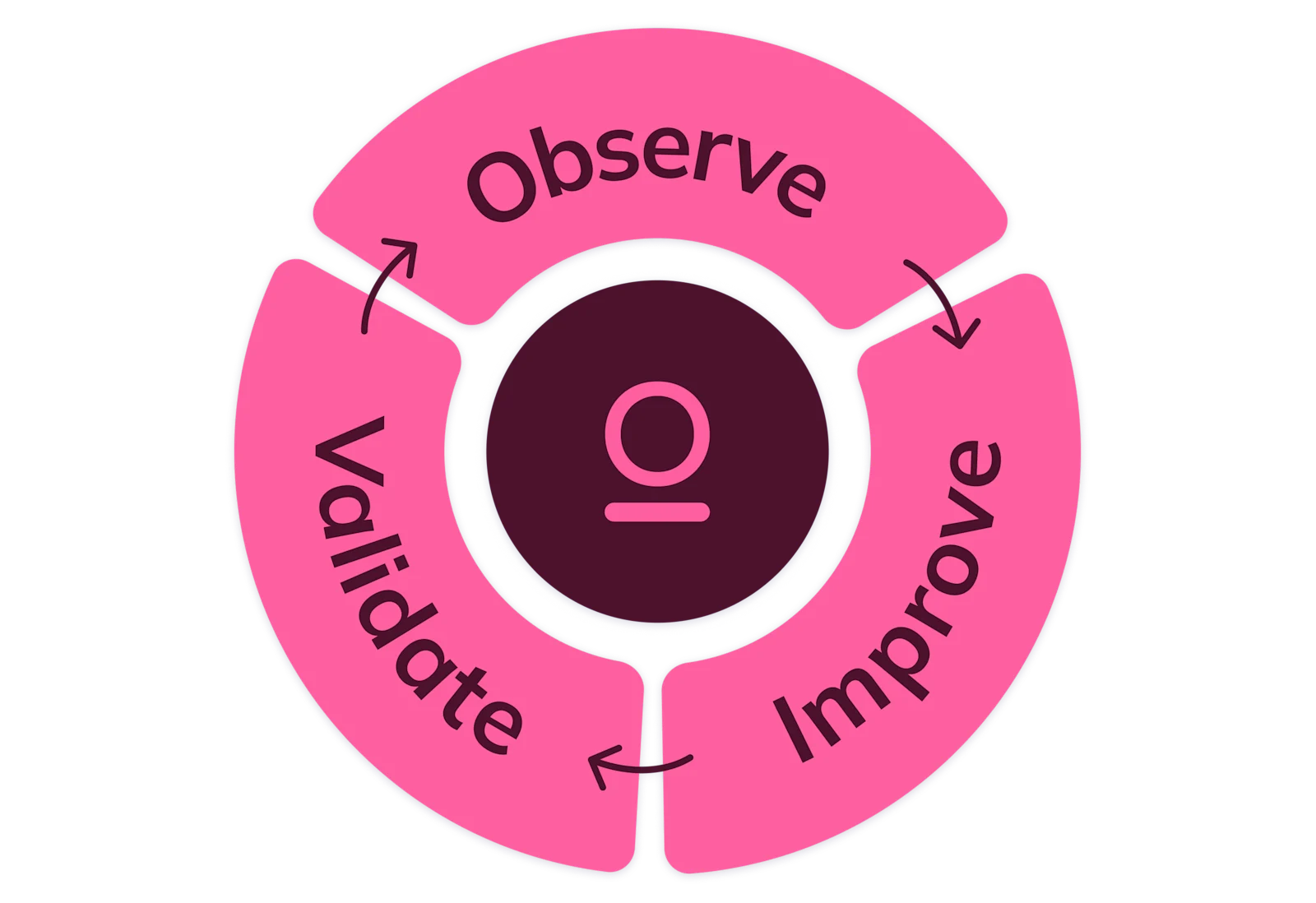
Observe AI usage, improve your semantic model, and validate changes before you push to production in Omni’s AI Hub.
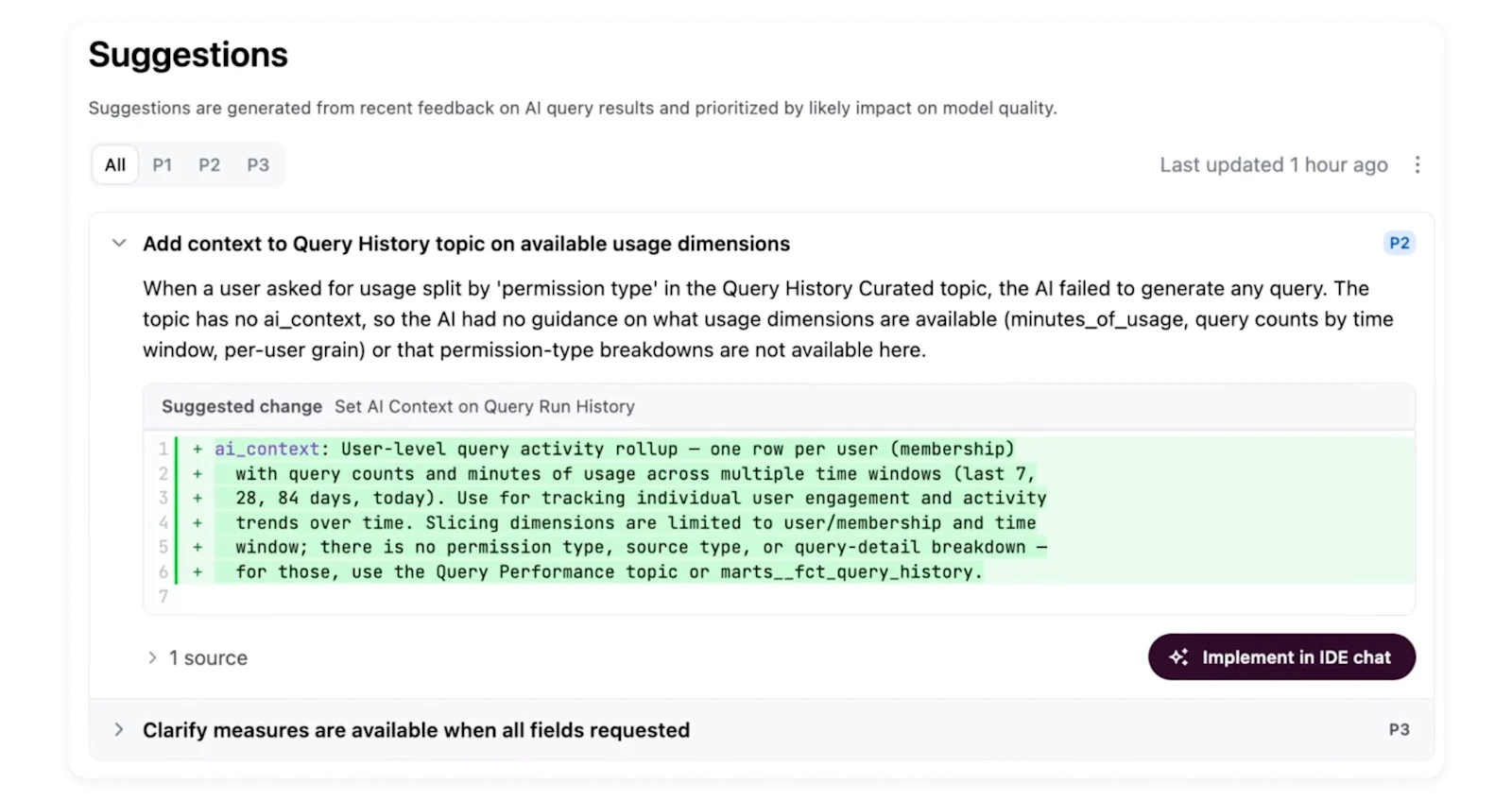
Suggestions read the feedback and usage signals from your users, and turn them into a targeted list of high-value edits to help you improve the model.
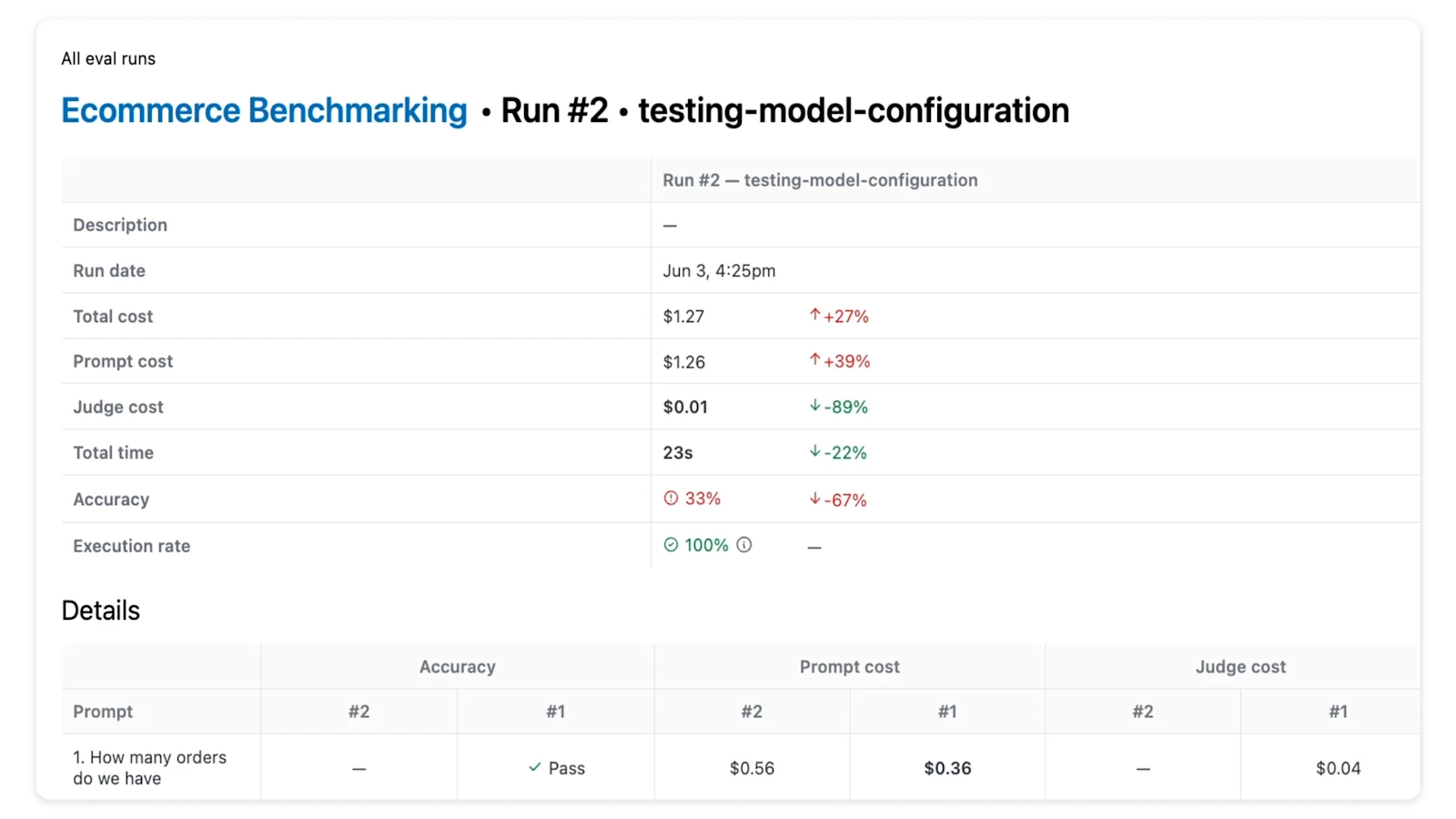
Evals test your AI against reusable prompt sets to help monitor how it performs and validate changes before they ship.
Read the case studyChoosing Omni is solving for more than just BI. We've also primed ourselves to leap forward into AI because the semantic model is at the heart of the platform. That's not true for many other tools.
Mike Doll, VP of Data
Omni’s AI is integrated throughout the platform; you can use a standalone AI chat interface, dashboards, summary visualizations, and more to speed up everyday workflows. It operates on top of Omni’s semantic layer, which defines metrics, dimensions, relationships, and business logic in one shared model. With that understanding of your business, AI delivers consistent, trustworthy results.
When you ask a question, Omni’s AI uses that context to reason through the request, run the appropriate analysis, and return results with supporting evidence. It can handle open-ended questions and multi-step analysis instead of forcing users into single, isolated prompts.
Through Omni’s MCP server and APIs, customers can even bring Omni’s AI into other tools and workflows beyond the platform.
Most AI analytics tools sit on top of raw tables or disconnected models, without any context on the business. That means they have to guess what metrics mean, how tables join to each other, and which definitions to use. The result is answers that change depending on how a question is asked.
Omni’s AI is different because it’s grounded in Omni’s built-in semantic layer. It uses the same governed metrics, joins, and business logic your team already relies on for dashboards and reporting. On top of that, Omni lets you add additional AI context that lets you tune AI responses, like “Only use this dataset when asked about closed won deals.” That shared foundation ensures the AI is using the right definitions every time, across every user.
Omni currently uses AWS Bedrock-hosted Claude models for most tasks and OpenAI models only for advanced AI visualizations. Omni does not have its own LLM. For more, see our docs.
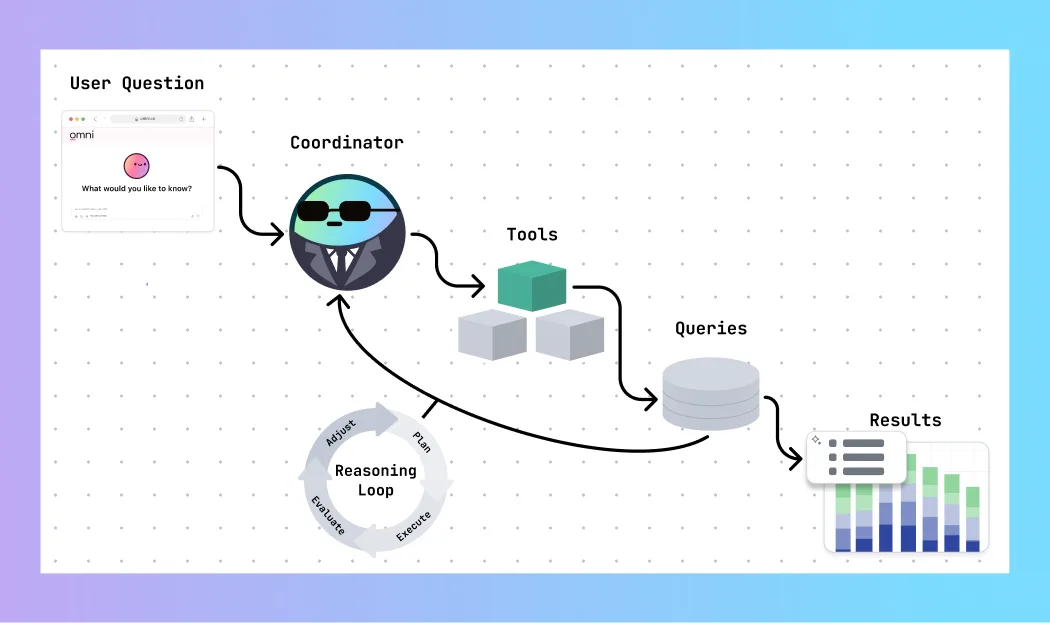
Omni’s AI is an agentic system that can reason through complex questions. At its core is a coordinator mechanism that plans actions, selects tools, executes queries, evaluates results, and decides what to do next. This enables multi-step analysis, such as checking assumptions, breaking a question into sub-queries, or validating unexpected results before summarizing.
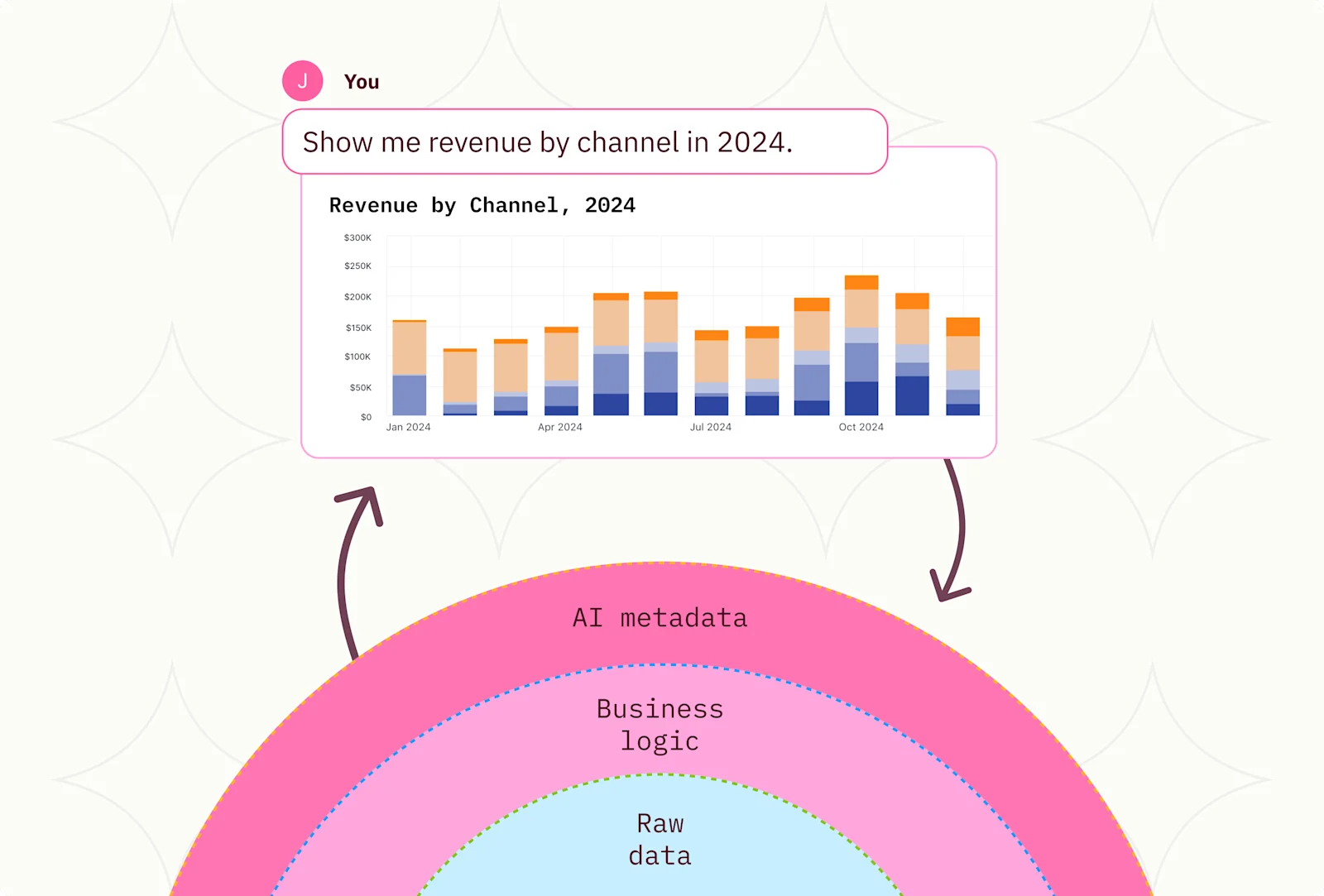
The AI does not generate raw SQL directly from text; we found that this process can produce inconsistent results. Instead, the AI generates “semantic queries” through Omni’s semantic layer, which defines metrics, dimensions, joins, access controls, and AI-specific instructions. The semantic layer ensures that AI follow the same logic your team already uses; it will reuse existing data models, respect row-level security, and stay consistent across users. Omni translates the semantic query into SQL, runs it against your database, and returns the results to the AI to interpret for the user. You can always view the SQL used for AI responses by opening the query in a workbook.
By taking this approach, Omni’s AI behaves more like an automated analyst operating inside Omni’s architecture, rather than a generic language model guessing at answers. This gives you the governance and control of a robust analytics platform with the simple, easy-to-use interface of a chatbot.
Omni’s semantic model lets you feed important context and nuance into the AI to promote reliable responses, instead of expecting LLMs to deliver precise answers based on your raw data.
In addition, while other tools are solely focused on enabling an “AI chatbot” experience, Omni’s AI lets you do more than just ask questions and get black-box answers. AI in Omni can accelerate every part of your data analysis workflow – including creating queries, filtering, writing Excel formulas, and more.
In fact, AI is embedded into Omni’s workbook experience rather than being a separate interface, making it interoperable with the rest of Omni’s analysis methods. As you query with AI, you can drop into the point-and-click UI, SQL, or spreadsheet formulas at any point. Users aren’t locked into AI, even if that’s their starting point.
Customers can also embed Omni’s AI interface directly into their own product, or use Omni’s APIs and MCP server to customize further.
Yes. Evals in Omni’s AI Hub measure how accurately Omni’s AI answers the questions your team asks. Build a prompt set from those real questions and run it against your model, and a built-in accuracy judge scores every response pass or fail with a written explanation. Accuracy becomes a number you can track instead of a feeling.
This matters most when your model changes. Adjust a topic on a branch, rerun the same prompt set, and compare runs side by side to see exactly which answers improved or regressed, so you can prove a change helped before merging it to production. For a walkthrough, see the evals documentation.
Omni’s semantic layer is the set of instructions Omni uses to generate correct, performant SQL. It combines your schema, relationships, and topics into a central place for AI to understand how your data is structured. This is crucial for returning accurate results, including safe handling for fanouts.
The semantic layer also gives Omni’s AI guardrails by scoping the data it can use. Based on the user’s question, it constrains the AI to relevant topics and fields. It even lets you encode business context explicitly in an ai_context field instead of letting the model guess.
It is also key to security and governance. Since data permissions and row-level filters live in the semantic layer, the proper security measures are enforced via user attributes on every query. Even when using AI, users only have access to the data they should.
For example, users may ask AI about revenue, but “revenue” rarely means one thing. Sales might mean booked revenue. Finance might mean GAAP revenue. Omni lets you define both in the semantic model as separate, named metrics.
Then, when someone asks AI a question about revenue, Omni uses the user’s attributes to pick the right definition. If the user is in Sales, AI answers using the Sales revenue metric. If the user is in Finance, AI defaults to the Finance revenue metric. If they explicitly choose a topic like Sales Revenue or Finance Revenue, that choice wins. Having this level of governance helps you scale AI to your organization without losing control.
Making your datasets AI-ready doesn’t need to be complicated – we’ve found that adding context in a few key places makes a big difference, and you can continue tuning up the model as you go. For tips, check out this how-to guide from our VP of Product Arielle, and watch our CEO Colin go from zero to AI-ready live.
Omni never shares your data without your permission. When AI features are toggled on, only necessary data is shared with external LLMs. For example, when asking AI to generate queries, or write formulas, only query metadata (column names, sorts, limits, etc.) is shared. If asking AI to summarize a query, then the results set is shared. Learn more in our docs.