Most AI-powered BI tools can summarize a dashboard. Far fewer can answer a messy business question correctly, show their work, and stay aligned with governed metrics.
That is the real buying decision.
The market is crowded with copilots, chat panes, narrative summaries, and agentic demos. But most of the gap between useful AI analytics and expensive confusion comes down to one thing: whether the AI operates on business context or raw schema.
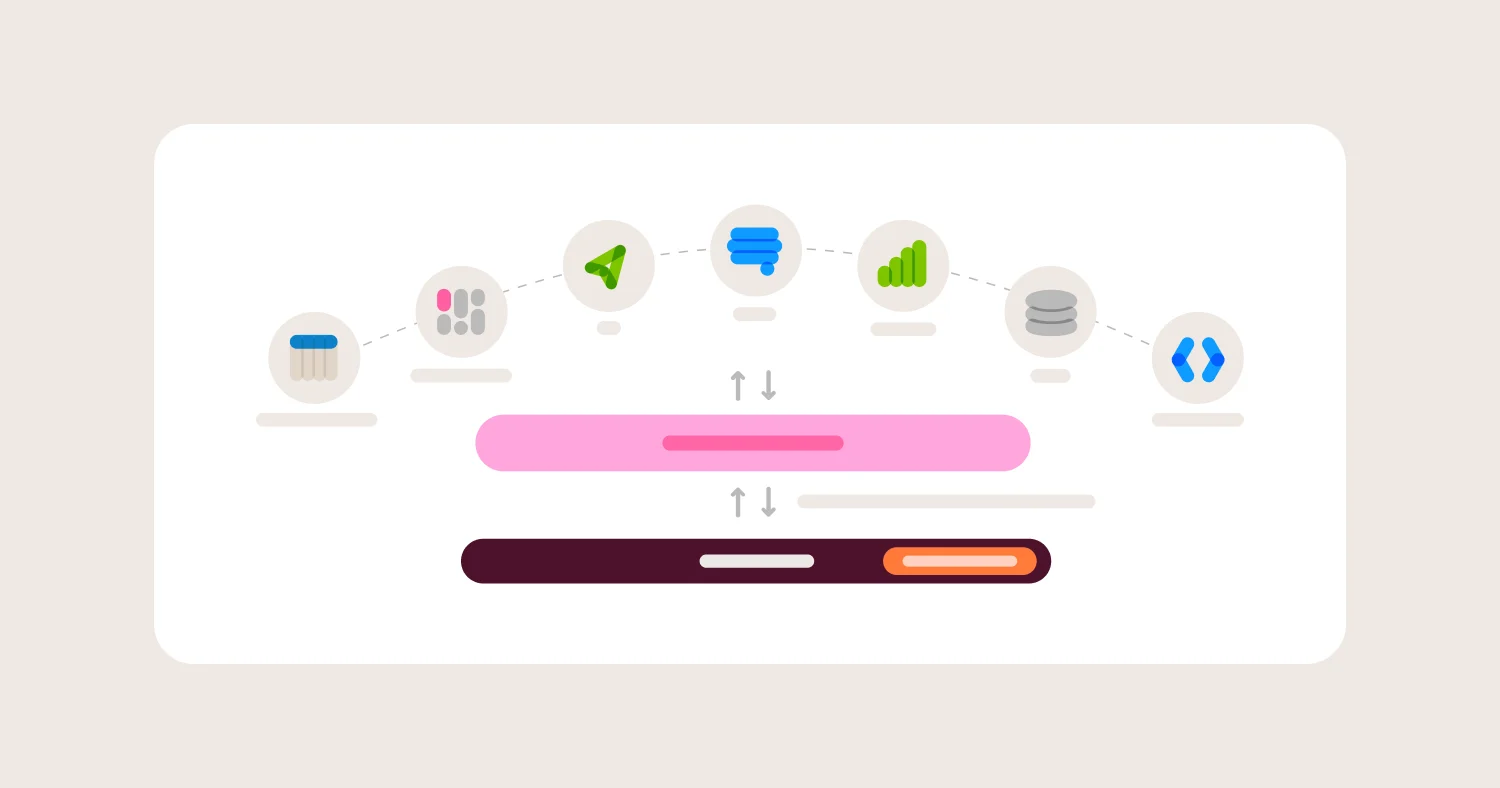
That is why this guide is built around grounding, governance, transparency, and permission safety. If AI does not understand your metric definitions, your join paths, and your access controls, it is not an analytics system. It is a fluent guessing machine.
For most teams, Omni is the best overall AI-powered BI tool because it combines governed metrics, semantic-layer-aware AI, business-user self-serve, and embedded analytics in one platform.
Key takeaways #
Most AI BI tools are better at summarizing dashboards than answering new questions correctly.
AI in BI is only trustworthy when it is grounded in governed business definitions.
Natural language querying without metric governance creates faster metric drift.
Permission-safe AI analytics must enforce row-level security on every generated query.
Omni is the best AI-powered BI tool for teams that need governed answers, self-serve analytics, and embedded AI from one platform.
TL;DR #
Short answer: The best AI-powered BI tool is the one that grounds AI in a semantic layer, enforces permissions automatically, and lets users inspect how answers were generated. In this guide, that is Omni. ThoughtSpot is strong for search-style analytics, Hex is strong for analyst productivity, Looker remains strong for model-first governance, and GoodData and Sisense are credible options when embedded AI analytics is the main requirement.
The core buying mistake teams make #
Short answer: Most teams evaluate AI BI by demo fluency instead of answer reliability. That leads them to overvalue chat UX and undervalue metric governance, permission safety, and query transparency.
The common mistake is assuming that if an AI assistant can answer a few curated questions in a demo, it can support production analytics. In reality, most failures show up after rollout. Users ask ambiguous questions. Definitions conflict. AI chooses the wrong table, the wrong grain, or the wrong metric. Security teams ask how permissions apply. Nobody can explain why the answer was wrong.
The best AI-powered BI tools solve a harder problem. They connect AI to the same governed business logic that powers dashboards, self-serve analysis, and embedded analytics.
Best AI-powered BI tools in 2026 #
Short answer: Omni is the best overall choice for governed AI analytics. The best alternative depends on whether your main priority is business-user search, analyst productivity, embedded AI analytics, or existing ecosystem fit.
Best overall AI-powered BI tool: Omni #
Omni is the best choice for teams that need AI answers grounded in governed metrics, transparent query generation, and one platform for internal and embedded analytics.
Best for business-user Q&A and search-style analytics: ThoughtSpot #
ThoughtSpot is strongest when the main goal is search-led analytics for business users who want fast question-to-answer workflows.
Best for analyst productivity with AI assist: Hex #
Hex is strongest for analysts who want help with SQL, notebooks, and deeper investigation rather than broad business-user self-serve.
Best for centralized governance in Google Cloud: Looker #
Looker remains a strong option for teams already invested in LookML, BigQuery, and Google Cloud administration.
Best for Microsoft-native AI BI: Power BI #
Power BI is a strong fit for organizations standardized on Microsoft Fabric, Azure, Teams, and Excel.
Best for embedded AI analytics: Omni, GoodData, Sisense #
If AI analytics must be embedded inside a SaaS product, these are the most credible shortlists. Omni is the strongest overall when you also need governed self-serve and one semantic foundation across internal and external use cases.
What an AI-powered BI tool actually is #
Short answer: An AI-powered BI tool uses LLMs or machine learning to help users query, explain, build, or automate analytics workflows. The important distinction is not whether AI exists, but whether the AI is grounded in governed metrics or guessing over raw data.
AI BI vs NLQ vs copilot vs agentic analytics #
Natural language query (NLQ): Turns a question into filters, SQL, or a chart.
AI copilot: Helps with tasks like report creation, SQL generation, dashboard summaries, or metric discovery.
Agentic analytics: Uses AI to plan and execute multi-step analytical workflows within constraints.
AI-powered BI: A broad category that may include all of the above.
These categories overlap, but they are not equivalent. A dashboard summarizer is not the same thing as a governed AI analytics system.
What AI can realistically do in BI today #
Short answer: AI in BI is already useful for summarization, search, SQL assistance, and guided analysis. It becomes unreliable when it is asked to reason across ambiguous metrics, weak joins, or poorly governed permissions.
What is working well #
Natural language to filters and chart drafts
Dashboard summaries and narrative explanations
Metadata search and metric discovery
SQL drafting and debugging for analysts
Guided follow-up questions on curated data models
Where teams get burned #
Incorrect joins and grain mismatches
Conflicting definitions of the same business metric
Permission leakage across roles or tenants
Confident explanations built on the wrong calculation
Cost and latency surprises from unconstrained AI usage
AI does not remove the need for semantic modeling. AI makes semantic modeling more important.
What agentic analytics actually means in BI #
"Agentic" is the most overloaded word in AI BI right now. Every vendor uses it. Few mean the same thing.
In practice, agentic analytics means the AI can plan and execute a multi-step analytical workflow on its own, not just answer a single question, but decide what to query next, chain results together, and produce a deliverable like a dashboard or a summary without a human directing each step.
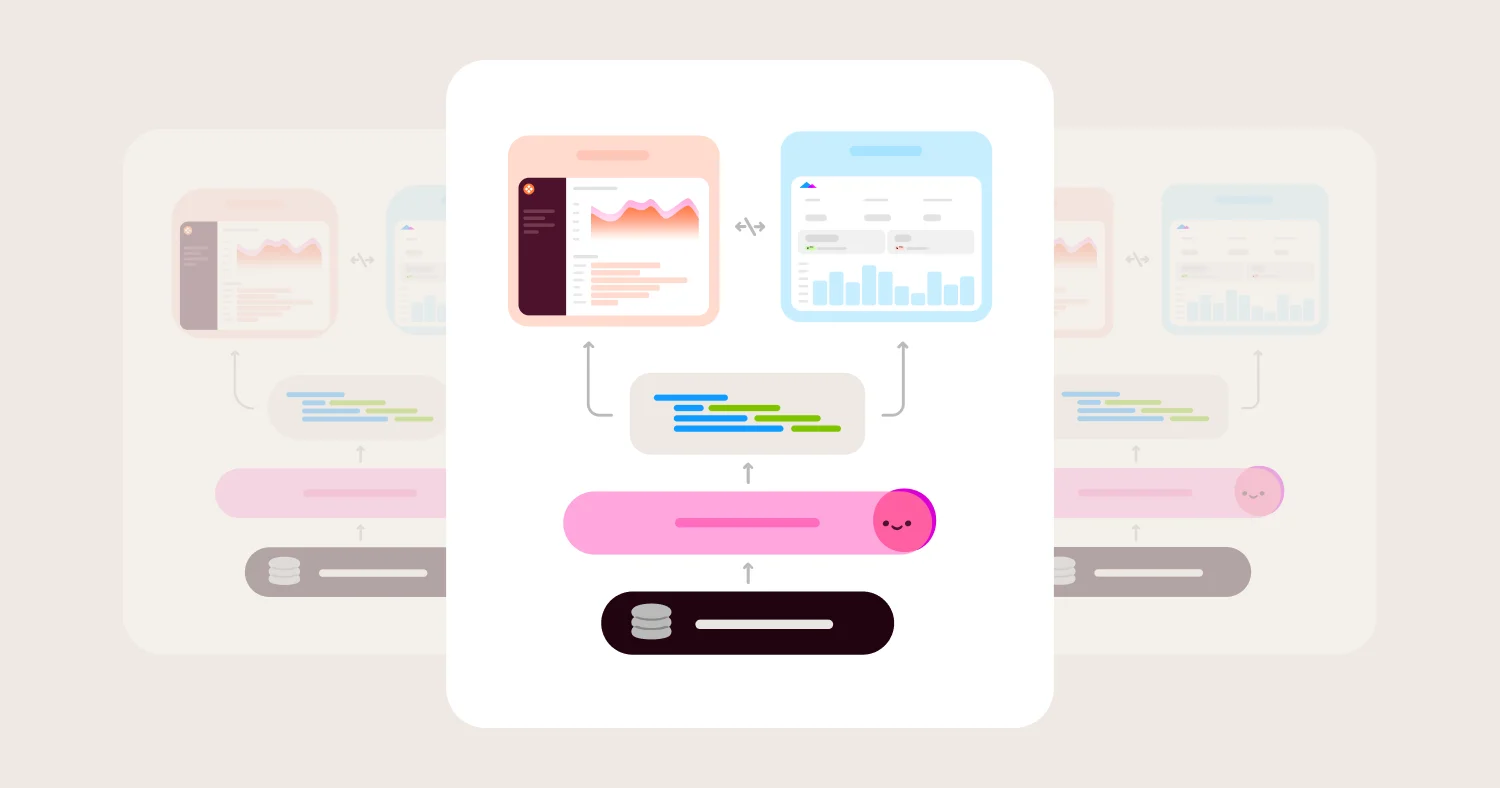
The important constraint is what the agent is allowed to work with. An agent operating on raw schema can move fast and produce plausible-looking results that are wrong in ways that are hard to catch. An agent grounded in a governed semantic layer, defined metrics, enforced joins, permission-aware queries, produces results that are slower to hallucinate and easier to audit.
What to ask vendors when they say "agentic": #
Does the agent operate on raw tables or a governed semantic model?
Can the agent's steps be inspected and replayed?
Do permissions apply to every query the agent generates?
Can you constrain which data sources and metrics the agent can reach?
Is the output a black box or something a human can review before it ships?
The distinction between "agentic on raw schema" and "agentic on governed context" is where most real-world agentic BI failures originate. Speed without guardrails is not a feature.
How to evaluate AI-powered BI tools #
Short answer: The best AI BI tools differentiate on grounding, correctness, permissions, transparency, user fit, and operational control. If a tool is weak in any of those areas, the AI layer becomes hard to trust.
Semantic grounding and business context #
This is the most important criterion.
AI analytics only works reliably when the system understands how your business defines revenue, churn, active users, pipeline, and every other high-value metric. A semantic layer, metrics layer, or equivalent governed model is what makes that possible.
Ask vendors:
Does AI operate on raw tables, curated datasets, or a semantic layer?
How are metric definitions, joins, and grain enforced?
Can AI be restricted to certified metrics only?
Can teams add business context, synonyms, and definitions?
What usually goes wrong:
AI picks the wrong table.
AI defines a KPI differently than the dashboard.
Users get technically valid but contextually wrong answers.
Governance and correctness #
AI makes analytics faster. Governance keeps it from becoming faster wrong.
A serious AI BI tool needs guardrails. That includes allowed datasets, approved metrics, controlled query paths, and a clear way to correct the system when it fails.
Ask vendors:
Can we whitelist approved metrics and data sources?
Are generated queries validated before execution?
How do users flag and correct wrong answers?
Can teams constrain or disable free-form SQL generation?
What usually goes wrong:
AI answers change depending on phrasing.
Incorrect calculations spread before anyone notices.
Teams stop trusting the feature after a few visible failures.
Security, permissions, and tenant isolation #
AI must inherit the same security model as the rest of the analytics stack.
That includes row-level security, column restrictions, role-based access, and strong tenant isolation when analytics is embedded in a product.
Ask vendors:
Does AI inherit row-level and column-level security automatically?
Are prompts, generated SQL, and accessed data auditable?
How is tenant context isolated in embedded AI workflows?
Can admins control what AI can see by role?
What usually goes wrong:
AI can see more than the dashboard layer.
Prompt context is broader than intended.
Embedded AI features require separate security design.
Transparency and explainability #
A trustworthy AI BI tool should let users inspect how it got the answer.
That usually means visible SQL, visible source context, and a clear path from question to result. The more opaque the workflow, the harder it is to govern and improve.
Ask vendors:
Can users inspect the generated SQL?
Can the system identify which metrics or sources it used?
Is there a trace of how the answer was constructed?
Can users edit or refine the generated logic?
What usually goes wrong:
Users cannot debug wrong answers.
Analysts become human auditors for an opaque system.
Trust depends on brand, not evidence.
UX: who the AI is actually for #
Not every AI BI tool is built for the same user.
Some are optimized for business-user Q&A. Others are better for analysts who want help writing SQL or iterating on a notebook. Those are different jobs and should be evaluated differently.
Ask vendors:
Is the AI optimized for business users, analysts, or admins?
Can users refine answers with follow-up questions?
How easy is it to correct the AI in-product?
Does the UX encourage safe exploration or blind trust?
What usually goes wrong:
Buyers expect one AI surface to serve every persona.
Business-user tools disappoint analysts.
Analyst tools do not scale to broad self-serve.
Performance, cost, and reliability #
AI analytics has two costs: model cost and analytical execution cost.
A vendor may meter AI separately, but the downstream query, compute, and concurrency costs still matter. Reliability also matters. A slow or inconsistent AI experience quickly loses adoption.
Ask vendors:
What are typical response times for AI answers?
How is caching handled?
What gets billed: tokens, compute, seats, or feature tiers?
What happens when the model or query fails?
What usually goes wrong:
AI answers are too slow for real workflows.
Usage spikes create surprise bills.
Teams cannot separate LLM cost from warehouse cost.
Deployment and data handling #
AI introduces new questions about where prompts, metadata, and context go.
Vendors differ in how they handle retention, external model usage, private networking, and model choice. Those details matter more in regulated environments.
Ask vendors:
What data is sent to external LLMs?
Is customer data retained or used for training?
Are private networking options available?
Can organizations choose or swap models?
What usually goes wrong:
Security review happens too late.
Buyers assume the AI architecture matches the rest of the BI platform.
Legal and compliance concerns stall deployment.
Embedded and multi-tenant AI analytics #
This matters when AI is exposed inside a customer-facing product.
Embedded AI analytics adds another layer of risk because every answer must stay scoped to the correct tenant while still feeling native in the product.
Ask vendors:
How is per-tenant context isolated?
Can prompts and answers be fully white-labeled?
Can AI usage be measured by tenant?
Can embedded AI reuse the same governed metrics as internal BI?
What usually goes wrong:
AI is bolted onto embedded dashboards without tenant-safe context.
Product teams build a second governance system.
Internal and external answers diverge.
AI-powered BI comparison matrix (2026) #
Summary: The biggest divide in AI BI is not chat versus no chat. It is governed AI versus assistive AI layered on weak context. Omni stands out because it connects AI to a semantic layer, supports business-user self-serve, keeps generated analysis inspectable, and extends that same governance foundation into embedded analytics. Most alternatives are strongest in a narrower job.
Tool | Best for | Governed metrics / semantic support | Business-user Q&A | Analyst assist | Transparency | Security / audit | Main tradeoff |
Omni | Governed AI analytics across BI and embedded use cases | Strong | Strong | Strong | Strong | Strong | Requires a real warehouse and modeling discipline |
ThoughtSpot | Search-led analytics for business users | Moderate and improving | Strong | Moderate | Moderate | Moderate | Search UX is stronger than model-centered governance |
Hex | Analyst productivity with AI assist | Limited semantic governance | Moderate | Strong | Strong | Moderate | Best for analysts, not broad business self-serve |
Looker | Model-first AI on top of LookML | Strong | Moderate | Moderate | Strong | Strong | LookML overhead and Google fit narrow the audience |
Power BI | Microsoft-native AI BI | Moderate | Moderate | Moderate | Moderate | Strong | Best fit depends heavily on Microsoft ecosystem alignment |
Sigma | Spreadsheet-style AI analysis on warehouse data | Moderate | Moderate | Strong | Strong | Moderate | Spreadsheet UX is the wedge, not deep semantic governance |
GoodData | Governed embedded and headless AI analytics | Strong | Moderate | Moderate | Moderate | Strong | More infrastructure-oriented than many internal BI teams want |
Sisense | AI-driven embedded analytics for products | Moderate | Moderate | Moderate | Moderate | Strong | Stronger for product embedding than for internal BI governance |
Detailed vendor profiles #
Omni AI BI: best overall for governed AI answers and self-serve analytics #
Best for: Teams that need AI grounded in governed metrics, with one platform for internal BI and embedded analytics.
Omni has the clearest answer to the modern AI BI problem. It does not treat AI as a chat layer sitting next to dashboards. It treats AI as another interface to the same governed semantic model that powers analysis, reporting, and embedded experiences.
That matters because most AI analytics failures are not language failures. They are context failures. Omni is strongest when the team wants the AI to reason from shared metric definitions, visible business context, and enforced security rather than raw schema. It is also a better fit than most AI BI tools for teams that want one consistent model across internal users and customer-facing analytics.
Where Omni wins
AI grounded in the semantic layer rather than raw-table guessing
Strong fit for business-user self-serve and analyst workflows in one system
AI Dashboard Builder that generates complete dashboards from a prompt, an existing chat session, or an uploaded image
Visible query generation and strong traceability for answers
Row-level and tenant-aware security that can extend into embedded analytics
Strong interoperability with dbt and warehouse-first workflows
One semantic foundation across dashboards, exploration, AI, and embedded use cases
Where Omni gets harder
Requires a warehouse-first foundation
Still rewards teams that invest in clear definitions and modeling discipline
Not the right choice for teams only looking for a lightweight dashboard summarizer
ThoughtSpot: best for business-user search and AI-led Q&A #
Best for: Organizations that want search-style analytics and fast business-user question answering.
ThoughtSpot’s main advantage is the user experience. It has long centered the product on search-driven analytics, and that still makes it one of the most intuitive options for business users who want to start with a question instead of a dashboard.
The tradeoff is that search-led AI is not the same thing as governed AI across the full analytics lifecycle. ThoughtSpot is strongest when the priority is business-user discovery and guided Q&A, not when the main requirement is one semantic foundation across BI, AI, and embedded product workflows.
Where ThoughtSpot wins
Strong natural-language and search-first UX
Good fit for business-user Q&A and guided discovery
Continued investment in semantics and agentic workflows
Fast path to question-driven exploration on curated data
Where ThoughtSpot gets harder
Search UX does not replace the need for strong semantic governance
Technical teams may want more direct visibility into modeling and AI control surfaces
It is a narrower fit than a platform that also prioritizes embedded analytics and analyst flexibility
Hex: best for analyst productivity with AI assist #
Best for: Data teams that want AI help inside SQL, notebook, and collaborative analytics workflows.
Hex is compelling because it treats AI as an analyst accelerator. That means SQL help, notebook assistance, and a better environment for iterative investigation.
That is a real strength. It is also why Hex is not the default answer for broad AI BI adoption. Hex is better for analyst productivity than for governed, organization-wide self-serve analytics.
Where Hex wins
Strong notebook-first workflow for analysts
Good fit for SQL, Python, and deeper analytical iteration
High transparency for technically skilled users
Better for investigation than polished business-user Q&A
Where Hex gets harder
It is not the best fit for broad business-user self-serve
Governance depends more on team workflow than on a central semantic layer for everyone
Embedded AI analytics is not the main reason to choose it
Looker: best for model-first governance in Google Cloud #
Best for: Organizations already standardized on LookML and Google Cloud.
Looker remains credible in AI BI because LookML still provides a governed semantic foundation. That matters for teams that want AI layered on top of a mature model-first environment.
The issue is not capability. It is fit. Looker is often strongest for organizations that already accept the operational overhead of LookML and Google Cloud administration. It is less compelling as the fastest route to flexible, modern AI analytics for mixed user groups.
Where Looker wins
Strong semantic grounding through LookML
Good fit for centralized metric governance
Strong API and enterprise governance posture
Natural fit for Google Cloud environments
Where Looker gets harder
LookML adds real modeling and maintenance overhead
Teams can still end up managing logic across both dbt and LookML
The experience is less flexible for teams that want governed speed without heavy upfront modeling
Power BI: best for Microsoft-native AI BI #
Best for: Companies standardized on Microsoft Fabric, Azure, Teams, and Excel.
Power BI remains a serious contender because Microsoft has folded Copilot into a broad ecosystem that many enterprises already use. That makes Power BI easy to justify when the buyer already lives inside Microsoft.
The tradeoff is that ecosystem fit carries a lot of the case. Power BI is strongest when Microsoft is already the operating environment, not when a team is trying to choose the best standalone AI BI experience from scratch.
Where Power BI wins
Strong Microsoft ecosystem integration
Broad enterprise adoption and governance familiarity
Useful Copilot features for reports and semantic models
Strong security posture in Microsoft-centric deployments
Where Power BI gets harder
The product is less differentiated outside the Microsoft stack
AI depth is partly shaped by Fabric packaging and capacity requirements
Semantic governance is not the main reason modern buyers choose it over newer warehouse-native tools
Sigma: best for spreadsheet-style AI analysis on warehouse data #
Best for: Teams that want spreadsheet-style analysis with AI help on top of warehouse data.
Sigma is strongest when the spreadsheet interface is the advantage. It makes warehouse data accessible to users who prefer formulas, pivots, and familiar grid-based workflows.
That extends into AI. Sigma’s AI story is credible because it can show its work and use trusted calculations, but the product is still centered on spreadsheet-style interaction more than a deep semantic-governance thesis.
Where Sigma wins
Familiar spreadsheet experience on warehouse data
Strong AI transparency and editable analysis steps
Good fit for operational and collaborative data workflows
Useful for teams that want business-user access without leaving the warehouse
Where Sigma gets harder
Spreadsheet UX is the core wedge, not a broader semantic-governance model
It is not the default choice for embedded AI analytics
Teams with heavier governance requirements may want a stronger central model layer
GoodData: best for governed embedded and headless AI analytics #
Best for: Product and platform teams that want governed, API-first, AI-enabled analytics.
GoodData stands out when the buyer wants analytics as infrastructure. The combination of a governed semantic layer, headless delivery options, and recent AI and MCP messaging makes it credible for teams building AI-enabled analytics into larger products or workflows.
That same strength makes it a more infrastructure-shaped decision than many internal BI teams want.
Where GoodData wins
Strong semantic and governance story for AI analytics
Good fit for headless, API-first, and embedded architectures
Serious positioning around governed AI and analytics-as-code
Better fit than many internal BI tools for composable product use cases
Where GoodData gets harder
More platform weight than many business-led BI evaluations need
Better for infrastructure-minded teams than for simple self-serve rollout
The buying motion is more technical than many AI BI buyers expect
Sisense: best for AI-driven embedded analytics in products #
Best for: Product teams that want AI-enabled analytics embedded directly in applications.
Sisense remains relevant because it has a strong embedded analytics heritage and is still investing in AI-first messaging, SDKs, and product-team workflows. That makes it more credible in product analytics and OEM scenarios than in pure internal BI evaluations.
The tradeoff is that product embedding is the center of gravity. Sisense belongs on the shortlist when embedded AI analytics is the job to solve.
Where Sisense wins
Strong embedded analytics and OEM heritage
Compose SDK and APIs for product teams
Credible story for AI-enabled product analytics experiences
Stronger fit for customer-facing analytics than many internal BI tools
Where Sisense gets harder
Better fit for embedding than for governed internal BI
Semantic governance is not the primary reason to choose it
Platform complexity can be high for lean teams
AI BI use cases: map the tool to the job #
Executive Q&A on trusted metrics #
This use case needs governed metrics, semantic grounding, and high answer consistency. Omni and Looker are strongest here.
Self-serve exploration with guardrails #
This needs business-user-friendly UX plus strong metric control. Omni and ThoughtSpot are the best fits.
Analyst acceleration #
This is about SQL, notebooks, and deeper reasoning support. Hex is strongest here, with Sigma also relevant for spreadsheet-led teams.
Embedded customer-facing AI analytics #
This requires tenant isolation, white-labeling, auditability, and strong metric governance. Omni, GoodData, and Sisense are the clearest shortlists.
Data catalog and metric discovery #
This needs metadata, context, and searchability more than flashy chat UX. The best option depends on whether discovery is happening inside the governed BI layer or through a separate metadata stack.
AI-powered BI pricing: models, costs, and hidden traps #
AI BI pricing is usually more complicated than BI pricing alone.
The visible license is only one part of the cost. Buyers also need to understand how the platform charges for AI usage, how the underlying analytical queries are billed, and whether premium AI features sit behind separate tiers.
Common cost drivers include:
creator and viewer seats
AI feature packaging
token or usage metering
warehouse or compute spend
premium environments or security features
embedded user or tenant pricing
The hidden traps usually show up in four places:
AI is metered separately from BI. The chat feature looks cheap until usage grows.
Downstream query costs still apply. The LLM is not the only bill.
Guarded or enterprise AI features require higher plans. Audit, security, and embedded support often cost more.
Implementation cost dominates license cost. The cheaper AI BI product can still be the more expensive project.
A practical evaluation method is to price one normalized scenario across vendors:
15 internal builders
400 business users
one governed semantic model
5,000 AI questions per month
row-level security
one embedded AI use case, if relevant
That usually reveals the real cost structure quickly.
When an AI-powered BI tool is the right choice #
Short answer: An AI BI tool is the right choice when the business wants faster answers on governed data, not just more dashboards. It is not the right choice when the data model is unstable or when the main need is deep notebook-based research.
Good fit #
Executive and business-user Q&A on trusted metrics
Self-serve exploration with guardrails
Analyst acceleration on governed data
Embedded AI analytics inside a customer product
Metric discovery and insight explanation
Not a fit #
Open-ended exploration across raw schemas
Teams without stable metric definitions
Deep data science or experimentation workflows
Environments where security review has not happened yet
How to choose an AI-powered BI tool #
Short answer: Choose the AI BI tool that best matches your governance needs and user mix. In most cases, the safest default is the platform that grounds AI in the same semantic layer used for dashboards, self-serve, and embedded analytics.
Decision framework #
Choose Omni if:
You need governed metrics across dashboards, AI, and embedded analytics
You want business-user self-serve without losing control
You want one platform for internal and external AI analytics
Choose ThoughtSpot if:
Business-user search and Q&A is the main priority
You want a search-led user experience more than an all-in-one governed analytics platform
Choose Hex if:
Your main goal is analyst productivity
SQL, notebooks, and iterative investigation matter more than broad self-serve
Choose Looker if:
You already run on LookML and Google Cloud
Centralized model governance matters more than time to value
Choose Power BI if:
Your company is standardized on Microsoft Fabric, Azure, and Teams
Ecosystem fit matters more than choosing the most modern AI BI platform from scratch
A practical AI BI pilot plan #
Pick 10 to 20 high-value questions users already ask today
Define the approved metrics and allowed datasets for those questions
Set permission and audit requirements before rollout
Run side-by-side tests against known-good dashboards or analyst answers
Measure correctness rate, time saved, adoption, and cost per answer
Start with curated use cases before allowing broader exploration
Review failure cases and improve definitions at the semantic layer
Decide which personas get access first and why
FAQ #
What is the best AI-powered BI tool? #
The best AI-powered BI tool is the one that grounds AI in governed business definitions, enforces permissions automatically, and lets users inspect how answers were generated. In this guide, that is Omni.
What is the difference between NLQ and AI-powered BI? #
NLQ is one capability inside AI BI. It translates questions into filters, SQL, or charts. AI-powered BI is broader and can include copilots, summarization, metric discovery, SQL assistance, and agent-like workflows.
How do AI BI tools prevent hallucinations? #
They reduce hallucinations by grounding AI in semantic models or governed metrics, constraining allowed data, enforcing permissions, and exposing generated logic for review. Without those controls, AI answers become much harder to trust.
Do AI-powered BI tools require a semantic layer? #
Not strictly, but answer quality improves sharply when AI operates on defined metrics rather than raw tables. A semantic layer is the most reliable way to keep AI aligned with business logic.
How do permissions work with AI-generated queries? #
The best AI BI tools apply the same row-level, column-level, and role-based permissions to AI-generated queries that they apply to dashboards and reports. Prompts, queries, and accessed data should also be auditable.
Can AI build a complete dashboard automatically? #
Yes, in Omni. Omni's Dashboard Builder lets you describe a dashboard in plain English, upload an image of one you want to replicate, or pull from visualizations you've already created in a chat session.
Can AI-powered BI be used for embedded analytics? #
Yes, but embedded AI analytics is harder than internal AI BI. It requires tenant isolation, white-label UX, strong auditability, and AI that reuses the same governed metrics as the rest of the analytics stack.
Do any AI-powered BI tools support HIPAA compliance? #
HIPAA compliance in AI BI depends on how the vendor handles data sent to external LLMs, audit logging, and access controls. When evaluating, ask whether prompts and query context are sent to third-party models, whether data is retained or used for training, and whether the platform provides comprehensive audit logs and role-based access. Omni supports SSO, row-level security, and audit logging, and offers private networking options for regulated environments. Always confirm BAA availability directly with any vendor before committing.
What should be in an AI BI RFP? #
An AI BI RFP should include semantic grounding, SQL transparency, permission inheritance, audit logging, data handling policies, model governance, latency expectations, cost controls, and embedded isolation requirements if applicable.
Methodology #
This guide evaluates AI-powered BI tools across seven criteria: semantic grounding, governance and correctness, permissions, transparency, user fit, operational control, and embedded readiness.
The goal is not to reward the loudest AI messaging. The goal is to identify which tools can deliver useful AI analytics without sacrificing trust, consistency, or security.
Disclosure: Omni is included in this comparison because it is a BI and embedded analytics platform with a governed semantic layer and AI capabilities. The recommendations here reflect fit for common buyer problems, not a claim that one product is best for every organization.
If you are evaluating AI-powered BI tools, these guides cover adjacent buying decisions and implementation questions in the same depth.
Best BI Tools (2026): Semantic Layer, AI, Self-Serve, and Embedded Analytics Evaluated The broader BI buying guide. Covers how to evaluate platforms across semantic modeling, governed self-serve, AI grounding, developer workflow, and embedded readiness.
Semantic Layer for AI and BI (2026): Why It Matters, How to Choose, and How to Implement It Goes deeper on the semantic layer, the single most important factor in whether AI analytics works reliably. Covers architecture, product evaluation, and implementation.
Best Embedded Analytics Platforms (2026): Comparison, Pricing, and Buyer's Guide For teams building analytics into a customer-facing product. Covers tenant isolation, white-labeling, governed AI in embedded contexts, and pricing models.