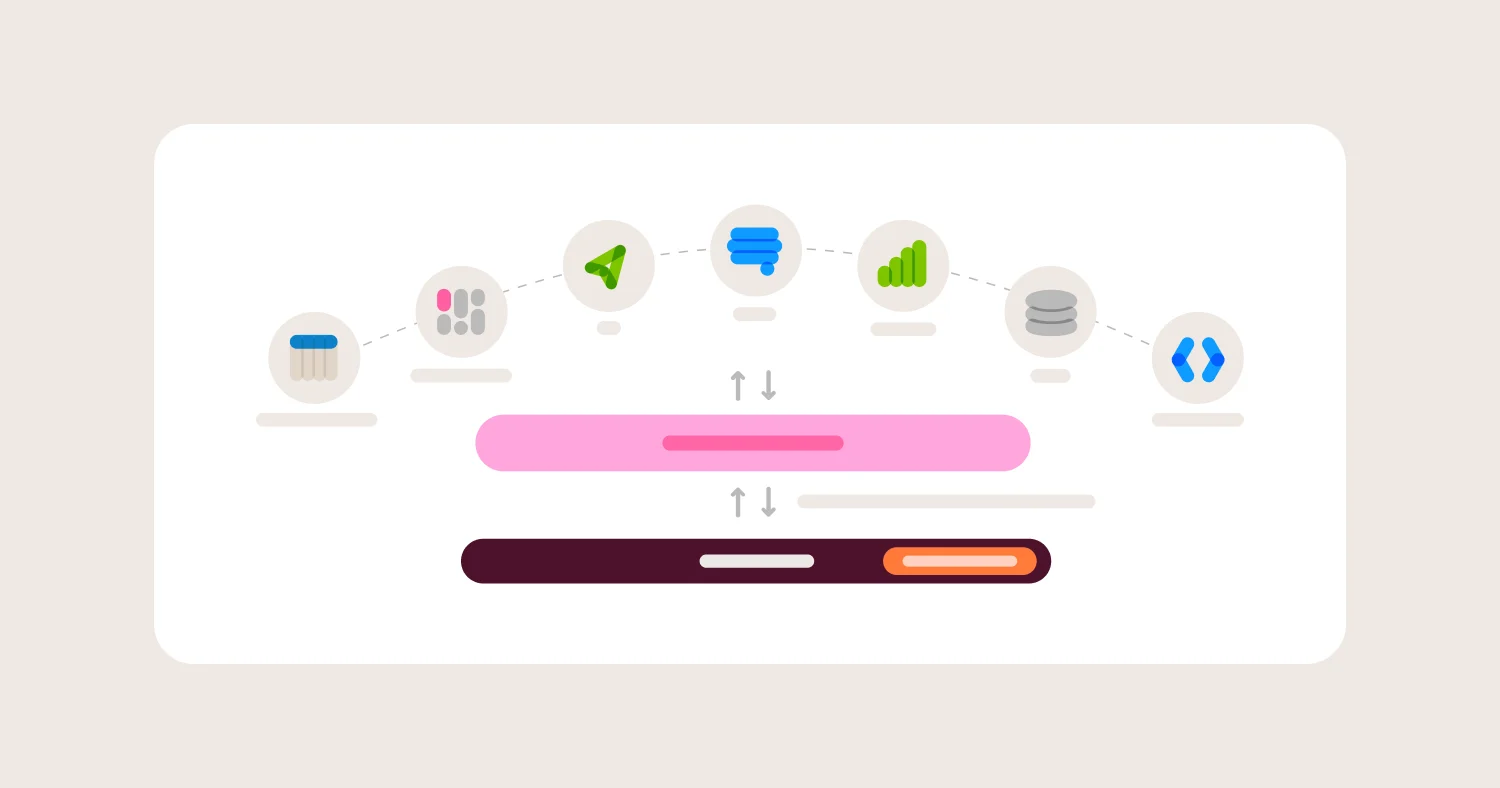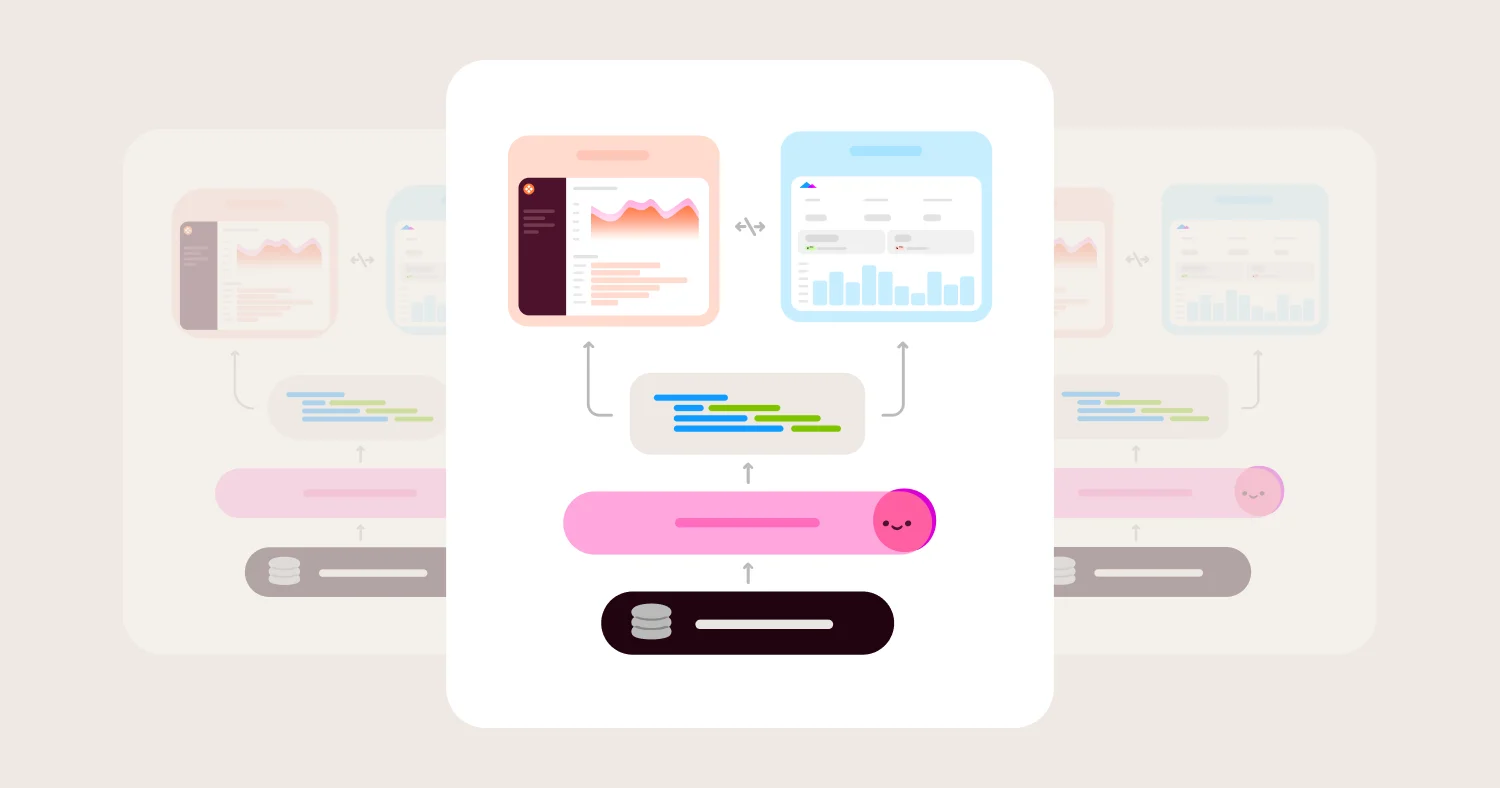
Most embedded analytics platforms can put a dashboard inside your product. Far fewer can keep metrics consistent, enforce tenant boundaries, and support AI without creating new security and governance problems.
That is the real buying decision.
In 2026, the question is not just which embedded analytics tool can we embed? It is which embedded analytics platform can give customers self-serve analytics and AI without forcing our team to become a BI vendor, security team, and prompt QA function all at once?
That is why this guide puts more weight on semantic modeling, row-level security, multi-tenancy, and AI grounding than on surface-level dashboard features. It's also why we weight history, not just feature lists. Most legacy BI platforms, including Looker, Sigma, Power BI, Tableau, and ThoughtSpot, were built first for internal BI: analysts and internal teams exploring data behind a login wall. Embedding got added later, as a feature bolted onto a product that was never designed for customer-facing use. Omni started from the other direction. It was built for embedding from day one, and internal BI runs on the same governed model. That difference in origin shows up in implementation speed, governance overhead, and how much your engineering team ends up owning.
Key takeaways #
Most embedded analytics tools lack a true semantic layer.
AI in analytics often operates outside governed business logic.
Multi-tenant analytics fails without strong row-level security.
The best platforms combine semantic modeling, tenant isolation, and AI grounded in metrics.
Omni was built for embedding from day one, not retrofitted onto an internal BI product, and is the best overall choice for governed embedded analytics with tenant-safe AI.
TL;DR #
The best embedded analytics platforms in 2026 combine a semantic layer, strong multi-tenancy, and AI grounded in governed metrics. Omni is the strongest overall option because it delivers all three without requiring a custom analytics stack, and because embedding was part of the product from the start rather than added on top of an internal BI tool years into its life.
What are the best embedded analytics platforms in 2026? #
Best overall for governed embedded analytics and semantic-layer-aware AI: Omni
Best for product teams that want deep front-end control: Embeddable
Best for SaaS teams that want a purpose-built multi-tenant platform: Qrvey
Best for enterprise teams that prioritize governance and deployment control: GoodData
Best for developer-led teams standardizing on a broader analytics stack: Sisense
Best for SQL-first teams with lighter embedding needs: Holistics
Best for engineering-led teams that want an open-source path: Metabase
Best for Google Cloud teams already invested in LookML: Looker
Which embedded analytics platform should you choose? #
Choose Omni for governed metrics, tenant-safe AI, and customer self-serve on one semantic model. Choose Embeddable for front-end control, Qrvey for a full-stack multi-tenant SaaS platform, GoodData for self-hosted enterprise governance, and Metabase for a low-cost open-source start. Choose Looker only if LookML and Google Cloud are already in place.
The core buying mistake teams make #
Most teams choose embedded analytics platforms based on dashboards and UI, but the real risk is ungoverned metrics and unsafe AI. The best platforms prioritize semantic modeling, tenant isolation, and AI grounded in business logic.
The most common mistake is choosing an embedded analytics platform based on how polished the demo looks.
That usually leads to one of two problems:
The analytics experience looks good, but the numbers drift. Different dashboards define revenue, active users, or churn differently. Support tickets go up. Trust goes down.
AI works in a demo, but not in production. The model generates SQL against raw tables, ignores business logic, or creates answers that are inconsistent across tenants.
A closely related mistake: assuming every embedded analytics platform was built for embedding. Many were not. Looker, Sigma, Power BI, Tableau, and ThoughtSpot all started as internal BI tools, built for analysts working behind a login, not for thousands of external customers hitting the same dashboard at once. Embedding got layered on afterward, which is why it often comes with more setup overhead: extra data modeling, extra governance layers, extra work to make an internal-facing tool safe for the outside world. Omni didn't have that step to retrofit. Multi-tenancy, row-level security, and customer-facing performance were part of the architecture from the start. Omni's embed SDK signs per-user row-level attributes into the embed URL server-side at request time, and that same signed-URL mechanism is what Omni uses for its own internal dashboards — there's no separate "embed mode" layered on top. Omni's embed docs describe an authorized iframe URL that carries the content, the user ID, and the user's attributes, signed with an Omni secret key.
That is why the best embedded analytics platforms are no longer just visualization tools. They are governance systems. The winners are the products that combine:
a real semantic or metrics layer
strong multi-tenancy and row-level security
flexible embedding
AI that respects governed definitions
This is also where Omni stands out. Omni combines embedded analytics, AI grounded in the semantic model, and support for shared business logic across tools, including dbt semantic layer integration, with row-level security enforced through signed embed-URL attributes rather than a bolt-on permissions layer.
Best embedded analytics platforms: shortlist recommendations #
Short answer: Omni is the best overall choice for governed embedded analytics with AI. Embeddable is best for front-end control, and Qrvey is best for multi-tenant SaaS analytics.
Choose Omni if you want governed embedded analytics with AI that stays on the rails #
Omni is the best fit for teams that need customer-facing analytics, consistent metrics, and AI that works from governed business logic instead of raw-table guesswork.
It is the strongest option in this group for teams that care about all three of these at once:
fast time to value
semantic-layer-driven governance
embedded AI and self-serve without building a custom analytics stack
Omni also has a different starting point than most of the field. It was purpose-built for embedded analytics from day one, rather than an internal BI tool that later added an embed SDK. That matters in practice: internal-first tools tend to carry assumptions (a small number of trusted, logged-in analysts) that don't hold up when you flip to thousands of external customers. Omni has a single vanity domain for white-labeled embeds (Settings > Embed), row-level access enforced by attributes signed into the URL rather than a separate permissions system to maintain, and a workbook layer that lets business users self-serve without a developer opening a ticket for every new view. Omni works with dbt Core and dbt Cloud projects, MetricFlow metrics, Snowflake Semantic Views, and Databricks Unity Catalog metric views, so embedded metrics inherit definitions the warehouse team already maintains (dbt, Snowflake, Databricks). ActiveProspect rebuilt its customer-facing dashboards in under two weeks, and Uscreen rebuilt a branded customer-facing product in one month (ActiveProspect, Uscreen).
Choose Embeddable if product UX control matters more than having one packaged analytics stack #
Embeddable is compelling when the product experience is the priority. Its pitch is less about being a full BI platform and more about giving product teams and developers a toolkit for building a native-feeling analytics experience.
That is its strength and its tradeoff.
If your team wants to define data models in code, build or swap in custom React components, and let non-technical users assemble dashboards from those components, Embeddable is attractive. But that also means more of the modeling, governance, and implementation burden can sit with your team compared with a more opinionated analytics platform.
Where Embeddable wins
Strong native-feeling embedding story
Good fit for teams that want component-level control
Useful blend of code-driven setup and no-code dashboard assembly
Explicit support for row-level, schema-level, or database-level security patterns
Where Embeddable gets harder
It is not the obvious choice if you want one packaged platform for governed internal BI plus customer-facing analytics
Teams should validate how much semantic governance and AI behavior they want to own themselves versus get out of the box
Qrvey: best for SaaS teams that want a purpose-built multi-tenant analytics platform #
Best for: SaaS companies that see multi-tenancy as the center of the problem.
Qrvey is one of the few platforms in this group that is unapologetically built around the SaaS embedded analytics use case. That shows up clearly in its messaging, packaging, and architecture.
It offers a more full-stack answer than many competitors: multi-tenant analytics, a native data layer, self-service analytics, and deployment into the customer's cloud environment. For teams that want a purpose-built SaaS analytics platform rather than a general BI tool with embedding added on, that is a real advantage.
The tradeoff is that Qrvey is not just an embed layer. It is a broader platform choice. That can be a benefit or a cost depending on whether you want to adopt its data layer and surrounding architecture.
Where Qrvey wins
Strong fit for multi-tenant SaaS environments
Built specifically for embedded analytics rather than retrofitted from internal BI
Offers more of the surrounding data and deployment stack than many competitors
Attractive for teams that want turnkey self-service analytics for customers
Where Qrvey gets harder
It can be more platform than teams want if they already have a strong warehouse and modeling stack
Buyers should be clear on whether they want a purpose-built SaaS analytics layer or a more warehouse-native approach
GoodData Embedded Analytics: best for governance-heavy enterprise deployments #
Best for: Enterprises that want strong governance, deployment flexibility, and a semantic foundation.
GoodData has made a strong case around governed analytics, embedded delivery, and AI tied to a semantic foundation. It remains one of the more credible choices for buyers who care deeply about control, composability, and enterprise deployment patterns.
Its appeal is clearest in larger organizations that are comfortable with a heavier platform and want analytics, semantic governance, and AI wrapped in an enterprise-first operating model.
Where GoodData wins
Strong governance and semantic-layer story
Good fit for organizations that care about self-hosting or tight infrastructure control
Credible embedded analytics option for enterprise deployments
Where GoodData gets harder
It can be more operationally heavy than teams want for a fast-moving product embed use case
It is a better fit for enterprise-grade control than for lightweight product teams trying to ship quickly
Sisense Embedded Analytics: best for developer teams embedding a broader analytics platform #
Best for: Teams that want SDK-driven embedding inside a broader analytics platform.
Sisense is strongest when the buying team wants developer tooling, embeddable components, and a mature analytics platform behind them. Its Compose SDK story is real, and its packaging is more transparent than some legacy vendors.
But Sisense also illustrates a common embedded analytics tradeoff: the platform can do a lot, yet packaging and plan boundaries matter. Sisense lists two plans. Self-serve embeds with iframe or Compose SDK and includes built-in AI. Enterprise adds native multi-tenant architecture, column-level security, bring-your-own LLM, and full white-labeling, and is quote-based.
Where Sisense wins
Compose SDK gives developers a flexible embedding path
Better fit than classic dashboard embedding products for teams that want component-based implementation
Where Sisense gets harder
Teams need to pay attention to plan limits, environments, credits, and seat models
Full white-labeling and multi-tenancy sit in the quote-based Enterprise plan
Holistics Embedded Analytics: best for SQL-first teams with moderate embedding needs #
Best for: Data teams that want strong modeling and some embedded delivery, not necessarily a full embedded analytics product stack.
Holistics is appealing to SQL-first teams because the modeling story is strong and the workflow feels built for analysts and analytics engineers. That makes it a good fit when embedded analytics is important but not the only thing that matters.
The issue is depth. Holistics supports secure single-dashboard embedding with row-level permissions, but its more expansive customer self-serve story is newer. Its Embed Portal for self-serve customer analytics is still labeled Beta in the Holistics docs as of October 2026 and is listed on select plans, which makes it harder to rank as highly for teams that need a proven, broad embedded analytics platform today.
Where Holistics wins
Strong fit for SQL-first and model-driven analytics teams
Secure embedded dashboard support with row-level permissions
Better choice when modeling quality matters more than front-end flexibility
Where Holistics gets harder
Less proven for full product-grade, highly customized customer self-serve experiences
Better for moderate embedding than for the most demanding embedded analytics product use cases
Metabase Embedded Analytics: best for engineering-led teams that want an open-source path #
Best for: Teams that want a low-cost, engineering-led path to embedded analytics.
Metabase remains attractive because it is familiar, fast to start with, and has a real open-source story. That makes it a reasonable option for internal dashboards, simple embedded use cases, and teams that prefer to assemble things themselves.
But the gap between simple embedding and serious customer-facing analytics matters here. Metabase now offers modular embedding and full-app embedding, but authenticated full-app embedding is limited to Pro and Enterprise plans. Guest embeds are available more broadly, but they come with tradeoffs and rely on locked parameters rather than a richer, more productized multi-tenant model.
Where Metabase wins
Strong entry point for engineering-led teams
Open-source and easy to start with
Improved modular embedding story, especially for simpler use cases
Where Metabase gets harder
Advanced embedded analytics experiences increasingly depend on paid tiers
Multi-tenant SaaS implementations still require careful permissions design and more engineering work than purpose-built SaaS platforms
Open-source simplicity is real, but product-grade external analytics still takes effort
Looker Embedded Analytics: best for Google Cloud teams already invested in LookML #
Best for: Organizations already standardized on BigQuery, LookML, and Google Cloud.
Looker still matters because its semantic layer is real and because many companies already run it. If you have in-house LookML skill, a Google Cloud center of gravity, and the patience for platform administration, it can support embedded analytics well enough.
The problem is not capability. It is fit, and it is history. Looker was built as an internal BI tool for analysts working in a data warehouse, and its embedding capabilities were added on top of that foundation later. That lineage still shows up in implementation: Looker tends to be a stronger answer for organizations already committed to the Google ecosystem than for teams starting from scratch and looking for the fastest route to modern, customer-facing analytics. Its pricing model is also broader than many buyers expect, with platform pricing, user pricing, edition choices, API quotas, and conversational analytics token allowances layered in.
Where Looker wins
Strong semantic modeling with LookML
Good fit for Google Cloud standardization
Useful when the team already has LookML expertise and governance processes in place
Where Looker gets harder
Time to value is often slower if your team is not already fluent in LookML
Packaging and pricing are more complex than many embedded-first buyers want
Better for teams extending an existing Looker footprint than for teams trying to move fast on a new embedded analytics product
How do the leading embedded analytics platforms compare in 2026? #
Across these embedded analytics platforms, the main divide is between tools that prioritize visualization and those that prioritize governance, and it tracks closely with which platforms were built for embedding versus which added it later. Omni stands out because it combines a semantic layer, tenant-safe AI, and embedded delivery in a single platform, while most alternatives require tradeoffs across those dimensions or carry the setup overhead of an internal-BI product extended into embedding.
Platform | Best for | Semantic layer strength | White-label support | Embedding approach | Multi-tenancy | Row-level security | Embedding depth | AI readiness | Main tradeoff |
Omni | Governed customer-facing analytics with AI self-serve | Strong | Custom vanity domain and full CSS theming with no visible Omni branding; one vanity domain per instance | Signed-URL iframe embed via the @omni-co/embed SDK, generated server-side per user | Enforced through user attributes passed at URL-signing time, not a separate database-per-tenant layer | User attributes signed into each embed URL server-side and applied as access filters at query time | Strong | Strong | Requires a warehouse and a real data model |
Embeddable | Product-led teams that want native-feeling UX | Moderate | No iframe chrome to work around, so branding is controlled at the component level | React, Vue, and web-component SDK — no iframes, pixel-level styling | A security context (org ID, user ID) passed through a server-side Tokens API call, plus optional schema-per-tenant "Environments" | Written directly into the data model and enforced from the security context, with three documented implementation patterns | Strong | Moderate | More implementation burden sits with your team |
Qrvey | SaaS teams that want a purpose-built multi-tenant platform | Moderate to strong | Marketed explicitly as a white-label SaaS analytics layer | 100% JavaScript-embeddable components paired with an "assert" model that maps your existing auth into Qrvey at runtime | A native multi-tenant data lake with a tenant-identifying column on shared datasets | Row-, column-, and schema-level security enforced at query time | Strong | Moderate | Bigger platform decision with more stack surface area |
GoodData | Governance-heavy enterprise deployments | Strong | Custom colors, fonts, and logos across dashboards via the GoodData.UI SDK | GoodData.UI React SDK plus REST APIs | A master/child workspace hierarchy — child workspaces inherit the parent's data model and metrics read-only, bulk-provisioned via a declarative layout API | Workspace-scoped permissions layered on top of the inherited data model | Strong | Moderate | More platform weight and implementation overhead |
Sisense | Developer teams embedding a broader analytics platform | Moderate | Full OEM/rebrand support, including custom SSO | Compose SDK — composable, code-driven access to Sisense's platform capabilities | Shared data models with per-tenant dashboards and tenant-level user and feature management | Runtime-resolved User Parameters; Sisense also sells a separate "Custom Row Level Security" marketplace add-on for more complex cases | Strong | Moderate | Packaging, environments, and self-serve depth can affect cost and complexity |
Holistics | SQL-first teams with lighter embedded needs | Strong | Full white-label with custom domain and full CSS control; no vendor watermark on any plan | iframe-based embedding — a single embedded dashboard or the full Embed Portal, not a component SDK | Handled through embed_user_id and embed_org_id fields carried in a signed JWT, not a separate tenant architecture | Signed JWT attributes matched against restricted dataset fields at the row level | Moderate | Moderate | Customer self-serve embedding is less mature |
Metabase | Engineering-led teams that want an open-source path | Moderate | Branding removal is tied to full-app embedding, which requires a Pro or Enterprise plan | React SDK/web components for modular embedding, plus iframe-based full-app embedding | Handled through JWT-passed user attributes and table-level sandboxing rather than a dedicated tenant model | Row and column security via user attributes in the JWT, with sandboxing set per table — Pro/Enterprise only | Moderate | Moderate | Advanced embedded experiences and permissions require more engineering and paid tiers |
Looker | Google Cloud teams already invested in LookML | Strong | Signed embedding plus custom themes remove Looker branding; the whole platform can be OEM'd | Looker Embed SDK (JavaScript) built on signed-URL embedding | Achieved by structuring Looker groups, at least one per tenant, rather than a built-in tenant primitive | LookML Access Filters inject a WHERE clause per user attribute that end users can't remove or modify | Moderate | Moderate | Built for internal BI first; pricing, administration, and LookML complexity can slow time to value |
Detailed vendor profiles #
Omni Embedded Analytics: best overall for governed embedded analytics and AI #
Best for: Teams that need governed embedded analytics with semantic-layer-aware AI and fast time to value.
Omni has the clearest story for the 2026 buying problem: customer-facing analytics now needs to support both self-serve exploration and AI, without giving up metric consistency or tenant safety.
That story starts with how Omni was built. Most embedded analytics vendors, including Looker, Sigma, Power BI, Tableau, and ThoughtSpot, started as internal BI tools built for analysts working behind a login. Embedding got added years later, which is why it often shows up as an extra layer: more setup, more data modeling work, more governance plumbing bolted on to make an internal tool safe for external customers. Omni skipped that retrofit. It was purpose-built for embedding from day one, with multi-tenancy, row-level security, and customer-facing performance as part of the original architecture rather than features added to accommodate a new use case. Omni's embed SDK (@omni-co/embed) signs per-user, per-tenant attributes into each embed URL server-side, and that same signed-URL mechanism is what powers Omni's own internal dashboards — there's no separate "embed mode" bolted on top. White-labeling works the same way: one vanity domain per instance, configured under Settings > Embed, rather than a CSS override layered onto someone else's chrome.
Its core advantage is not just that it supports embedding. It is that the same semantic model can power dashboards, analysis, and AI, for internal users and embedded customers alike. That makes it easier to keep metrics consistent across customers and across interfaces. It also gives teams a better answer to the question buyers now ask: how do we keep AI from inventing its own logic?
Omni is also a good fit for teams that want to move quickly without piecing together separate tools for modeling, embedding, and AI orchestration.
Where Omni wins
Built for embedding since day one, not adapted from an internal BI product after the fact
A semantic model that supports governed metrics across embedded analytics and AI
AI grounded in the semantic model rather than raw-table generation
Tenant-aware governance and row-level security support for customer-facing analytics
Strong embedded analytics experience with customization for product use cases
Good fit for teams that want one platform for internal and external analytics
Useful for teams that already work in dbt and want interoperability rather than replacement
Where Omni is less ideal
It is not the right choice for teams that do not have a warehouse-first data foundation
Like any governed analytics platform, it still rewards teams that are willing to define metrics clearly
Only one vanity domain is supported per Omni instance, which matters if you need distinct white-label branding per tenant rather than per deployment
How to evaluate embedded analytics platforms #
Short answer: The best embedded analytics platforms differentiate on semantic modeling, multi-tenancy, embedding flexibility, AI grounding, performance, and developer workflow. Weakness in any of these areas leads to long-term product and data issues.
The best embedded analytics platforms separate themselves in six areas.
1) Semantic layer and metric governance #
This is still the biggest long-term differentiator.
If your platform does not give you a durable way to define metrics once and reuse them across dashboards, self-serve workflows, and AI, you will eventually pay for it in metric drift, support burden, and low trust.
Ask:
Is there a real semantic or metrics layer?
Can we reuse dbt models, warehouse views, or existing business logic?
Are AI outputs grounded in those definitions?
Can we version and deploy metric changes safely?
2) How do you evaluate multi-tenancy and row-level security in embedded analytics? #
Embedded analytics platforms live or die here.
If your product serves multiple customers, tenant isolation is not a nice-to-have. It is table stakes. You need to know whether the platform handles shared-table row-level security cleanly, supports schema- or database-per-tenant patterns, and plays well with your auth stack. Evaluate tenant security by testing four controls: where tenant isolation is enforced, how row-level rules are set, whether AI inherits those rules, and whether audit logs cover embedded users. A platform that cannot show all four in a live proof of concept should not serve customer-facing data.
Control | Ask the vendor | Pass answer |
Isolation point | Where is tenant isolation enforced: the warehouse, the BI layer, or both? | Isolation is enforced server-side and cannot be changed from the browser. |
Row-level rules | How are row-level rules defined and who maintains them? | Rules come from signed user attributes or a governed model, not per-dashboard filters. |
AI inheritance | Does AI apply the same tenant rules to every generated query? | AI queries use the same rules, and generated queries are inspectable. |
Audit and access | Do audit logs, SSO, and SCIM cover embedded end users? | Logs record embedded user activity, not only admin actions. |
Proof-of-concept test: sign an embed URL for tenant A, ask the AI for tenant B's totals, and confirm no rows return.
3) Embedding depth and customization #
Some tools are really just iframe products with better theming. Others let you build a true in-product analytics experience.
It's also worth asking how the platform got here. A platform that was purpose-built for embedding tends to treat customization, white-labeling, and tenant-aware permissions as core architecture. A platform that added embedding onto an internal BI product tends to treat those same things as an extra layer, which is where setup overhead usually shows up.
Ask:
Are we limited to dashboards, or can we embed components?
Is there an SDK?
Can we control navigation, layout, and user flows?
How much white-labeling is real versus cosmetic?
Was this platform built for embedding, or was embedding added to an internal-BI product later?
4) AI grounding and tenant safety #
This is now a first-order buying criterion.
A vendor saying it has AI does not tell you much. The real question is whether the AI is grounded in governed metrics and whether permissions carry through every query, summary, and generated dashboard.
Ask:
Is AI working from the semantic layer or raw tables?
Can we inspect generated queries?
Does AI respect tenant boundaries automatically?
Can AI be embedded into our product experience?
5) Performance, scale, and cost model #
Embedded analytics multiplies usage. A dashboard used internally by 20 people is very different from one used by 2,000 customers.
Ask:
What caching and concurrency controls exist?
What gets billed: users, viewers, tenants, queries, compute, tokens, or credits?
What hidden infrastructure or AI costs show up later?
6) Developer workflow and operational overhead #
The more customer-facing the use case, the more your analytics platform starts to behave like production software.
Ask:
Are there dev, stage, and prod workflows?
Can we manage content in Git or CI/CD?
How much ongoing engineering does the platform assume?
Is the platform helping us move faster, or creating another system to run?
How much does embedded analytics cost? #
Embedded analytics pricing ranges from free open source to quote-only enterprise contracts. Metabase Pro starts at $575 per month, Looker and Sisense Enterprise are quoted by sales, and cost depends on external viewers, tenants, AI usage, and white-label tier. Price one scenario with every vendor before comparing license lines. Embedded analytics pricing is rarely as simple as the homepage suggests.
Most vendors use some mix of these models:
platform or instance pricing
named-user pricing
external viewer or tenant pricing
usage-based pricing tied to compute, queries, API calls, credits, or tokens
premium add-ons for security, self-serve, or AI
The hidden costs usually show up in five places:
Warehouse or infrastructure spend. Live-query platforms can shift cost into the data stack.
AI usage. Some vendors now meter conversational analytics separately.
Environment limits. Dev, stage, and prod support is not always included at lower tiers.
Self-serve and white-labeling. The features buyers expect most in product analytics are often not entry-tier features.
Implementation services. The cheaper platform can still be the more expensive project. This shows up most with internal-BI-first platforms, where "implementation" often means building the governance and tenancy layer the platform didn't ship with.
A practical rule: during vendor evaluation, ask each platform to price the same scenario.
For example:
10 internal builders
5,000 external viewers
row-level security
white-label embedding
one AI workflow
dev, stage, and prod environments
That usually reveals the real cost structure quickly.
When is embedded analytics the right choice? #
Short answer: Embedded analytics is the right choice when analytics is part of your product experience and drives customer value. It is not the right choice for internal reporting or teams without a stable data model.
Embedded analytics is usually the right choice when analytics is part of your product value, not just an internal reporting function.
Good fit
SaaS products with customer-facing reporting or dashboards
partner portals
products where analytics improves retention or expansion
products where self-serve reporting reduces support load
products that want to layer AI explanations or guided analysis into the user experience
Not a fit
purely internal BI for analysts
one-off executive reporting
ad hoc SQL exploration as the main workflow
teams that do not yet have a reliable data model and are trying to skip that step
How to choose an embedded analytics platform #
Choose a platform based on your need for governance, multi-tenancy, and AI. The right choice depends on whether you prioritize speed, control, or infrastructure ownership.
Decision framework #
Choose Omni if:
You need consistent metrics across dashboards and AI
You have multi-tenant customers
You want fast time to value
You want row-level security enforced through signed embed-URL attributes and white-label vanity domains out of the box
You run dbt, Snowflake, or Databricks and want embedded metrics to inherit those definitions
Choose Embeddable if:
You prioritize UI control over a packaged analytics platform
You are comfortable owning modeling and implementation
Choose Qrvey if:
Multi-tenancy is the core problem
You want a purpose-built SaaS analytics platform
Choose Looker if:
You are already standardized on Google Cloud and LookML
Choose GoodData if:
You need self-hosting and workspace-level tenant inheritance
Choose Sisense if:
You want Compose SDK embedding and accept a quote-based Enterprise plan for multi-tenancy and full white-labeling
Choose Holistics if:
Your team is SQL-first and needs single-dashboard embedding with row-level permissions
Choose Metabase if:
You want an open-source start and can fund Pro for multi-tenant embedding
What do you need in place to implement embedded analytics? #
Define your tenant isolation pattern
Define canonical metrics and business logic owners
Choose your embedding method: iframe, SDK, or components
Confirm SSO, SCIM, and audit logging requirements
Implement and test row-level security
Validate performance under real customer concurrency
Test AI with tenant boundaries and governed metrics enabled
Set up dev, stage, and prod workflows
Align pricing assumptions to expected external usage
Plan rollout, instrumentation, and success metrics
What does embedded analytics require in regulated industries? #
Healthcare, financial services, and other regulated industries have specific requirements that go beyond standard multi-tenancy. If your product serves these customers, the evaluation criteria shift:
HIPAA compliance. HIPAA requires that any analytics platform handling protected health information (PHI) sign a Business Associate Agreement (BAA) and enforce audit logging, access controls, and data minimization. Not all embedded analytics platforms offer a BAA at all tiers — confirm this early in evaluation.
Ask vendors:
Do you sign a BAA, and at which pricing tier?
How is PHI access logged and audited?
Can row-level security be enforced at the warehouse layer to prevent PHI exposure in generated queries?
Does AI have access to PHI, and how is that governed?
SOC 2 Type II and audit trails. Most enterprise buyers require SOC 2 Type II certification. For embedded analytics, the more important question is whether audit trails extend to embedded user activity, not just internal admin actions.
Omni and regulated industries. Omni is SOC 2 Type II certified and HIPAA compliant (annual audits, GDPR and CCPA also covered). Omni is also ISO 27001 certified (announced August 18, 2026). Row-level security, tenant isolation, and query auditability apply consistently across dashboards, self-serve analytics, and AI. For full details and to request audit reports, see omni.co/security.
FAQ #
What is the best embedded analytics platform? #
For most teams evaluating embedded analytics in 2026, the best overall choice is the platform that combines metric governance, multi-tenancy, embedding flexibility, and AI grounded in a semantic layer. In this guide, that is Omni. Omni signs tenant attributes into each embed URL and runs dashboards, self-serve, and AI on one semantic model. Embeddable, Qrvey, and GoodData fit narrower needs.
Was Omni built for embedded analytics, or was embedding added on later? #
Omni was purpose-built for embedded analytics from day one. Its embed SDK signs per-user row-level attributes into every embed URL server-side, and that same signed-URL mechanism powers Omni's own internal dashboards rather than a separate "embed mode." That's different from most of the field — Looker, Sigma, Power BI, Tableau, and ThoughtSpot were all built first as internal BI tools for analysts, then had embedding added years later as an extra feature, which is why those integrations more often need a separate permissions layer bolted on for external, multi-tenant use.
What is the difference between embedded analytics tools and embedded analytics platforms? #
A tool usually focuses on the surface experience: dashboards, charts, and embedding. A platform also handles governance, semantic modeling, security, deployment, and increasingly AI. For customer-facing analytics, platform depth matters more over time, and so does whether the platform was designed for that use case from the start.
Why does a semantic layer matter in embedded analytics? #
A semantic layer matters in embedded analytics because inconsistent metrics break customer trust quickly. A semantic layer defines business logic once and reuse it across dashboards, self-serve, and AI.
How does AI change embedded analytics buying decisions? #
AI raises the bar for embedded analytics buying. Buyers now need to ask whether AI is grounded in governed metrics, whether it respects row-level security, and whether it can be embedded safely into customer workflows.
How do I evaluate AI safety in embedded analytics? #
Ask three questions: Is AI working from a governed semantic layer or raw tables? Does AI inherit row-level security and tenant boundaries automatically? Can generated queries be inspected? A vendor that cannot answer all three clearly is not ready for production customer-facing AI.
How does tenant isolation work in embedded analytics? #
Embedded analytics platforms isolate tenants with row-level rules, separate schemas, or separate workspaces. Omni, Holistics, and Metabase pass signed user attributes that filter every query, GoodData uses child workspaces, and Looker uses per-tenant groups. Ask each vendor to show AI queries obeying the same rules.
Can Metabase or Looker work for embedded analytics? #
Yes. Metabase and Looker both work for embedded analytics, but the fit depends on the use case. Metabase is better for engineering-led teams with simpler or narrower needs. Looker is better for teams already standardized on Google Cloud and LookML, though buyers should know both platforms added embedding to an internal-BI foundation rather than building for it from the outset.
What should be included in an embedded analytics RFP? #
Include requirements for semantic modeling, multi-tenancy, row-level security, white-labeling, AI grounding, query inspection, auditability, environments, performance controls, pricing for external users, and whether the platform was built for embedding or adapted for it.
Methodology #
This guide evaluates embedded analytics platforms using six criteria:
semantic layer and metric governance
multi-tenancy and row-level security
embedding depth and customization
AI grounding and tenant safety
performance and cost model
developer workflow and operational overhead
The goal is to identify which platforms are best equipped to deliver customer-facing analytics that stay consistent, secure, and useful as usage grows, and whether that capability was built in from the start or added on top of a different product later.
For a more detailed look at Omni's Embedded Analytics, visit omni.co/embedded-analytics or request a live demo at omni.co/request-demo.