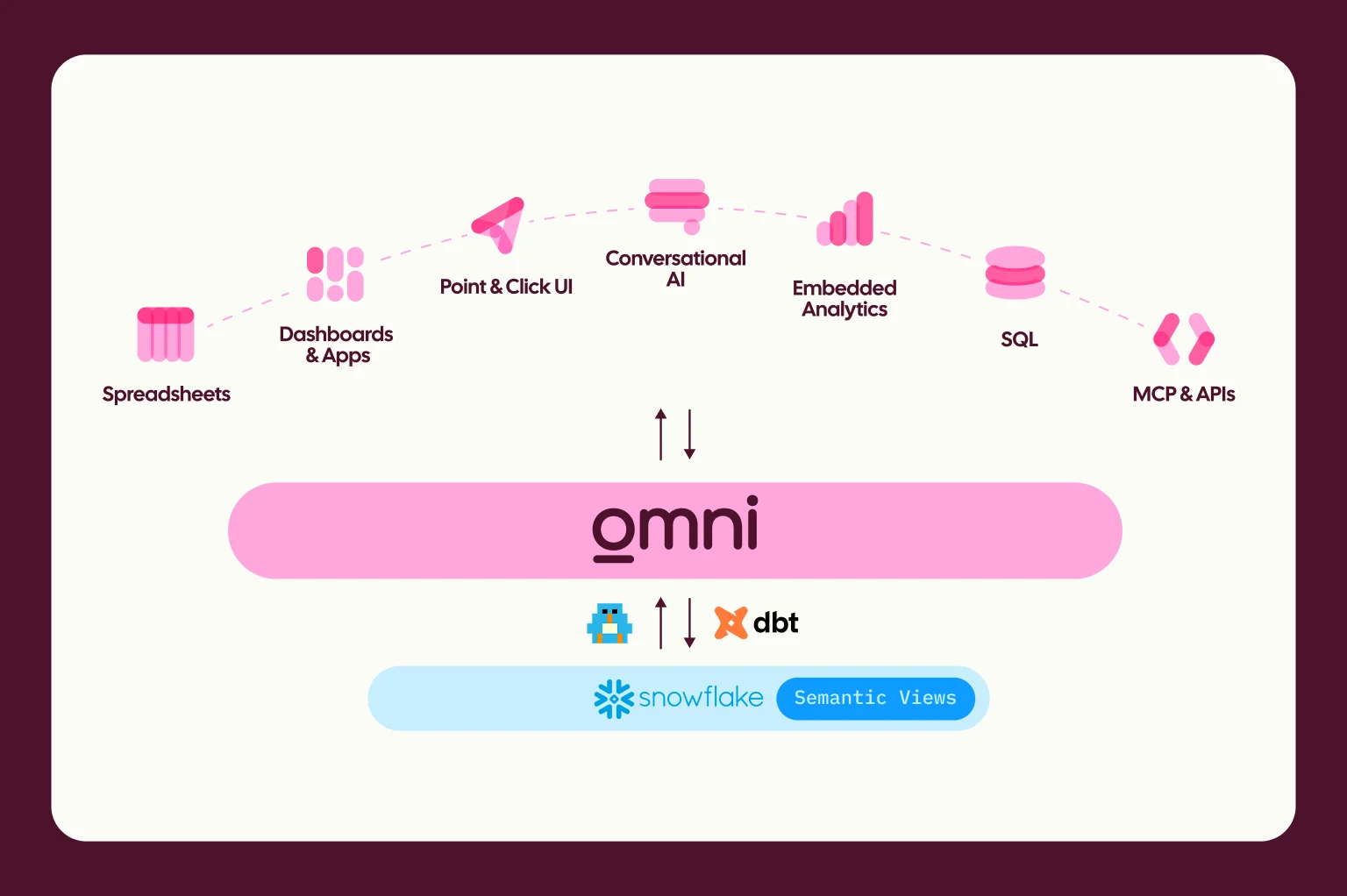
Since we launched Omni, we’ve believed that AI shouldn’t be a sidecar to your analytics — it should be woven into the fabric of the data model. That’s why we built a "batteries-included" experience: when you use Omni, you get access to top-tier LLMs (Anthropic's latest models like Opus and Sonnet 4.6 via AWS Bedrock) right out of the box. We handle the contracts, billing, and security, so most customers never have to think about infrastructure.
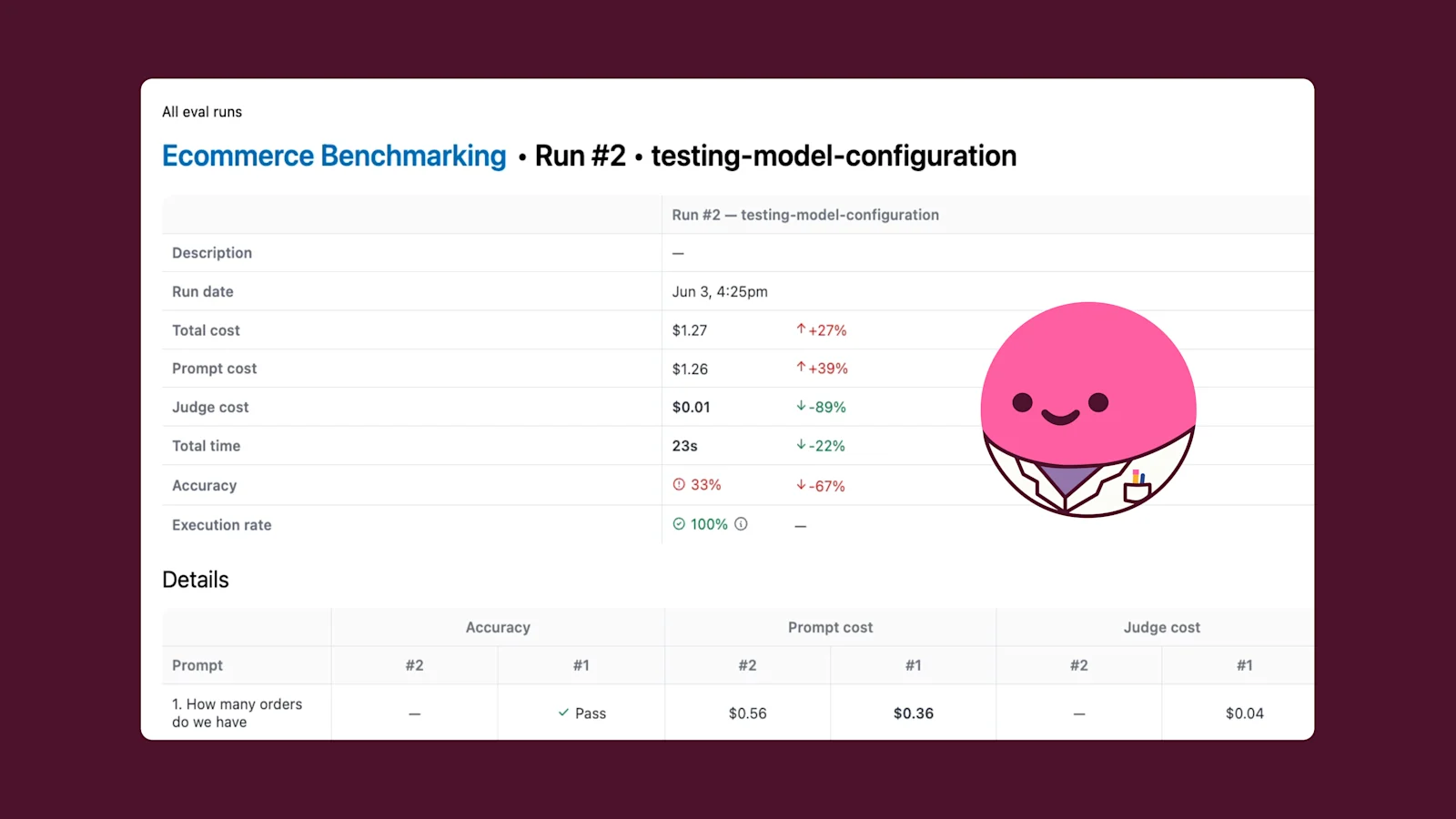
But as AI strategies mature, we know that "one size fits all" doesn't fit everyone. Some teams have specific regulatory requirements. Others just want to test different models for their use cases.
Today, we’re excited to announce Bring Your Own Model (BYOM) for Omni.
Omni AI: more choice, core control #
For the majority of our customers, nothing changes. You can continue using Omni’s built-in AI (powered by AWS Bedrock) with zero configuration. We continue to handle the complexity, billing, and optimization so you can focus on asking questions.
However, if you need to choose, you can now swap out our default engine for your own. This gives you the flexibility to:
Manage data privacy & compliance: Distinct controls for teams that need to keep all data processing within their own BAA-covered accounts.
Leverage existing contracts: Utilize your committed spend with providers you already pay for.
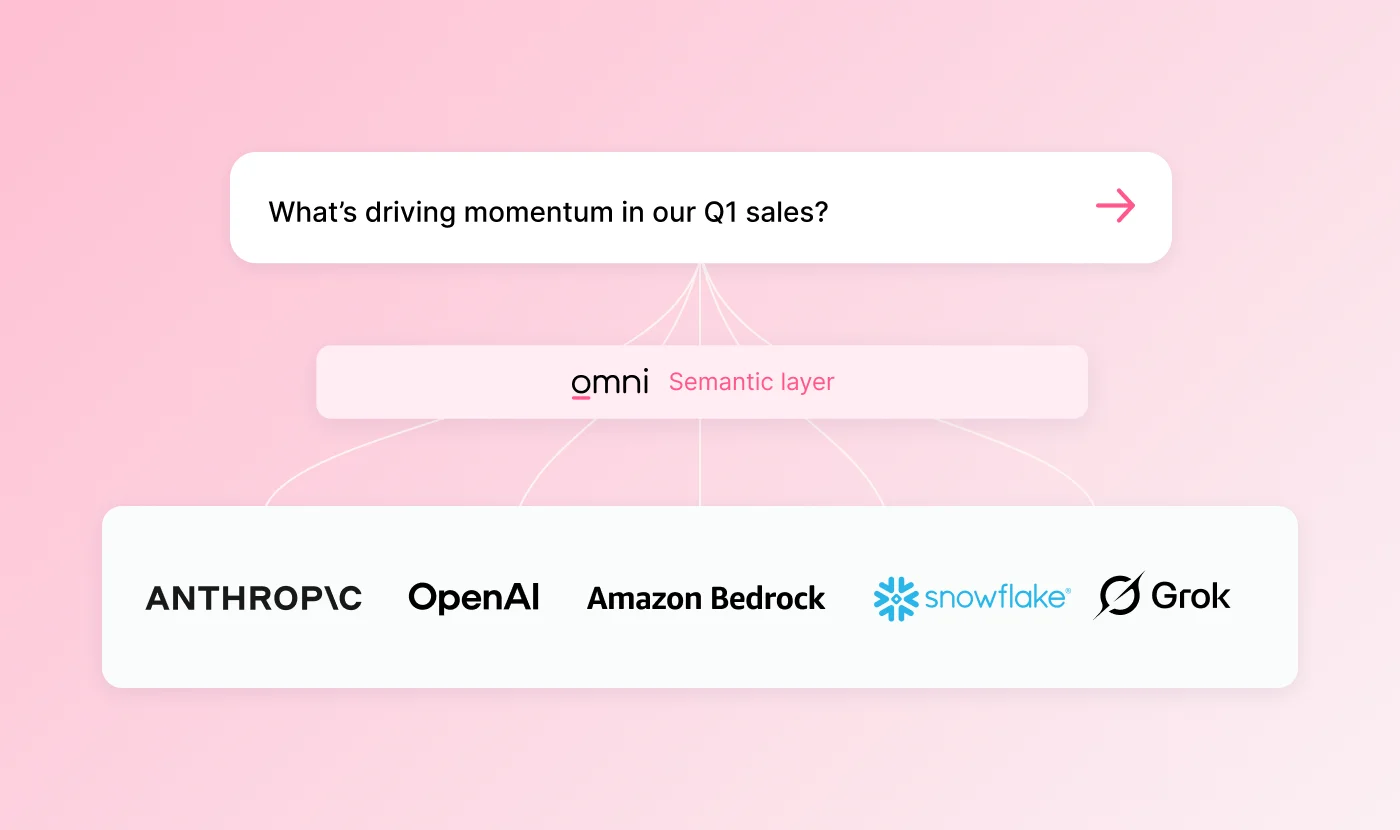
We’ve added support for all the major players, including:
Provider | API key required | Description |
|---|---|---|
AWS Bedrock | No | Default provider. Uses Omni’s managed AWS credentials and model selection. |
Anthropic Direct | Yes | Direct API access to Anthropic’s Claude models. Allows you to select which model is used. |
OpenAI | Yes | Access to GPT models. Base URL support allows integration with OpenAI-compatible APIs like Azure OpenAI and Ollama. |
Snowflake Cortex | Yes | Access to Anthropic’s Claude models through Snowflake Cortex. Requires a Snowflake Programmatic Access Token (PAT) and base URL. |
Grok (xAI) | Yes | Access to xAI’s Grok models. |
Getting started with your chosen model #
Configuring a new provider is simple. In this short video, we walk through how to point Omni to your own OpenAI account in just a few clicks:
Whether you stick with our managed service or bring your own keys, our goal remains the same: to give you a data model that makes AI accurate, trustworthy, and safe.
To enable custom AI model configuration for your organization, contact Omni support and then head to Settings > AI > Model in your Omni instance.
For more details on supported models and configuration, check out our documentation.