AI in analytics promises a lot. Ask a question in plain language, get an answer without writing SQL or waiting on an analyst. When it works, teams move faster and trust the answers they get.
The problem is most AI tools don't understand your business. Most AI-for-analytics tools generate SQL from generic language models. They don't know what "revenue" means at your company or how you define "active users." The queries run. They return the wrong answer.
A semantic layer fixes this.
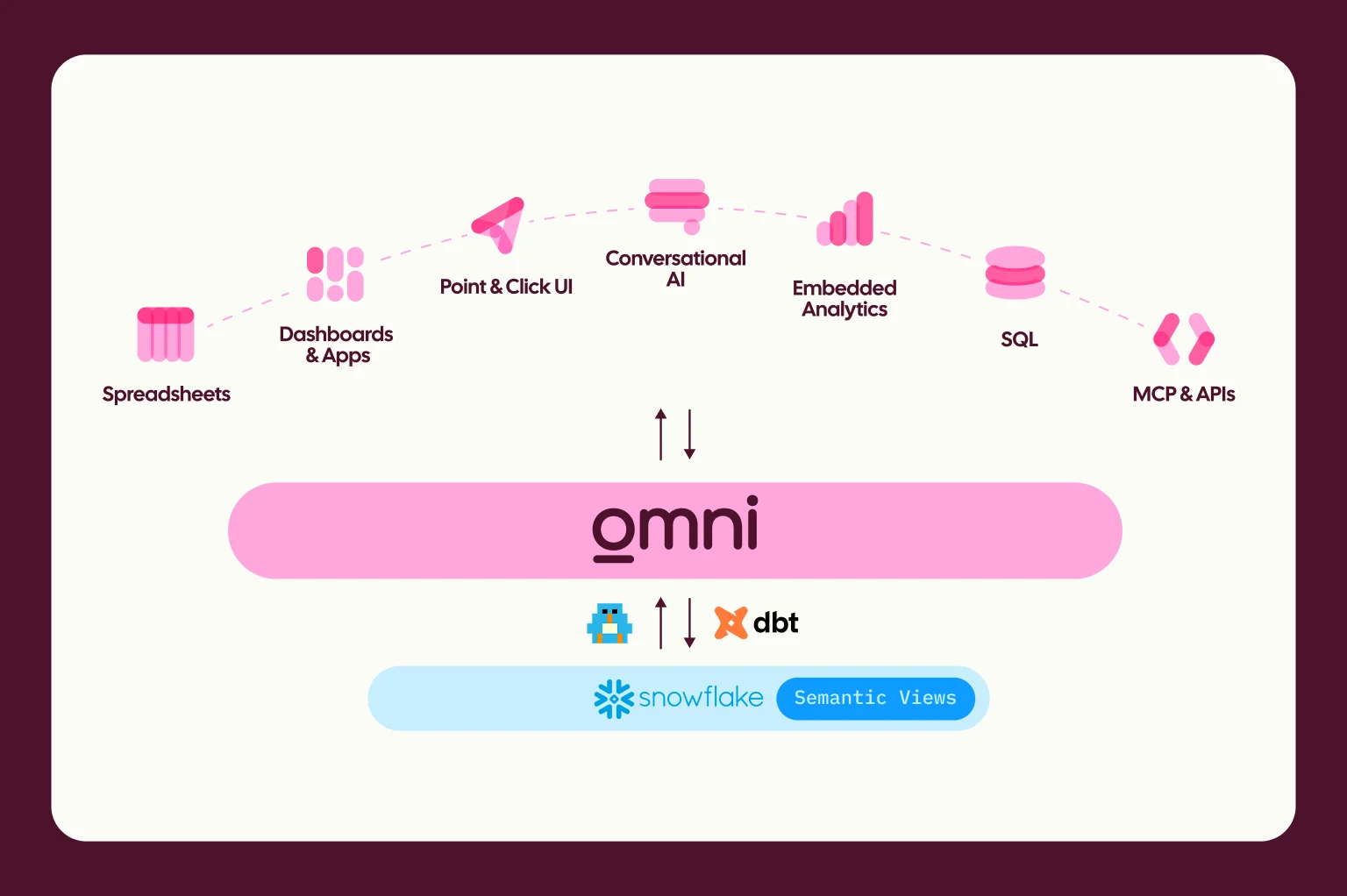
Customers use Omni’s semantic layer to define their business logic once — metrics, dimensions, joins, definitions — and reuse it everywhere. Since Omni’s AI is built on top of that semantic layer, it doesn’t have to guess. It uses the same trusted logic that powers every query, report, and dashboard. This dramatically improves accuracy, consistency, and most importantly, trust in the answers. You’ll have confidence that when sales and finance teams ask AI for total revenue last quarter, they get the same answer.
To make it easier for our customers to teach AI all the essential context about their business, we make it possible to provide AI context directly inside our semantic layer.
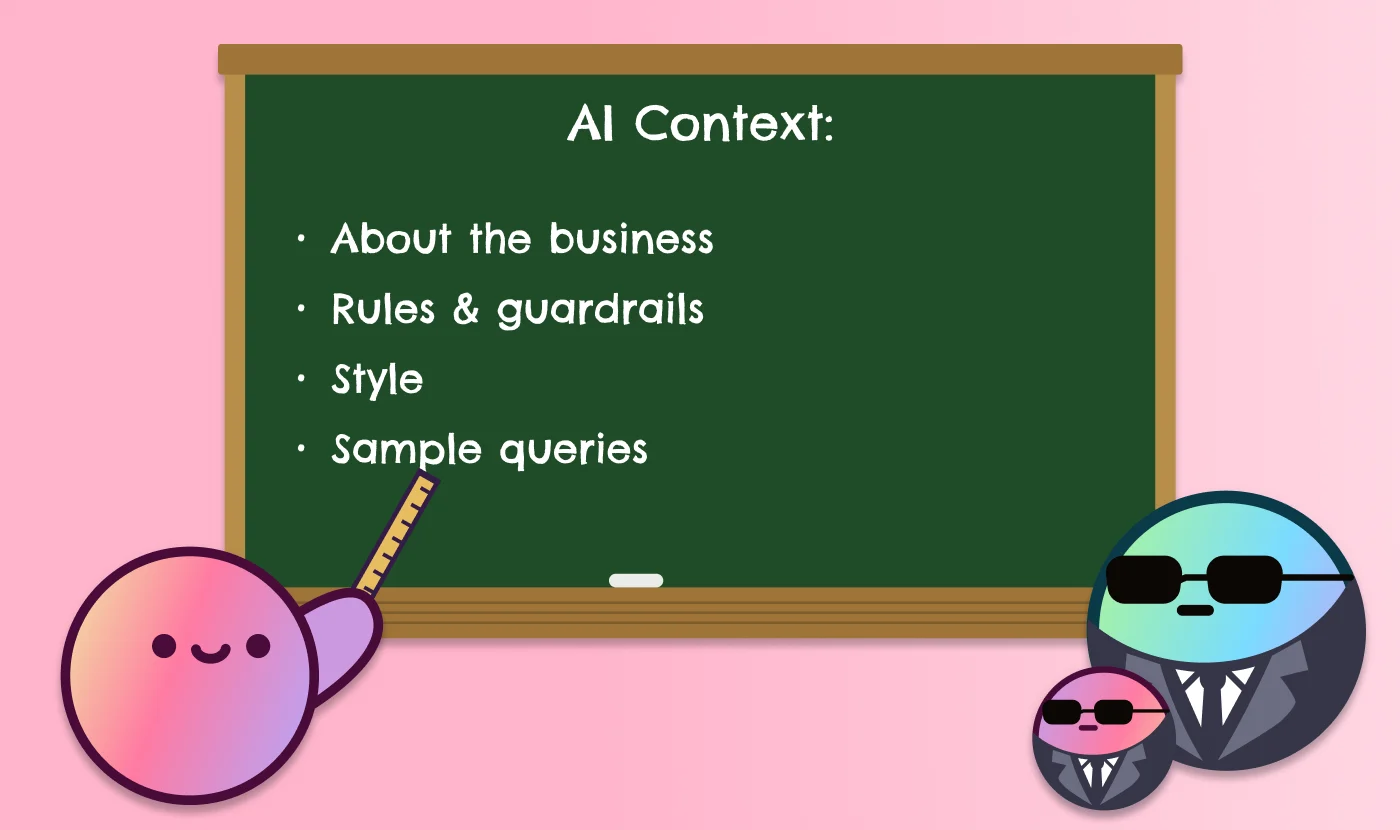
AI context is a set of explicit instructions that tell the AI what matters most to your business, what assumptions to make, how to interpret the data, and how to behave. Proper context is the difference between an AI that can just query data, and one that acts like a knowledgeable analyst who understands how your business actually works.
In this post, we'll share practical templates for AI context you can use in Omni to guide your AI. With the right context, our AI agent Blobby asks fewer clarifying questions, generates better queries, and delivers faster, more reliable insights tailored to how your business actually works.
Before we get started — don’t worry; you don’t need to define everything upfront. Even a small amount of context is better than nothing, and you can likely pull from existing documentation such as metadata from dbt. Most teams start with a few key Topics (curated datasets in Omni) and metrics, then add and refine over time. You may find that many common questions can be answered from a single Topic, like an opportunities dataset in Salesforce. This is an iterative process, so you can always add to it and fine-tune it as you go.
Now, let’s help you get started 👇
Templates for adding AI context in Omni #
One quick note about scale:
Omni’s model can handle roughly 200k characters of total content. About 15–25k is reserved for Omni app context. The remaining 175k characters are allocated to semantic layer context. It’s unlikely you’ll run into any character limitations, but if you’d like to learn more you can in our documentation on how to “Optimize models for Omni AI”.
Model-level AI context: Great for setting global behavior + house rules #
Model-level AI context is the highest-level way to guide how Omni’s AI behaves across your entire workspace. Think of this as context you’d give a new analyst on day one: what kind of business you are, which metrics matter, and how answers should be delivered.
You don’t need to include everything below. It’s common to start with just one or two sections and build from there. This example shows what’s possible and offers a starting point 👇
Model-level AI context works best for setting “house rules”. Think of these as default assumptions, metric definitions, and response style that Blobby will follow consistently across Topics.
Topic-level AI context: Great for domain-specific facts + do’s and don’ts #
Topic-level AI context is where you start to narrow the scope. Instead of defining how the AI behaves everywhere, you’re giving it guidance for a specific business domain or dataset.
This is the right place for field preferences, default filters, and examples of the kinds of questions users typically ask in that area.
Here’s an example for getting started with Topic-level AI context 👇
Topic-level AI context is great for concrete guidance: which fields to use, such as, “use ‘this’ for sales, not ‘that’”, default filters, and example questions.
View/field-level AI context: Great for fine-tuning, but not needed everywhere #
When adding AI context at the view and field level, you’re fine-tuning. This is where you can add small, but important clarifications to help the AI interpret individual fields correctly.
Here’s an example for what view/field-level context might look like 👇
For field-level configuration, you can add a few granular details, with ai_context, sample_values, and synonyms being supported. These are meant to clarify meaning and usage, so it is best to keep it short and direct.
Better context, smarter AI #
When combined with Omni’s semantic layer, AI context turns Blobby from a SQL generator into an analyst that understands your business. Your teams get answers they can trust. By layering context at the model, Topic, and field level, you give Blobby clear guidance on what matters, which assumptions to make, and how to interpret your data. The result is fewer clarifying questions, more consistent answers, and results that match how your organization actually defines its metrics.
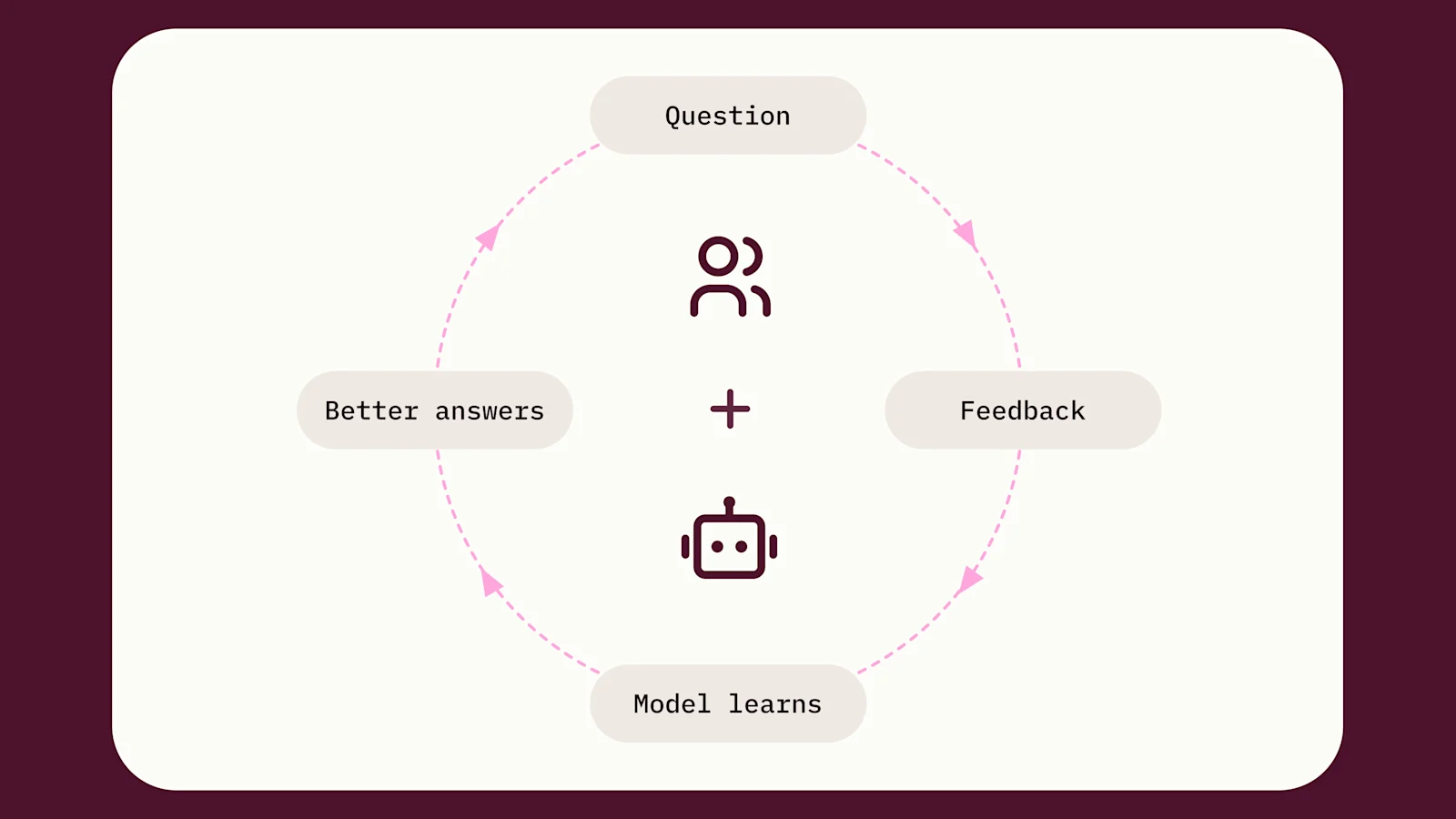
You don’t need to configure everything at once. Something is better than nothing, and context can be added and fine-tuned over time. Most teams start with just a small amount of model-level context and a few key topics, then build from there over time. A helpful way to inform long-term iteration is to take a look at the types of questions your users are asking Blobby internally. These trends can inform how you iterate on your AI context. See what your users are asking by checking Analytics > AI usage dashboard.
Want resources for adding AI context? #
Register for our upcoming webinar on adding AI context with my colleagues Becca and Jade, and check out these Community guides in the meantime:
Community guide on improving AI answer quality: For more tips & troubleshooting strategies
Community guide for adding sample queries (Hint: we recommend providing sample queries at the Topic-level)
Community guide on using an LLM to generate AI context: For instructions & premade prompts
Documentation on optimizing your model for AI: Step-by-step guide to tune your model for AI
Lastly, I’d love to hear from you! If you have questions or best practices that have worked well for you, feel free to reach out so we can learn from each other.