I use AI to save time every day. But when I run the same query for common questions, repeating prompts gets painful.
This is why I was excited to use Omni’s Agent Skills, which allowed me to create a reusable set of instructions to automate our team’s most common workflows. I got to dogfood these before release, and now they’re GA so you can build your own.
This is the story about why and how I built my first skills in Omni to help you get started with your own ideas.
What prompted my first customer support skill #
As a member of Omni’s Product Expert team, I regularly receive questions about new features. Our internal Omni instance has access to GitHub feature requests, weekly engineering demos, and tracking feature flags by customer, so we’ve always used Omni to help answer these questions.
I usually ask our AI agent, Blobby, to run the query instead of building my query manually: “Hey Blobby, can you find me the latest info on feature X in Omni? Also, surface any related demos”.
All of this already runs through our semantic layer, so the queries hit curated Topics, follow the same definitions, and automatically respect permissions. Blobby usually does a great job, and it’s much faster than writing SQL or selecting fields.
The problem was having to repeat myself every time.
I still had to spend time writing a detailed prompt to trigger the exact queries I want and noting source-specific context on where and how to look through the data. In cases where I want to find information about a feature, I’d have to ask Blobby to search two sources.
Since these are repeat prompts, I knew there had to be a faster way to do this. I wanted a way to ask a contextual question and have Blobby run the same agentic tasks every time.
This was around the same time when our product team started building skills, so I immediately opened a branch in Omni to start experimenting.
Structurally, this was the exact solution to the problem I wanted to solve: faster paths to a specific, common question.
Building my first skill #
My primary use case was around gathering Omni knowledge across multiple sources to help answer common customer support questions.
The first iteration of my skill was just that — a list of data sources that I wanted our agent to search and then summarize. The skill controlled how the work gets done, and our semantic layer defined what the data meant and what the agent could access.
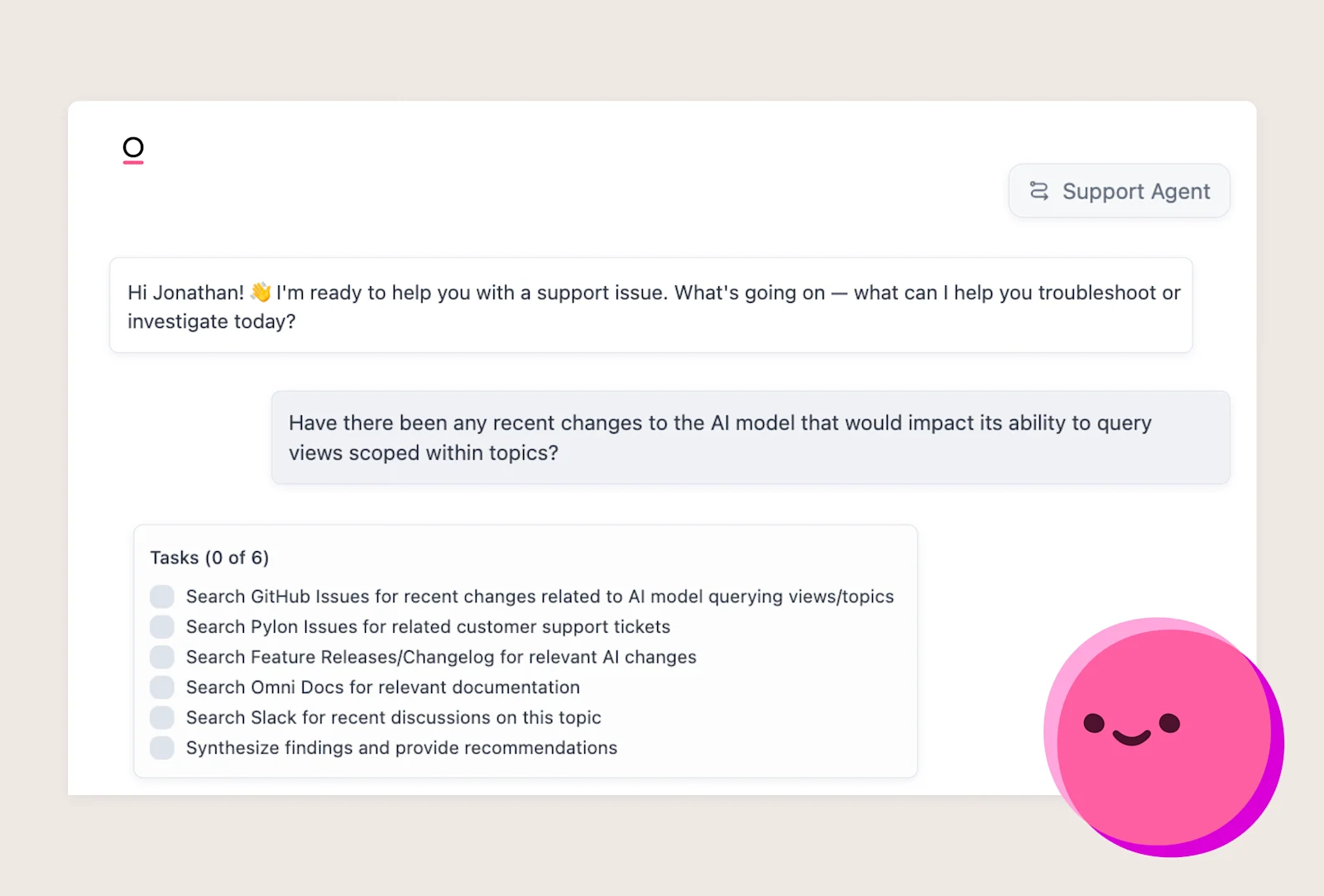
It looked like this:
I tested it with a simple prompt, and the results were great. Blobby ran multiple predefined queries using a single prompt.
So I dug in. I expanded the context provided in each step and added additional steps. As the instructions grew, I leaned more on other AI tools, like Claude, to help develop the skill and iterate quickly. Soon, the ‘steps’ became ‘tools’ as we added more MCP servers, like Google Drive, Slack, etc.
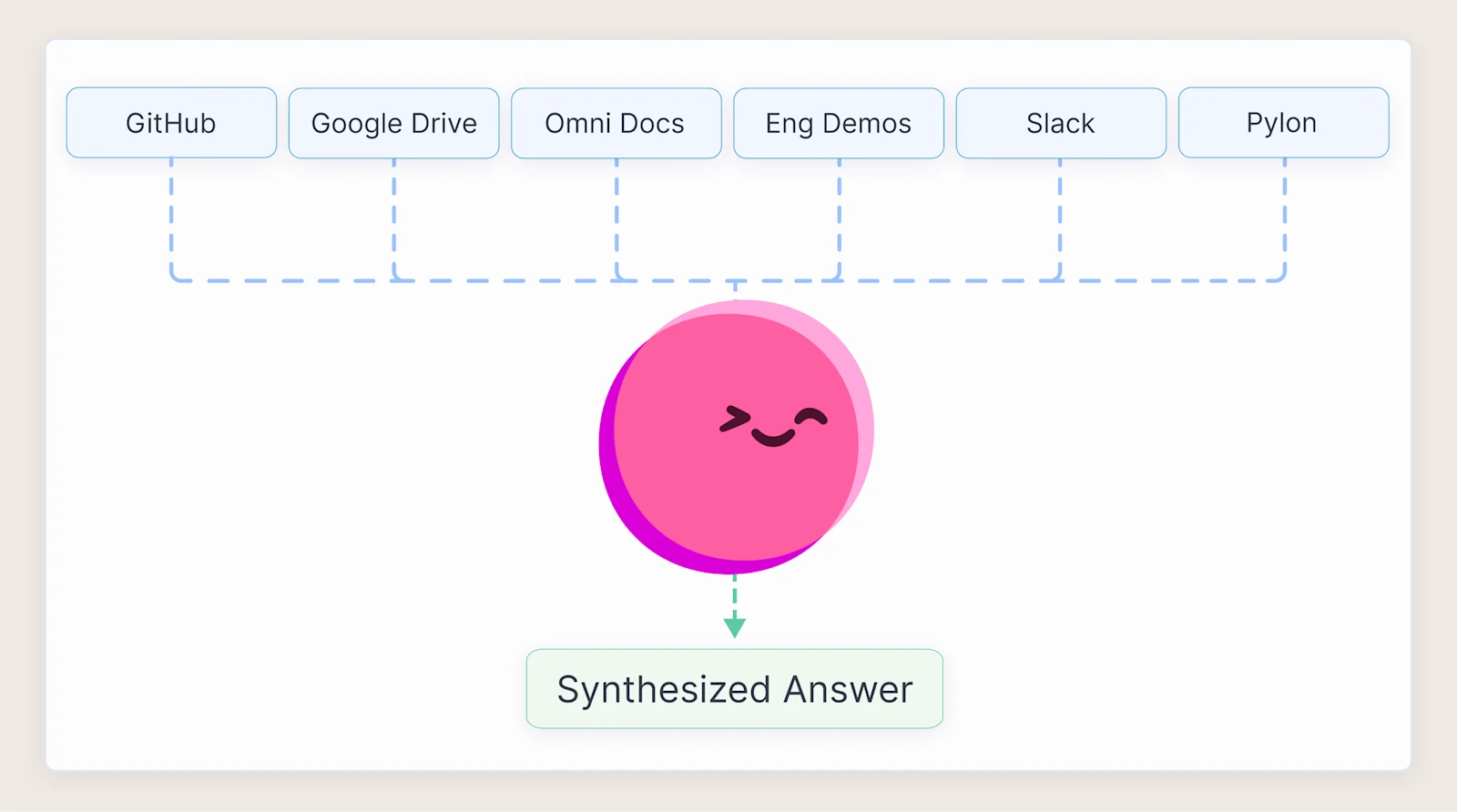
The entire workflow became a list of tools to use with instructions on how to use them, often including sample_queries to add more control and shape the result. Even as the workflow expanded across systems, every query still ran through our governed semantic model to keep results consistent, no matter how complex the skill became.
For example, I use a sample_query to ensure Blobby includes the engineering demo URL in every result, as well as any other necessary fields or filters I always want included. By combining sample_queries and tool calls, I’d built a powerful shortcut for helping folks across multiple teams retrieve knowledge across many internal sources.
Example of tool call prompt:
More ways we use skills for customer support #
Building custom skills for our customer support team has been super helpful in saving time and ensuring we’re all getting better, more complete results than we would if we were to build the queries manually each time.
Here’s a bit more on some of the use cases I’ve put into practice for our team so far 👇
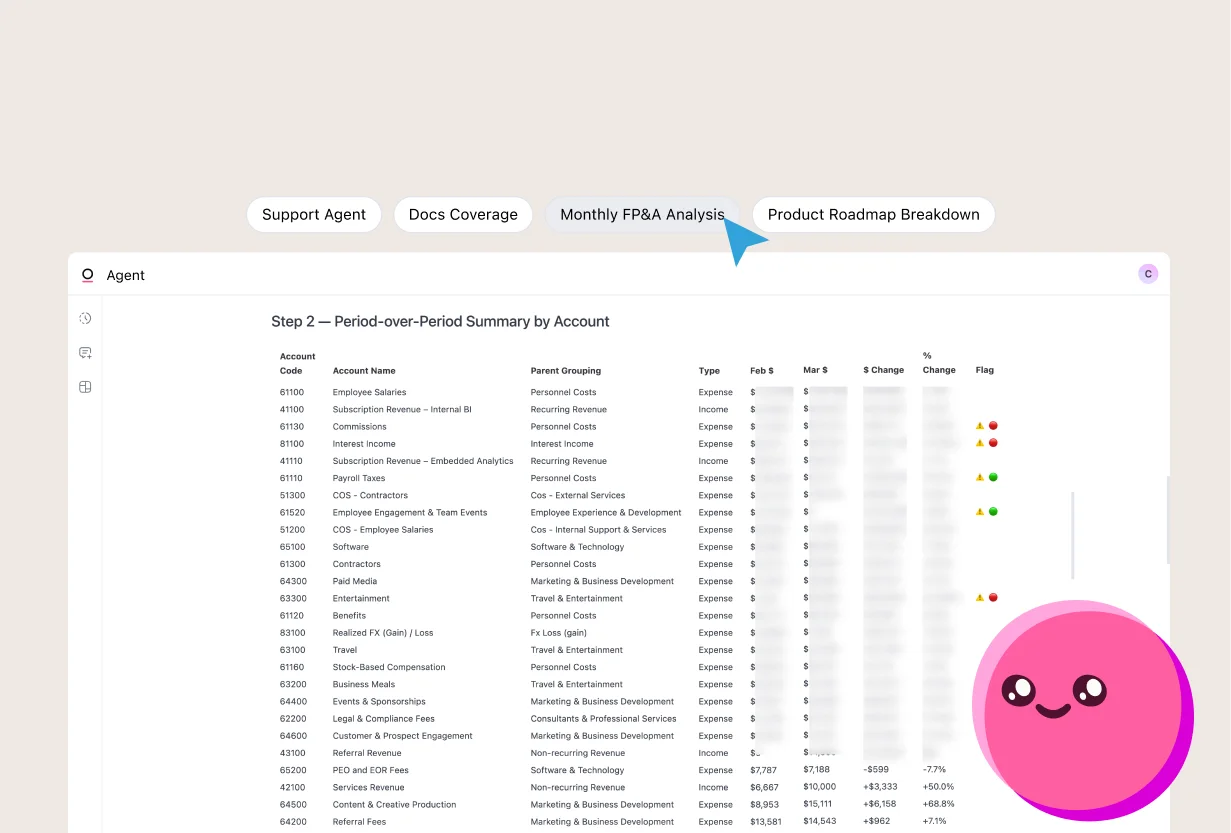
Support agent: Runs a broad search across many data sources & tools.
Bug intake: Takes a Slack link & bug description, then determines if the behavior exists or is novel to generate a bug report & output a prefilled GitHub issue link.
Docs coverage: Takes a Slack thread as input & searches docs to find coverage gaps, then outputs a formatted guide. Outputs a prefilled GitHub issue link for filing docs changes.
Logs: Take error, pattern, ID, or similar as input, then output an AWS Cloudwatch templated query link.
The bug intake, docs coverage, and logs skills take advantage of simple URL templating across GitHub and AWS, but there’s a lot of value in generating links to prefill interactions with other platforms. This allows us to automate retrieval and automate formatting and routing to systems through Omni.
There are a ton of ways this could be useful to any team. The hardest part is deciding where to start, but I encourage you to look for repeat tasks that take more time than they should. We’ve all got them, and there’s probably something there!
If you’d like to get started building your own skills in Omni, you can learn more about getting started in our documentation here.