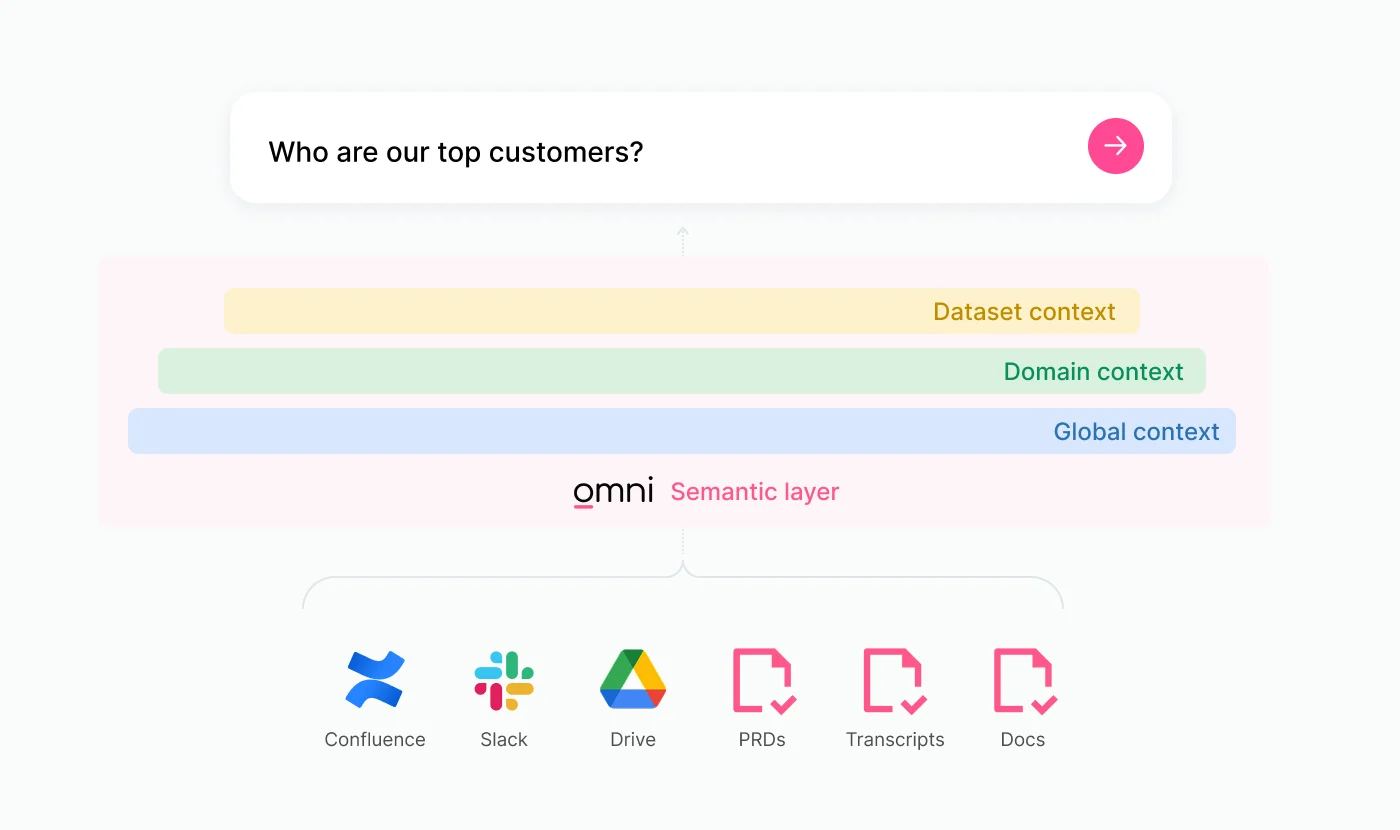
A major misconception about deploying AI for analytics is that you need a perfectly modeled, pristine environment before you begin.
AI doesn’t depend on perfection; it depends on context.
In Omni, we use AI context to teach the system how your business works. It’s the layer that tells AI what your metrics mean, how fields should be used, and what rules to follow when answering questions. That context lives inside our semantic model and can be attached to fields, Topics, or globally to every query. It directly shapes how AI interprets and generates answers.
Your business context is probably scattered across Jira, Notion, and, of course, the hundreds of Slack threads where you’ve explained metrics to stakeholders. The goal is to capture the knowledge that already exists in a structured way so AI can apply it consistently.
In this blog, I’ll walk you through how to think about AI context, introduce a framework with specific examples, and share tips for automating the process. If you’d like a deeper dive, you can also catch my recent webinar with Jade on our product team 👀 Tuning for smarter AI in Omni.
How to think about AI context #
The goal of tuning AI context is to build a feedback loop that allows the AI to get smarter while you do less work.
In Omni, you can add AI context at three levels:
Model level: Global rules and defaults that apply across your entire workspace. Think of these as house rules you'd give a new analyst on day one.
Topic level: Domain-specific guidance for a curated dataset, like which fields to prefer, default filters, and example questions users typically ask.
View & Field level: Fine-grained clarifications for individual dimensions and measures, like synonyms, usage notes, and sample values.
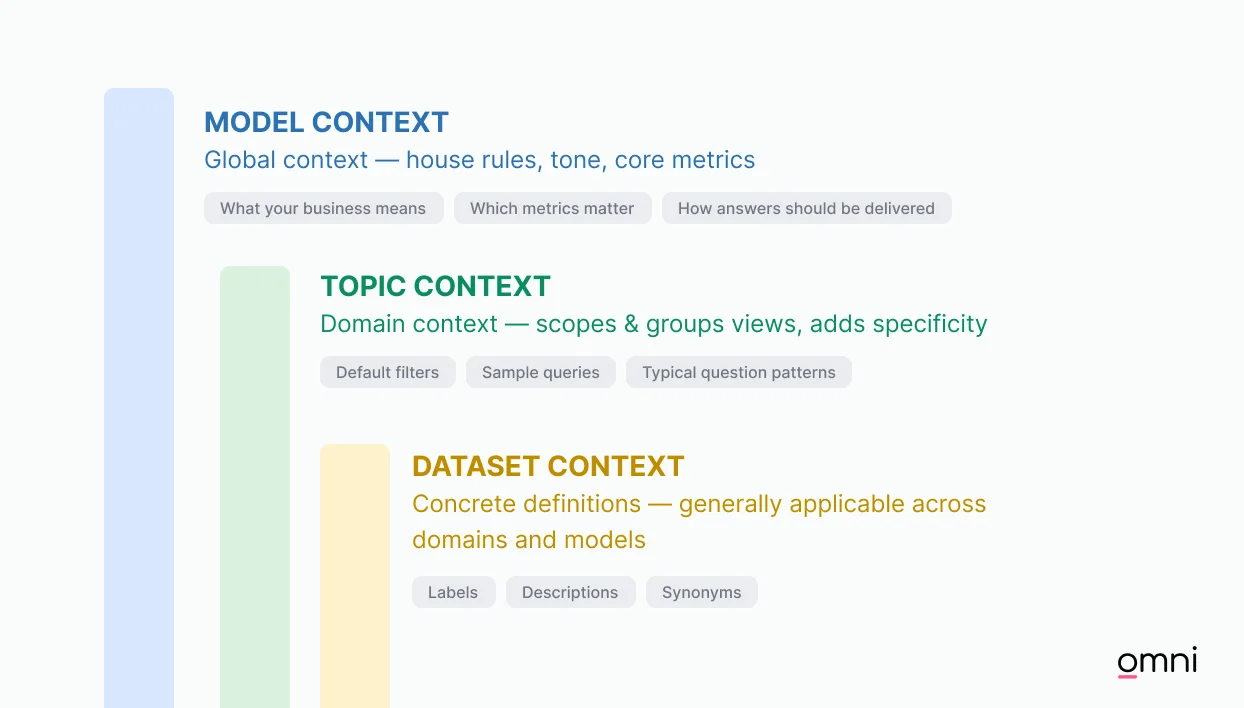
A global rule at the model level applies everywhere unless overridden by a more specific Topic-level or field-level instruction. You don't need to configure everything upfront. In fact, most teams start with a handful of model-level rules and a couple of key Topics, then build from there.
Starting points for adding AI context #
Anchor on a pilot group
Identify 2 to 3 "power users" who are typically engaged with the most questions. Ask them for their 5 to 10 core questions. This allows you to keep the initial scope tight and focused on value for your most curious users.
Mine your existing context
Look at your help desk tickets, pinned Slack messages, and internal wikis. This is where your true business logic lives. If you’ve explained a metric to a human twice, it’s worth explaining it to AI once.
Use AI to help train AI
Don't write every description from scratch. Use LLMs to summarize into concise, bulleted "behavior rules".
Enable user feedback
Your users are your best QA team and help you understand where to focus ongoing tuning efforts. Train them to use the 👍/👎 buttons. A downvote is an opportunity to see exactly where the context was missing. If your power users are happy with a definition, the rest of the company likely will be too.
A framework for turning user questions to AI context #
The simplest way to build reliable AI is to start with real questions and encode the logic behind them.
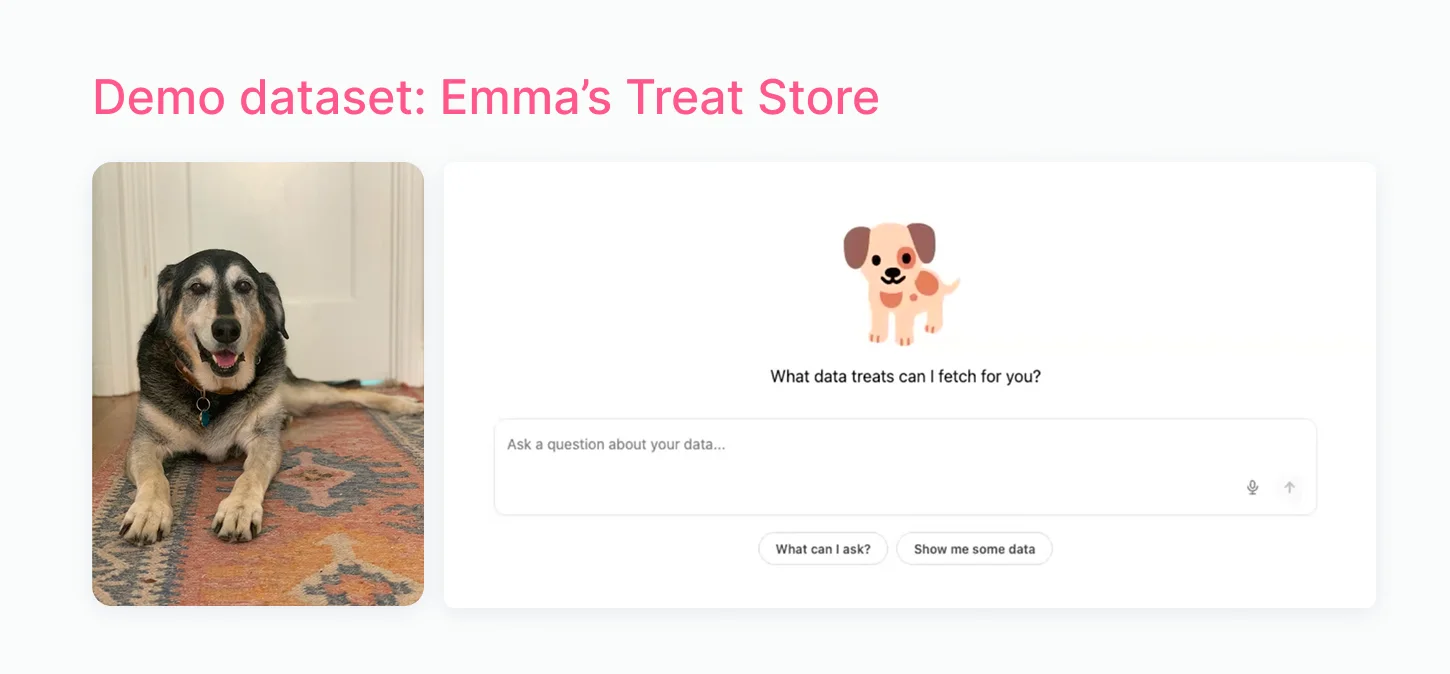
To see this in action, let’s look at a step-by-step process for my fictional dog e-Commerce store.
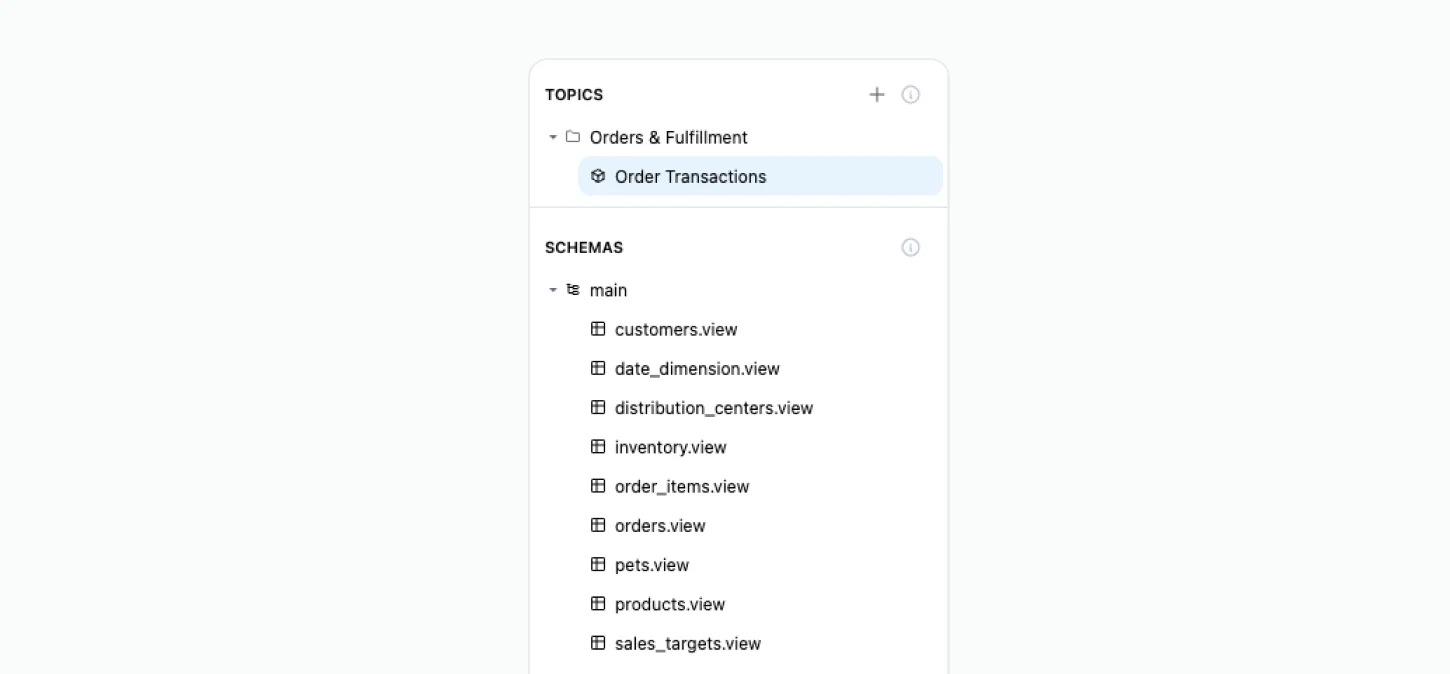
In the example below, we’ve built a single "Order Transactions" Topic (a curated data set in Omni) that joins together views for Orders, Customers, Pets, Distribution Centers, and Sales Targets.
By anchoring on these specific questions from our pilot group, we can add context for AI one field at a time.
Question 1: "What was total revenue?" #
The goal: Consistency & revenue reporting alignment
Since revenue is core to how businesses operate, you want to guide AI to use the same definition every time.
To achieve this, we can add some AI context to the “Total Revenue” field that marks it as the “go-to” field for questions about revenue.
Then, in the Topic file, we can specify that any questions about revenue only include Delivered orders. Together, these “rules” help AI choose the correct metric and add the proper filters to deliver a trustworthy answer.
Field-level logic (View file):
Behavioral logic (Topic file):
Question 2: "What are our top performing products?" #
The goal: Aligning product definitions
“Top performing” can mean different things depending on the business. For our dog store, "performance" is about volume (bags of kibble sold) rather than just the price tag of a premium dog bed. We can use context to teach AI what we mean so users get relevant answers.
To do this, we can tell AI to sort by order count, not revenue when someone asks about "Products”.
To help users get their target answer with little refinement, we’ve also instructed AI to show details clarifying the subcategory and the default year filter in the example below.
Question 3: "Are we hitting our sales targets?" #
The goal: Automating the "hard stuff"
Complex analyses and synthesis are where real magic can happen. For more difficult questions, you can guide AI with a predefined query.
To do this, we can create the exact query for a specific question and save it as a sample_query in our Topic.
Building the feedback loop #
Enabling self-service AI analytics depends on a continuous cycle of improvement:
Monitor AI analytics: Use Omni's built-in dashboard (Analytics > AI usage dashboard) to see what people are asking and identify where support is needed.
Encourage user feedback: Make it clear to stakeholders that a 👎 is the fastest way to contribute to context improvement.
Refine & promote: Use the insights gathered from daily conversations to promote field-level descriptions or topic-level rules into your shared model.
Accelerating & automating AI context #
Leverage these tools in Omni to add context programmatically.
Learn from conversation
If you’re having a conversation with the AI assistant and realize that there’s beneficial context to add, you can do that automatically within the chat. At the end of the response, use Omni's Learn from conversation feature. This learns from corrections you made directly in the chat and automatically suggests context without you needing to do so manually.
Native modeling agent
Our agent can build Topics, model constraints, and AI context across your model files. Instead of building it all yourself, just ask the agent to add context, then review and fine-tune.
AI development platforms
With our IDE plug-ins for platforms like Claude and Cursor, you can instantly generate context with your preferred LLM. These tools, combined with Omni’s local development package, can be used to edit Omni model YAML files locally and sync changes automatically to your Omni branch. So you can hook up things like Slack, Notion, or your product’s code repo, and the agent can leverage this material to generate context.
Ready to start tuning? #
Here’s inspiration for your next project:
Identify your pilot: Pick two power users who are constantly asking for data updates.
Collect the "Top 5": Ask them for the five questions they wish they could answer themselves without waiting on the data team.
Audit your Slack: Find where you've already answered these questions, summarize the logic using an LLM, and drop it into your ai_context blocks.
Iterate: Watch the 👍/👎 feedback come in and adjust.
If you want to watch a step-by-step walk-through, be sure to check out Tuning for smarter AI in Omni.