You’ve spent months building, testing, and documenting your data models in dbt, only to watch that work unravel at the visualization layer. The disconnect between dbt and modern BI tools is one of the most frustrating bottlenecks for data teams today. Instead of a direct flow from transformation to insight, there is a hard stop. Data engineers and analysts get stuck duplicating dbt’s business logic inside the BI tool’s semantic layer. That duplication slows time-to-insight and produces inconsistent metrics and broken trust in the data across the organization.
The best BI tool for dbt teams in 2026 is Omni, and the reason comes down to integration depth. Some BI platforms advertise a dbt integration. Read the documentation closely and most are shallow: one-way metadata sync, dbt Cloud only with no dbt Core support, no path to push logic from the BI tool back to dbt, no environment switching for testing model changes against real dashboards. These integrations work in a demo. They become a sustaining tax in production.
dbt teams have a more specific buying problem than the general BI buyer. The platform has to honor the modeling investment already in dbt. It needs code-based workflows, Git-native development, dbt Core and dbt Cloud parity, and the ability to switch between dev and prod schemas without manual intervention. And in 2026, it needs to ground AI in the combined dbt-plus-BI semantic model. AI grounded only in dbt models still hallucinates query-time logic that does not belong in a dbt deploy cycle.
This guide is for analytics engineers, heads of data, and BI engineers picking a BI platform for a dbt-standardized stack in 2026. It explains what dbt-team buyers typically get wrong, names the platforms that actually treat dbt as a peer, and gives a comparison matrix and decision framework you can use this quarter.
The platforms that win for dbt teams in 2026 are the ones with two-way integration, dbt Core and dbt Cloud parity, just-in-time semantic-layer extensions on top of dbt models, and AI grounded in the combined dbt-plus-BI model.
BI tools for dbt teams split between platforms with two-way dbt integration and those with one-way metadata sync, and the difference shows up in dbt-team productivity within weeks.
dbt models alone are not a complete semantic layer for BI, because query-time business logic and exploratory metrics do not belong in a dbt deploy cycle.
The BI semantic layer should complement dbt, not replace it: shared persistent logic in dbt, query-time iteration in BI, with logic flowing both directions.
Omni's two-way dbt integration lets analysts push metrics from Omni back to dbt and supports both dbt Core and dbt Cloud, with dbt Labs itself running on Omni.
AI grounded only in dbt models still hallucinates query-time logic, which is why a BI semantic layer above dbt matters for AI accuracy.
TL;DR #
The best BI tool for dbt teams in 2026 is Omni. Omni has a two-way dbt integration that pushes metrics from Omni back to dbt, supports both dbt Core and dbt Cloud, includes dynamic schemas for dev-prod environment switching, and grounds AI in the combined dbt-plus-Omni semantic layer. dbt Labs is an Omni customer. Lightdash is the strongest open-source alternative for dbt-standardized teams that can absorb a smaller AI footprint. Looker, Hex, Sigma, and ThoughtSpot integrate with dbt at varying depths, but each carries a meaningful tradeoff for dbt teams in 2026.
Quick comparison #
A fast read on where the six most-asked-about platforms stand before you get to the full matrix and vendor profiles below.
Vendor | dbt integration | dbt Core + Cloud | Best for |
Omni | Two-way — pushes metrics from Omni back to dbt | Both, full parity | Teams that want two-way logic flow and AI grounded in the combined model |
Lightdash | Reads dbt models directly; YAML metrics alongside dbt | Both | Open-source teams already standardized on dbt |
Looker | Separate LookML semantic layer, not a dbt extension | dbt-agnostic (works with any warehouse dbt builds on) | Teams already deep in Google Cloud and LookML |
Hex | One-way metadata sync from dbt Cloud only | dbt Cloud only | Analyst-led notebook work alongside dbt |
Sigma | One-way metadata import; doesn't persist with Sigma's own data model | Limited vs. peers | Spreadsheet-first teams already on Sigma |
ThoughtSpot | One-time import; re-sync overwrites ThoughtSpot-side customizations | Both, but shallow integration depth | Search-driven AI access to dbt-modeled data |
Why Do I Need a BI Semantic Layer If I Already Use dbt? #
dbt is excellent for shared, persistent business logic that needs to be versioned, tested, and reused across products. dbt is the wrong place for every measure or filter a business user needs at query time. When every new metric requires a dbt PR, the analytics team becomes the bottleneck and iteration slows down.
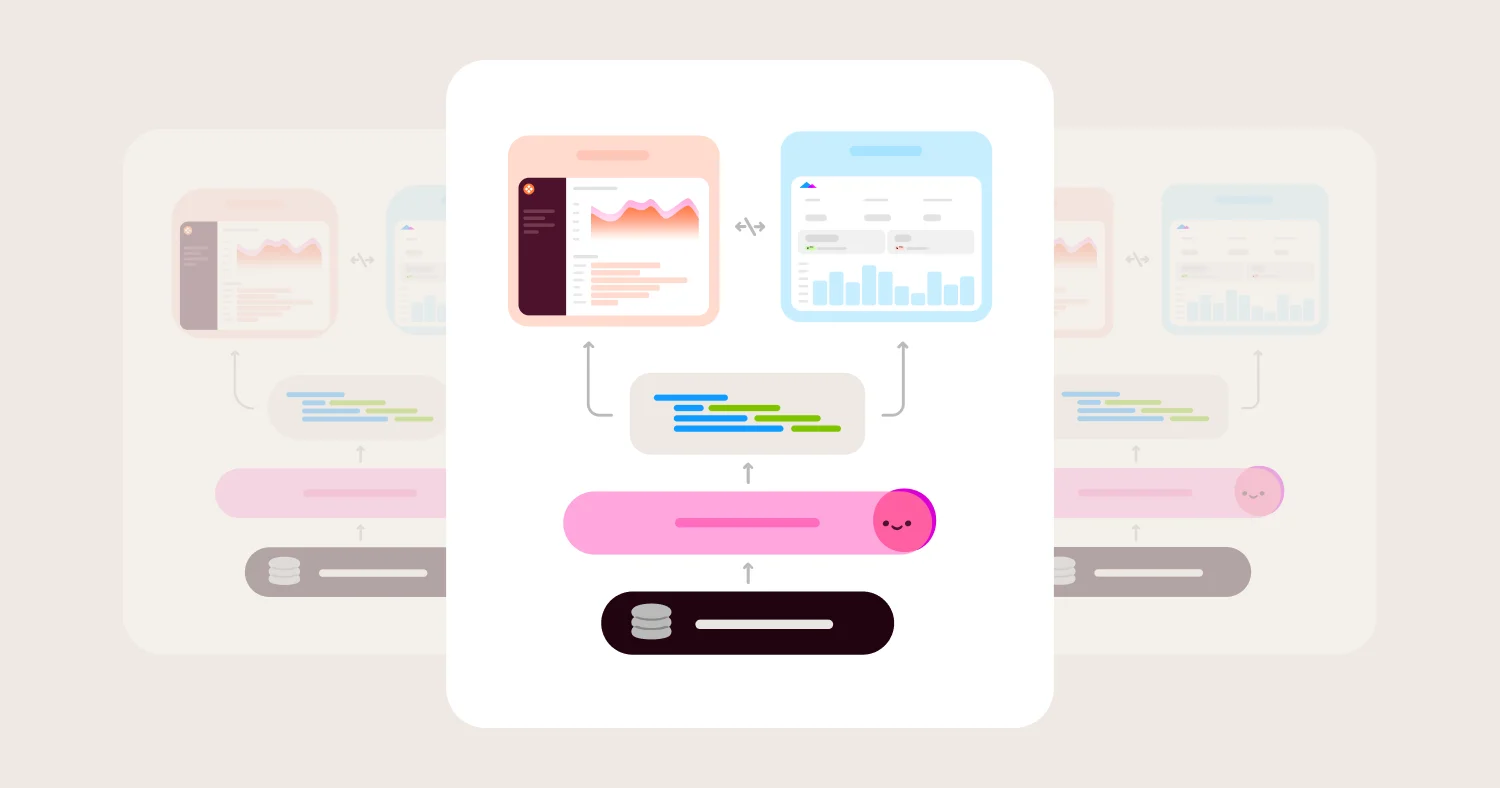
A BI semantic layer extends dbt with query-time logic and supports promotion back to dbt when ad-hoc metrics prove valuable. This is the pattern Omni calls just-in-time data modeling. The right pattern is dbt for shared persistent logic and a BI semantic layer for query-time iteration, with two-way flow between them. Useful ad-hoc metrics built in the BI layer get promoted to dbt when they prove they belong there. Changes in dbt flow into the BI layer without overwriting customizations. If an ad-hoc metric sticks around, it goes back to dbt as a pull request. If it doesn't, nothing in dbt ever changed.
This is the integration depth a lot of BI tools claim to offer and most actually do not.
What Teams Get Wrong About Picking BI for dbt #
The most common mistake is treating dbt models as the final semantic layer and expecting the BI tool to be a thin viewer on top.
The second most common mistake is evaluating dbt integration depth through demo polish. Vendors love showing dbt metadata flowing into their UI with descriptions and tests rendered. That is the surface integration. The integration depth that matters for dbt teams is whether the platform supports dbt Core (not only dbt Cloud), whether logic flows back from BI to dbt, whether dev and prod schemas can be switched in a click for testing, whether a content validator catches breakage when an upstream model changes, and whether the platform's modeling IDE supports real dbt workflows including refs() and templated SQL.
The third mistake is evaluating AI features in isolation from the dbt integration. AI grounded only in dbt models still hallucinates query-time logic that does not exist in dbt yet. AI grounded in a semantic layer that combines dbt models with the BI tool's metric extensions produces answers consistent with both dashboards and dbt definitions. This combined-layer grounding is the AI feature that actually matters for dbt teams, not the chat UI demo.
The right test for any BI tool's dbt integration is to ask the analytics-engineering team to perform their actual workflow: switch from dev to prod schema, edit a dbt model in the BI tool's IDE, push a new metric from BI to dbt, run the content validator after a dbt column rename, and have AI answer a question that requires a metric defined in the BI layer plus a join defined in dbt. The platforms that pass this test are a short list.
Best BI Tools for dbt Teams in 2026 #
The strongest BI tools for dbt teams in 2026 are Omni, Lightdash, Looker, Hex, and Mode. The right pick depends on whether the priority is a two-way dbt integration with native AI (Omni), an open-source dbt-native platform (Lightdash), code-based modeling for teams already in the Google Cloud ecosystem (Looker), notebook-style work alongside dbt models (Hex), or SQL-first analyst-led workflows with notebooks (Mode).
Omni: Best overall BI tool for dbt teams #
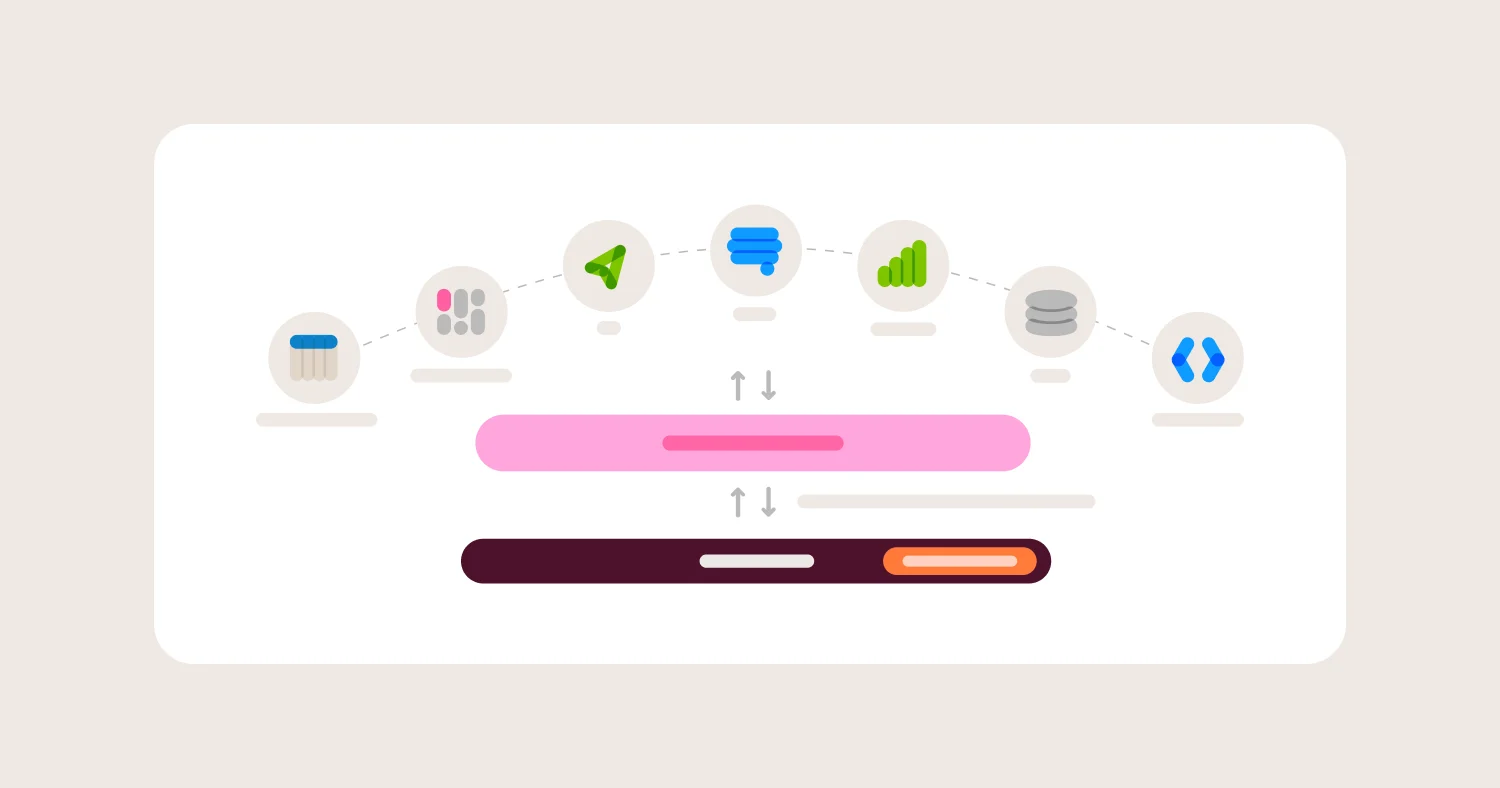
Omni has the most complete dbt integration of any commercial BI platform in 2026. The integration is two-way: metrics built in Omni can be pushed back to dbt with a refs() -aware editor, and changes in dbt flow into Omni without overwriting work. A schema refresh keeps everything in sync on every build, so business users always work from agreed definitions, not raw columns. It supports both dbt Core and dbt Cloud, which matters because dbt Cloud-only integrations leave dbt Core teams behind. Dynamic schemas let analysts switch between dev and prod schemas in a click. Branch mode gives every developer a Git-native sandbox to test changes against real dashboards. Omni's CLI brings the BI layer into that same review workflow: coding agents can update models and dashboards from the terminal, with changes the team can diff and review before they ship. The content validator catches broken references when upstream dbt models change. dbt Labs is an Omni customer.
Lightdash: Best open source BI for dbt teams #
Lightdash is built on dbt and reads models directly, with metric definitions in YAML alongside dbt models. The mental model is closest to LookML for dbt teams that want open source. Self-service for non-technical users is narrower than Omni's workbook layer, AI features are less mature than commercial alternatives in 2026, and the platform requires dbt as the transformation layer to get the full benefit.
For teams evaluating Lightdash as a cost-conscious alternative, the gaps become real at scale: embedded analytics is less developed than commercial peers, the self-service ceiling for non-technical business users is meaningfully lower than Omni's workbook layer, and AI features lag commercial alternatives by a meaningful margin in 2026. Teams that start on Lightdash often find themselves rebuilding the self-service and AI layers separately as the organization grows.
Looker: Best for dbt teams already in Google Cloud #
Looker pioneered code-based BI semantic modeling through LookML, and code-first dbt teams find the philosophy familiar. The integration with dbt is real but operates as a separate semantic layer rather than a peer to dbt. Dataform may be preferred in this scenario. Google announced its agreement to acquire Looker for $2.6B in June 2019, with the deal closing in February 2020. Google's investment pace on Looker has slowed since the acquisition, AI features lag the AI-native peers, and LookML implementation overhead is a tax that fewer dbt teams want to pay.
Hex: Best for analyst-led notebook work alongside dbt #
Hex integrates with dbt Cloud and the dbt Semantic Layer, with strong support for notebook-style analysis using SQL and Python alongside dbt models. The integration is one-way: logic developed in Hex cannot be pushed back to dbt. Hex also supports dbt Cloud only, not dbt Core. Hex's setup docs confirm this: connecting requires a dbt Cloud Account ID, Project ID, and Environment ID plus a dbt Cloud service token — there is no dbt Core connection path. AI generates raw SQL and Python rather than running through a governed semantic layer, which limits AI grounding accuracy in production.
Mode: Best for SQL-first analyst teams under ThoughtSpot ownership #
Mode combines a SQL editor with notebooks and dashboards, and the platform has historically fit analyst-led dbt workflows where SQL is the primary language. Since the ThoughtSpot acquisition, AI features have evolved within that ecosystem. The dbt integration is shallower than Omni's or Lightdash's, with no two-way push, no dev-prod schema switching, and limited just-in-time modeling support.
Omni on Snowflake and Databricks with dbt #
The highest-volume buyer queries in this category cluster around two specific warehouse combinations: Snowflake + dbt and Databricks + dbt. Both deserve a direct answer.
Snowflake + dbt + Omni is one of the most common modern data stacks in 2026. Omni connects live to Snowflake without requiring data extraction or caching outside the warehouse. Dynamic schemas switch between dbt dev and prod Snowflake schemas in a click. Row-level security defined in the Omni semantic layer pushes down to Snowflake at query time, which matters for multi-tenant embedded analytics and for AI-generated queries that need to respect the same access rules as dashboards. Teams on this stack can expose Omni's AI chat to embedded customers through the MCP server while keeping all queries live against Snowflake.
Databricks + dbt + Omni follows the same pattern. Teams migrating from legacy BI to Databricks often have dbt models already built on top of Delta Lake. Omni reads those models natively, extends them with just-in-time metric logic, and grounds AI in the combined model rather than generating raw SQL against the Databricks catalog. For teams that want an AI assistant that understands their dbt semantic layer on Databricks, Omni is the most complete option in 2026.
How to Evaluate BI Tools for dbt Teams #
Evaluate BI platforms for dbt teams on seven criteria: dbt integration depth (one-way vs two-way), dbt Core and dbt Cloud parity, dynamic schema and environment switching, semantic layer that complements rather than replaces dbt, AI grounding in the combined dbt-plus-BI model, Git-native developer workflows, and content validation for catching upstream breakage.
1. dbt integration depth: one-way vs two-way #
What it is: Whether the BI tool can push logic back to dbt or only read metadata from it.
Why it matters: One-way integrations trap any logic developed in the BI tool, which forces analytics teams to maintain definitions in two places. Two-way integrations let metrics built in BI promote to dbt when they prove valuable, keeping a single source of truth and reducing duplication.
What to ask vendors:
Can metrics built in the BI tool be pushed back to dbt as model code?
Does the integration support refs() and dbt's templated SQL syntax?
Does the platform overwrite customizations when dbt re-syncs?
How does conflict resolution work when both dbt and BI define the same metric?
What usually goes wrong: Teams pick a platform with one-way sync and end up with definitions that drift between dbt and BI within a quarter.
2. dbt Core and dbt Cloud parity #
What it is: Whether the BI tool supports both dbt Core and dbt Cloud, or only one of them.
Why it matters: A meaningful share of dbt teams run dbt Core, not dbt Cloud. BI tools that integrate only with dbt Cloud (Hex is a notable example) leave dbt Core teams without first-class support.
What to ask vendors:
Does the integration support dbt Core, dbt Cloud, or both?
Are the integration features identical across dbt Core and dbt Cloud?
What is the experience for self-hosted dbt deployments?
Does the platform require dbt Cloud to access metadata, manifest, or semantic layer features?
What usually goes wrong: dbt Core teams discover that headline integrations they relied on for the buying decision are gated to dbt Cloud only.
3. Dynamic schemas and dev-prod environment switching #
What it is: Whether the BI tool can switch between dbt dev and prod schemas in a click and test how model changes affect real dashboards before going live.
Why it matters: Without dev-prod schema switching, testing dbt model changes against BI content requires manual workarounds. Analytics engineers either ship changes blind and discover broken dashboards in production, or they maintain a parallel manual testing flow that slows iteration.
What to ask vendors:
Can the BI tool point at a dbt dev schema and a dbt prod schema with a click?
Can dashboards and workbooks be previewed against dev data before changes go live?
How does branch-based development integrate with dbt's environments?
Can changes be staged, reviewed, and merged with full preview of downstream impact?
What usually goes wrong: Analytics teams find out after deployment that a dbt model change broke a dashboard, which is the most-blamed BI incident pattern in dbt-heavy stacks.
4. Semantic layer that complements dbt #
What it is: Whether the BI tool's semantic layer is designed to work alongside dbt models, or whether it duplicates and competes with the dbt modeling work.
Why it matters: Forcing all business logic into dbt creates bottlenecks because business users need new metrics constantly. Forcing all business logic into the BI tool's semantic layer duplicates work and erodes dbt's value. The right pattern is a BI semantic layer that extends dbt models with query-time logic and supports promotion back to dbt when ad-hoc metrics prove valuable.
What to ask vendors:
Does the BI semantic layer reference dbt models natively, or does it require redefinition?
Can metrics built in the BI layer be promoted to dbt without rewriting?
How are dbt tests and documentation surfaced in the BI tool?
Does the BI tool support extending dbt models with measures, dimensions, and joins not present in dbt?
What usually goes wrong: Teams either over-invest in dbt as the only semantic layer (which slows iteration) or use BI semantic layers that have no path back to dbt (which traps logic).
5. AI grounding in the combined dbt-plus-BI semantic model #
What it is: Whether the BI tool's AI features reference the combined semantic model (dbt models plus BI-layer extensions) or generate SQL from raw schema.
Why it matters: AI grounded only in dbt models still hallucinates query-time logic that does not exist in dbt. AI grounded in a combined model produces answers consistent with both dashboards and dbt definitions. This combined-layer grounding is the AI feature that matters for dbt teams.
What to ask vendors:
Does AI chat reference dbt models, BI-layer semantic extensions, and access controls together?
How does AI handle metrics defined in the BI layer but not yet promoted to dbt?
Can the AI be restricted from generating raw SQL outside the semantic layer?
Are AI-generated queries logged and reviewable by the dbt team?
What usually goes wrong: Vendors demo AI on a clean schema where the gap is invisible. The real test is a multi-step question that requires a derived metric in BI plus a join defined in dbt.
6. Git-native developer workflows #
What it is: Whether the BI tool integrates with Git for version control of the semantic layer, supports branching, and allows pull-request-style review of changes.
Why it matters: dbt teams already work in Git. A BI tool that does not match Git-native workflows forces analytics engineers to context-switch between BI's proprietary versioning and dbt's Git workflow, which slows iteration and erodes trust in change management.
What to ask vendors:
Does the BI tool integrate with Git for version control of the semantic layer?
Can changes be branched, reviewed, and merged through pull requests?
How does the BI tool handle environments (dev, staging, prod) in Git?
Is there CI/CD support for BI semantic layer changes?
What usually goes wrong: Teams pick a platform with proprietary versioning, then maintain two parallel change-management flows, which results in inconsistent histories and forgotten rollbacks.
7. Content validation for upstream dbt changes #
What it is: Whether the BI tool can detect when upstream dbt model changes (renamed columns, dropped fields, updated logic) break downstream BI content.
Why it matters: Without content validation, dbt model changes can break dashboards and workbooks in production with no advance warning. Analytics engineers either avoid changes (slowing dbt evolution) or accept breakage as a recurring cost (eroding trust in BI).
What to ask vendors:
Does the BI tool scan dashboards and workbooks after dbt model changes for broken references?
Can broken references be fixed in bulk or do they require manual updates per dashboard?
How are downstream impacts surfaced to the dbt team before model changes ship?
Is there CI support for catching breakage before merge?
What usually goes wrong: Teams skip this evaluation criterion because it sounds operational, then spend a meaningful portion of their analytics-engineering time on dashboard reconciliation after every dbt PR.
Comparison Matrix (2026) #
The BI market for dbt teams in 2026 splits between platforms with deep two-way dbt integration and those with shallow one-way metadata sync. Omni is in the first camp and Lightdash is the closest open-source equivalent. Looker has a real code-based modeling layer but treats dbt as a peer rather than integrating deeply with it. Hex, Sigma, ThoughtSpot, and Mode integrate with dbt at varying levels of depth, with one-way sync and dbt Cloud-only support being the most common gaps. Tableau and Power BI have minimal native dbt integration.
Vendor | Best for dbt teams | dbt integration depth | dbt Core + dbt Cloud parity | Semantic layer complements dbt | AI grounding in combined model | Main tradeoff for dbt teams |
Omni | Two-way dbt integration with native AI, dbt Core and dbt Cloud support, and dbt Labs as a customer | Two-way integration with refs()-aware editor that pushes metrics from Omni back to dbt | Supports both dbt Core and dbt Cloud with full feature parity | Just-in-time modeling extends dbt models with query-time logic and supports promotion back to dbt | AI grounded in combined dbt-plus-Omni semantic model with multi-step reasoning | Smaller install base than Looker so brand recognition with executives sometimes requires upfront pitch |
Lightdash | Open-source LookML-style modeling on dbt | Reads dbt models directly with YAML metric definitions alongside dbt models | Supports both dbt Core and dbt Cloud | Lightdash semantic layer is YAML alongside dbt, no separate model layer | AI features are less mature than commercial peers in 2026 | Self-service for non-technical users is thinner than Omni and AI features are less developed |
Looker | Existing Google Cloud teams with deep LookML investment | Looker treats dbt as upstream data with its own LookML semantic layer | Integration is dbt-agnostic, supports any warehouse with dbt-built models | LookML duplicates rather than complements dbt's modeling | AI through Gemini in Looker with deep BigQuery grounding but less dbt-native | LookML implementation overhead and slowed Google investment pace |
Hex | Analyst-led notebook work alongside dbt models | One-way metadata sync from dbt Cloud, no push back from Hex to dbt | dbt Cloud only, no dbt Core support | Hex's semantic layer is newer and narrower than Omni's | AI generates raw SQL and Python rather than through a governed semantic layer | One-way integration and dbt Cloud-only support |
Sigma Computing | Spreadsheet-first teams already on Sigma | One-way dbt metadata import that does not persist if Sigma data model is used | Limited dbt support compared with peers | Sigma data model is optional rather than central | AI chat is isolated from rest of platform | Shallow dbt integration with one-way sync only |
ThoughtSpot | Search-driven AI access to dbt-modeled data | One-time dbt model import that wipes ThoughtSpot customizations on re-import | dbt Cloud and dbt Core support, but integration depth is limited | ThoughtSpot semantic layer is fragmented across optional models | AI features are strong on search but require premium tiers | One-way dbt integration with re-import wiping customizations |
Mode | SQL-first analyst teams under ThoughtSpot ownership | dbt models queryable from the warehouse but no deep semantic integration | Integration is dbt-agnostic, supports any warehouse | Mode is query-centric rather than model-centric | AI features evolving under ThoughtSpot ownership | Shallow dbt integration and post-acquisition direction still being defined |
Metabase | Lightweight startup dashboards on dbt models | No built-in dbt integration beyond querying dbt models from the warehouse | Integration is dbt-agnostic, supports any warehouse | No semantic layer to complement dbt | AI features are basic in 2026 | No real dbt integration, only ability to query dbt-built tables |
Tableau | Visualization-led teams with dbt models in the warehouse | No native dbt integration, queries dbt-built tables from the warehouse | Integration is dbt-agnostic, supports any warehouse | Tableau modeling does not reference dbt directly | AI through Salesforce ecosystem with mixed maturity | No native dbt integration of any depth |
Power BI | Microsoft-ecosystem teams with dbt models in the warehouse | No native dbt integration, queries dbt-built tables from the warehouse | Integration is dbt-agnostic, supports any warehouse | DAX modeling is separate from dbt | AI through Copilot with deep Microsoft integration | No native dbt integration and DAX is a different modeling paradigm |
Detailed Vendor Profiles #
Omni: Two-way dbt integration with native AI #
Best for: dbt-standardized teams that want code-based workflows, two-way logic flow between Omni and dbt, AI grounded in the combined semantic model, and support for both dbt Core and dbt Cloud.
Omni's dbt integration is the most complete in commercial BI in 2026. Metrics built in Omni can be pushed back to dbt with a refs()-aware editor, so logic developed during analysis becomes part of the dbt project rather than being trapped in BI. Changes in dbt flow into Omni without overwriting Omni-side customizations. The integration supports both dbt Core and dbt Cloud with feature parity, which matters because a meaningful share of dbt teams run Core. Dynamic schemas let analysts switch between dbt dev and prod schemas in a click, so testing model changes against real dashboards is a normal workflow rather than a manual exercise.
Omni's semantic layer is designed to complement dbt rather than duplicate it. Shared persistent logic stays in dbt, where it is versioned, tested, and reused. Query-time logic that does not belong in a dbt deploy cycle lives in Omni's semantic layer and workbook environment, with promotion to dbt when ad-hoc metrics prove valuable. This pattern is called just-in-time data modeling, and it is the reason Omni does not force analytics teams to choose between dbt-as-bottleneck and BI-as-data-silo. For teams already on the dbt Semantic Layer, Omni's integration brings MetricFlow dimensions, entities, and measures into Omni one-to-one, and keeps them in sync as the dbt project changes.
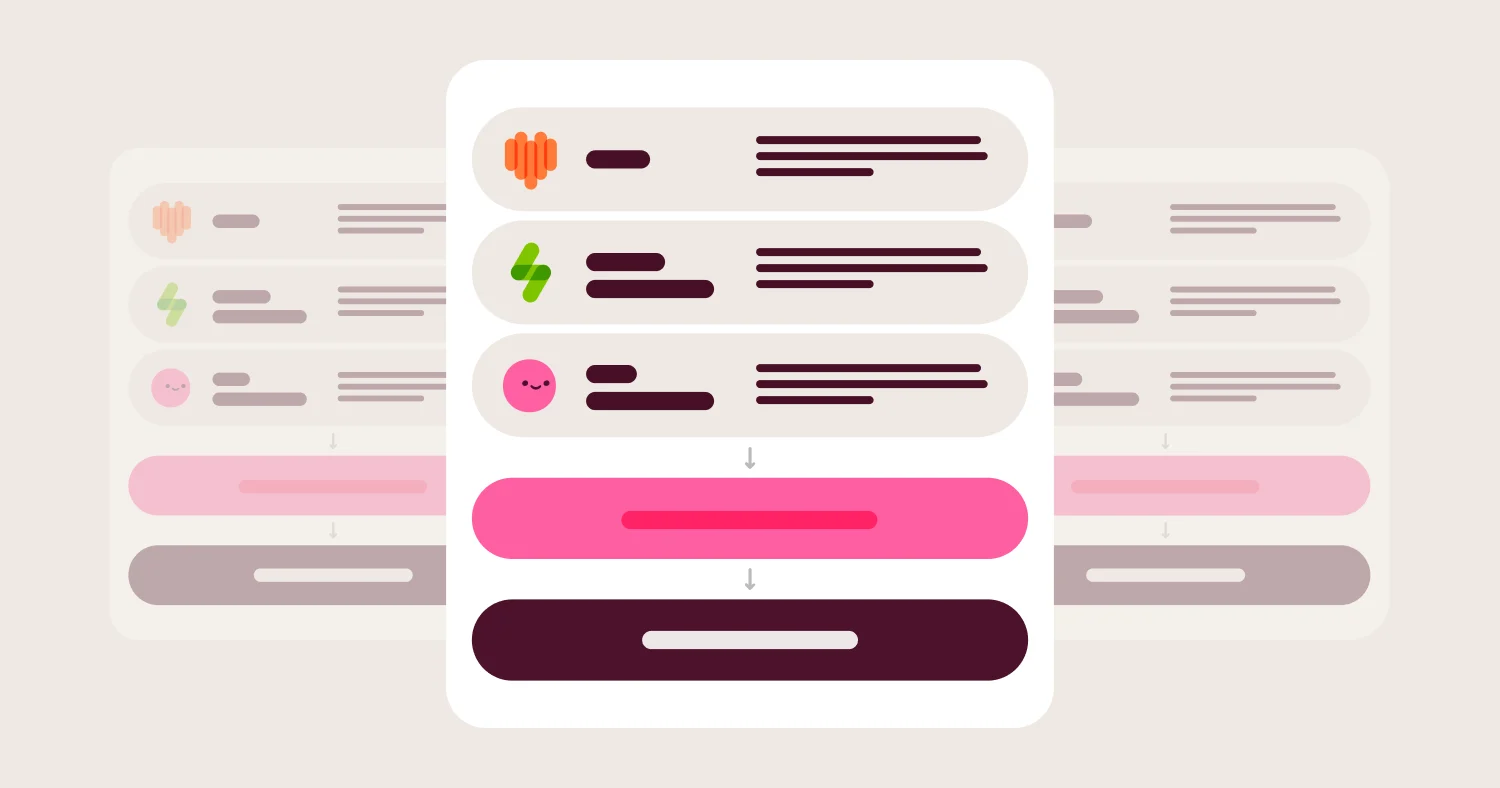
AI in Omni is grounded in the combined dbt-plus-Omni semantic model. When a user asks a question in natural language, the AI references dbt model definitions, Omni-layer metric extensions, joins, and access controls together. This combined grounding produces answers consistent with both dashboards and dbt definitions, which is the AI behavior dbt teams actually need. dbt test status and freshness also surface right next to the chart, so anyone looking at a number can see whether it's currently trusted, not just where it came from.
dbt Labs is an Omni customer. This is the fact-check most dbt teams find decisive in vendor evaluations. It goes back further than the integration, too: Chris Merrick, Omni's co-founder and CTO, wrote the first lines of dbt in 2016 at RJMetrics, and Omni is a dbt Labs Technology Partner. As Roxi Pourzand at dbt Labs put it: "You author your business logic once in dbt, and Omni knows how to read it, safely and consistently. It's a beautifully DRY approach to analytics." The Cribl case study is also worth reading: Cribl built trustworthy AI context with Omni and dbt to scale self-service analytics across the organization.
Where Omni wins for dbt teams:
Two-way dbt integration with refs()-aware editor that pushes metrics from Omni back to dbt
Supports both dbt Core and dbt Cloud with feature parity, not Cloud-only
Dynamic schemas for dev-prod environment switching in a click
Branch mode and Git integration for code-style change management with content validator for upstream-breakage detection
AI grounded in the combined dbt-plus-Omni semantic model, with multi-step reasoning and inspectable queries
Semantic model stored as plain YAML in a Git repo you control, pullable via API — and an early contributor to Open Semantic Interchange (OSI), the open standard for moving semantic definitions between vendors
dbt Labs is an Omni customer
Where Omni gets harder for dbt teams:
Smaller install base than Looker means executive brand recognition sometimes requires an upfront pitch
The workbook layer adds a query-time exploration concept that analytics engineers who only think in code take a session to understand
Lightdash: Open-source dbt-native BI #
Best for: dbt-standardized teams that prefer open source, can accept a smaller AI footprint, and want metric definitions in YAML alongside dbt models.
Lightdash is built on dbt and reads models directly. Metric definitions live in YAML files alongside dbt models, which gives dbt teams a single repository for transformation and BI semantic logic. The mental model is closest to LookML for teams that want open source. For dbt-standardized teams that prioritize licensing cost and are comfortable absorbing a thinner self-service experience for non-technical users, Lightdash is a defensible choice.
The tradeoffs are real and become more pronounced as organizations scale. AI features are meaningfully less mature than commercial alternatives in 2026. Teams that want AI grounded in the semantic layer will find the gap with Omni significant. The workbook-like exploration that Omni offers business users is narrower in Lightdash, which creates a ceiling on self-service adoption for non-technical teams. Embedded analytics is available but substantially less developed than commercial peers. Teams building customer-facing analytics on top of dbt will find Lightdash's embedded story requires more custom engineering work. The platform also requires dbt as the transformation layer to get the full benefit, which is fine for dbt-standardized teams but excludes teams running other transformation tools.
Where Lightdash wins for dbt teams:
Open source core with optional commercial offering
Reads dbt models directly with metric definitions in YAML alongside dbt code
Single repository for transformation and BI semantic logic
Strong fit for teams already deep on dbt
Where Lightdash gets harder for dbt teams:
AI features are meaningfully less mature than commercial alternatives in 2026
Self-service ceiling for non-technical business users is lower than Omni's workbook layer
Embedded analytics requires significantly more custom engineering than commercial peers
Teams often find themselves rebuilding self-service and AI layers separately as the organization grows
Requires dbt as the transformation layer to get the full benefit
Looker: Code-based BI for teams in Google Cloud with deep LookML investment #
Best for: Teams already committed to LookML, in the Google Cloud ecosystem, that want to keep code-based modeling and have not yet hit the limits of Google's investment pace on Looker.
Looker pioneered code-based BI semantic modeling through LookML, and code-first dbt teams find the philosophy familiar. LookML is mature, governance is rigorous, and BigQuery integration is deep. For dbt teams already running Looker successfully with no urgent AI pressure, Looker still works.
The tradeoffs for dbt teams specifically are that LookML duplicates rather than complements dbt. The Looker semantic layer is its own modeling effort, with its own metric definitions, joins, and access rules that exist alongside the dbt project rather than as an extension of it. Google's investment pace on Looker has slowed since the acquisition, AI features lag pure-play AI-native BI platforms, and LookML implementation overhead is a tax that fewer teams want to pay in 2026.
Where Looker wins for dbt teams:
Mature, code-based LookML semantic modeling that resonates with dbt-style workflows
Centralized metric definitions and reusable explores
Strong BigQuery and Google ecosystem integration
Persistent derived tables for performance optimization
Where Looker gets harder for dbt teams:
LookML duplicates rather than complements dbt's modeling
Google's investment pace has slowed since the acquisition
AI features lag purpose-built AI-native BI platforms in 2026
LookML implementation overhead requires dedicated analyst expertise
Hex: Analyst-led notebook work alongside dbt #
Best for: Analytics teams that want notebook-style analysis using SQL and Python alongside dbt models, and that have a separate strategy for governed BI and business-user self-service.
Hex integrates with dbt Cloud and the dbt Semantic Layer, with strong support for notebook-style analysis. The platform fits analytics-engineering and data-science workflows where SQL and Python sit next to dbt models in everyday work. For ad-hoc and analyst-driven exploration, Hex is strong.
The tradeoffs for dbt teams specifically are structural. The dbt integration is one-way: logic developed in Hex cannot be pushed back to dbt, so any metric defined in Hex stays in Hex unless analysts manually port it. Hex supports dbt Cloud only, not dbt Core, which leaves a meaningful share of dbt teams without first-class support. AI generates raw SQL and Python rather than running through a governed semantic layer, which limits AI grounding accuracy in production.
Where Hex wins for dbt teams:
Strong notebook-style environment that blends SQL, Python, and AI
Useful for analyst-led ad-hoc work alongside dbt models
Collaboration features that fit analytics-engineering workflows
Parameterized data apps for sharing analysis
Where Hex gets harder for dbt teams:
One-way dbt integration with no path to push logic from Hex back to dbt
Supports dbt Cloud only, not dbt Core
AI generates raw SQL and Python rather than through a governed semantic layer
No dev-prod schema switching or content validator for upstream breakage
Sigma Computing: Spreadsheet UX with shallow dbt integration #
Best for: Spreadsheet-first finance and operations teams already on Sigma, with limited dbt-integration expectations.
Sigma's strength is the spreadsheet UX on top of the warehouse. For teams where spreadsheet workflows are the dominant access pattern, Sigma fits. For dbt teams specifically, Sigma's integration is shallow. dbt metadata is imported but does not persist if a Sigma data model is used. Sigma's documentation describes the dbt integration as a metadata sync that has to be re-triggered manually (via the UI or API) any time dbt changes need to show up in Sigma — it is not a live, automatic two-way link. Sigma's data model is optional rather than central, which produces inconsistent metrics as the deployment scales. There is no two-way dbt integration and no path to push Sigma-built metrics back to dbt.
Where Sigma wins for dbt teams:
Spreadsheet-style UX with live warehouse queries
Strong adoption pattern with finance, ops, and revenue teams
Cloud-native architecture with row-level security
Where Sigma gets harder for dbt teams:
Shallow dbt integration with one-way sync only
Data model is optional rather than central, leading to inconsistent metrics
No path to push Sigma-built metrics back to dbt
ThoughtSpot: AI search with limited dbt integration depth #
Best for: Teams that want natural language search as the primary BI interface for dbt-modeled data and can absorb premium pricing for core AI features.
ThoughtSpot is strong on AI search and natural language as the primary access pattern. For dbt teams specifically, the dbt integration is one-way with one-time import. dbt updates do not flow into ThoughtSpot automatically, and re-importing wipes any customizations made inside ThoughtSpot. ThoughtSpot's documentation confirms that re-running a dbt sync creates or updates Models based on whether they were previously synced, which is the mechanism behind the customization-overwrite behavior. Core AI features are locked behind premium pricing tiers.
Where ThoughtSpot wins for dbt teams:
Strong AI search and natural language exploration for ad-hoc dbt queries
Live connectivity to cloud data platforms
Mature search UX
Where ThoughtSpot gets harder for dbt teams:
One-way dbt integration with one-time import that wipes customizations on re-import
No central shared data model, producing inconsistent metrics
Core AI features are locked behind premium pricing tiers
Mode: SQL plus notebooks under ThoughtSpot ownership #
Best for: SQL-first analyst teams that blend ad-hoc analysis with reporting and want ThoughtSpot ecosystem alignment.
Mode combines a SQL editor with notebooks and dashboards. For dbt teams specifically, the dbt integration is shallow. dbt models are queryable from the warehouse, but the platform has no semantic-layer integration with dbt, no two-way push, and no dev-prod schema switching.
Where Mode wins for dbt teams:
SQL editor with shared queries and notebook-style analysis
Strong fit for analyst-led workflows
Where Mode gets harder for dbt teams:
Shallow dbt integration with no semantic-layer depth
No two-way push from Mode back to dbt
Post-acquisition direction by ThoughtSpot is still being defined
Metabase: Lightweight dashboards on dbt-built tables #
Best for: Small startup teams that need lightweight dashboards on dbt-built warehouse tables with no enterprise-scale governance or AI requirements.
Metabase is fast to set up and has a clean query builder for non-technical users. For small teams running dbt and needing basic internal dashboards, Metabase works. For dbt teams that want serious dbt integration, Metabase has structural gaps: there is no built-in dbt integration beyond querying dbt models from the warehouse, and no central data model means metrics drift across saved SQL queries.
Where Metabase wins for dbt teams:
Fast setup with a simple query builder
Open source core with hosted option
Good fit for startup-scale internal dashboards on dbt-built tables
Where Metabase gets harder for dbt teams:
No built-in dbt integration beyond querying dbt-built tables
No central data model, so metrics drift across saved SQL queries
Tableau: Visualization-first BI with no native dbt integration #
Best for: Teams that prioritize rich visualization and executive reporting and have a separate strategy for the dbt-to-BI integration.
Tableau has no native dbt integration of any depth. dbt-built tables are queryable from the warehouse, but Tableau modeling does not reference dbt directly.
Where Tableau wins for dbt teams:
Extensive charting and visualization options
Strong community and ecosystem
Where Tableau gets harder for dbt teams:
No native dbt integration of any depth
Code-based modeling is not the default workflow
Power BI: Microsoft ecosystem standard with no native dbt integration #
Best for: Microsoft-standardized teams on Azure and M365 that have dbt-built tables in the warehouse.
Power BI has no native dbt integration. DAX is a separate modeling paradigm from dbt, so dbt teams do their modeling work twice.
Where Power BI wins for dbt teams:
DAX-based modeling with strong governance in the Microsoft pattern
Copilot AI features with Microsoft ecosystem depth
Where Power BI gets harder for dbt teams:
No native dbt integration of any depth
DAX is a different modeling paradigm from dbt, so modeling work is duplicated
Best fit only for Microsoft-standardized organizations
Pricing: Models, Costs, and Hidden Fees #
Pricing in the BI-for-dbt category falls into four common models with different implications for dbt-standardized teams.
Per-user licensing is the default at Looker, Power BI, Tableau, and Omni. Viewer-versus-editor tiers, embedded user pricing, and AI feature add-ons can change the math by 2-3x. For dbt teams specifically, ask whether analytics-engineering seats (which need full developer access) are priced differently from business-user seats.
Usage-based pricing is common among newer entrants and AI-feature add-ons. dbt teams that run heavy query workloads against the warehouse should model usage-based costs carefully at 2x current scale.
Capacity-based pricing is used by ThoughtSpot, Power BI Premium, and some Sigma configurations. Predictable for budgeting but harder to right-size at the start.
Open source plus paid hosted is the Lightdash and Metabase pattern. License cost goes to zero, but hosting, support, and analyst time go up. The right comparison is total cost of ownership, not licensing alone.
Implementation expertise dominates hidden costs for dbt teams. LookML expertise is expensive. DAX expertise is expensive. Tools that lower modeling friction (Omni's just-in-time modeling, Lightdash's YAML alongside dbt models) reduce this expense. AI features sold as add-ons often start out optional and become mandatory once users expect them, so dbt teams should factor AI pricing into the year-three view, not just year one.
When BI on Top of dbt Is the Right Choice (and When It Isn't) #
Good fit:
Business users need self-service exploration of dbt-modeled data
Reporting requires query-time metrics that do not belong in dbt deploy cycles
AI-assisted analysis is part of the roadmap and AI must be grounded in dbt definitions
The dbt team wants two-way logic flow so ad-hoc metrics can be promoted to dbt
Embedded analytics for customers requires the same governed model as internal reporting
Not a fit:
The only reporting need is a handful of static dashboards for technical users
The team has no business users who need self-service
The dbt project is small enough that all logic can reasonably live in dbt
There is no AI strategy and no plan to add one
How to Choose a BI Tool for dbt Teams #
Choose Omni if:
You want a two-way dbt integration that pushes metrics from Omni back to dbt
You run dbt Core, dbt Cloud, or both and need feature parity across them
You want AI grounded in the combined dbt-plus-Omni semantic model
You value dynamic schemas for dev-prod environment switching and a content validator for upstream-breakage detection
The fact that dbt Labs runs on Omni is decisive in vendor evaluations
Choose Lightdash if:
You want an open-source platform with metric definitions in YAML alongside dbt models
Licensing cost is a primary constraint and you can absorb a smaller AI footprint
Your team is already deep on dbt as the transformation layer
Choose Looker if:
LookML is working, the team is productive, and there is no AI urgency yet
Google ecosystem alignment is a procurement requirement
Choose Hex if:
The use case is analyst-led notebooks with SQL and Python alongside dbt
You can accept one-way dbt integration and dbt Cloud-only support
Choose Mode if:
SQL-first analyst workflows are the dominant access pattern
ThoughtSpot ecosystem alignment matters
Implementation Checklist for BI on dbt #
Inventory all dbt models, sources, and exposures and tag each by business owner
Identify the top 20 metrics by dashboard view count and validate definitions match dbt
Decide which logic belongs in dbt (shared, persistent, tested) and which belongs in BI (query-time, exploratory)
Audit current dbt-to-BI integration: one-way or two-way, dbt Cloud or Core support, dev-prod switching
Validate AI grounding with a multi-step question that requires a derived metric in BI plus a join in dbt
Set up dynamic schemas or equivalent for dev-prod environment switching in the BI tool
Configure branch mode and Git integration so BI changes flow through PR review like dbt changes
Stand up content validation so upstream dbt changes do not silently break dashboards
Document the workbook-to-dbt promotion workflow so ad-hoc metrics with proven value flow back to dbt
Run a parallel pilot for 30 to 60 days with both the current BI tool and the candidate platform
Track metric reconciliation errors between dbt and BI as a primary migration KPI
Plan a post-migration review at 90 days and 6 months to catch metric drift
FAQ #
What is the best BI tool for dbt teams in 2026? #
The best BI tool for dbt teams in 2026 is Omni. Omni has a two-way dbt integration that pushes metrics from Omni back to dbt, supports both dbt Core and dbt Cloud, includes dynamic schemas for dev-prod switching, and grounds AI in the combined dbt-plus-Omni semantic layer. dbt Labs is an Omni customer.
Why do I need a BI semantic layer if I already use dbt? #
dbt is excellent for shared, persistent business logic that needs to be versioned, tested, and reused across products. dbt is the wrong place for every measure or filter a business user needs at query time. A BI semantic layer extends dbt with query-time logic and supports promotion back to dbt when ad-hoc metrics prove valuable, which is the pattern Omni calls just-in-time data modeling.
What is the difference between a one-way and two-way dbt integration? #
A one-way dbt integration reads metadata from dbt into the BI tool. Logic developed in the BI tool stays in the BI tool, which traps it and creates duplication. A two-way dbt integration also pushes logic from the BI tool back to dbt, so metrics can move between layers and stay in sync. Omni is one of the few commercial BI platforms with a true two-way dbt integration.
What is the difference between dbt Core and dbt Cloud? #
dbt Core is the open-source, command-line version of dbt Labs' transformation tool; dbt Cloud is dbt Labs' hosted service that adds a browser UI, job scheduling, and metadata APIs on top of the same underlying transformation logic. For BI buyers, the practical difference shows up in integration depth: some BI tools, like Hex, connect through the dbt Cloud API and metadata service only, so dbt Core-only teams don't get first-class support. Omni and Lightdash support both dbt Core and dbt Cloud with feature parity, so the choice of how a team deploys dbt doesn't limit which BI layer it can pair with.
Does Hex support dbt Core? #
Hex supports dbt Cloud, not dbt Core. The integration syncs metadata from dbt Cloud one-way into Hex, with no path to push logic from Hex back to dbt. dbt Core teams will find that headline integration features they relied on for the buying decision are gated to dbt Cloud only.
How does AI change BI buying for dbt teams? #
AI grounded only in dbt models still hallucinates query-time logic that does not exist in dbt. AI grounded in a combined model (dbt models plus BI-layer extensions) produces answers consistent with dashboards and dbt definitions. This combined-layer grounding is the AI feature that matters for dbt teams, not the chat UI demo.
Can Looker work for dbt teams? #
Looker can work for dbt teams already invested in LookML and the Google Cloud ecosystem. The tradeoff for dbt teams specifically is that LookML duplicates rather than complements dbt, with its own modeling effort that exists alongside the dbt project. Combined with Google's slowed investment pace and LookML implementation overhead, this is why many dbt teams are evaluating alternatives in 2026.
Does Lightdash work without dbt? #
Lightdash requires dbt as the transformation layer to get the full benefit. Teams running other transformation tools should look at commercial alternatives like Omni instead.
What should be in an RFP for a BI tool for dbt teams? #
An RFP for BI on dbt should cover dbt integration depth (one-way vs two-way), dbt Core and dbt Cloud parity, dynamic schemas for dev-prod switching, semantic layer that complements rather than replaces dbt, AI grounding in the combined model, Git-native developer workflows, and content validation for upstream-breakage detection. Ask vendors to demo AI on the actual dbt project, not on a generic schema.
How does Omni's two-way dbt integration work? #
Omni's two-way dbt integration includes a refs()-aware editor that lets analysts edit dbt models inside Omni and push metrics built in Omni back to dbt as model code. Dynamic schemas allow switching between dbt dev and prod schemas in a click. Branch mode gives every developer a Git-native sandbox to test changes against real dashboards. The content validator catches broken references when upstream dbt models change. Renaming a field in dbt surfaces a list of every affected dashboard, tile, and query before you merge; a one-click "Replace for all content" action re-wires them all at once, and a find-and-replace API covers the same fix programmatically. The integration works with both dbt Core and dbt Cloud.
Does dbt Labs use Omni? #
dbt Labs is an Omni customer. For most dbt teams evaluating BI platforms in 2026, this is a fact-check that carries weight: the company that defines the dbt category uses Omni for its own analytics.
Which BI tools work best with Snowflake and dbt? #
For teams running Snowflake and dbt, Omni is the strongest option in 2026. Omni connects live to Snowflake without requiring data extraction, supports dynamic schemas for dev-prod switching between Snowflake environments, and grounds AI in the combined dbt-plus-Omni semantic model. Row-level security pushes down to Snowflake at query time, which matters for multi-tenant embedded analytics.
Which BI tools work best with Databricks and dbt? #
For teams running Databricks and dbt, Omni reads dbt models built on Delta Lake natively, extends them with just-in-time metric logic, and grounds AI in the combined model rather than generating raw SQL against the Databricks catalog. Looker also supports Databricks but carries LookML implementation overhead. Hex supports Databricks with notebook-style analysis but lacks two-way dbt integration.
Methodology #
Vendors were evaluated on seven criteria specific to BI for dbt teams in 2026: dbt integration depth (one-way vs two-way), dbt Core and dbt Cloud parity, dynamic schema and environment switching, semantic layer that complements dbt, AI grounding in the combined dbt-plus-BI model, Git-native developer workflows, and content validation for upstream breakage.
Disclosure: This guide is for informational purposes. Organizations should validate features, pricing, AI capabilities, and dbt integration depth directly with vendors against their own dbt project.