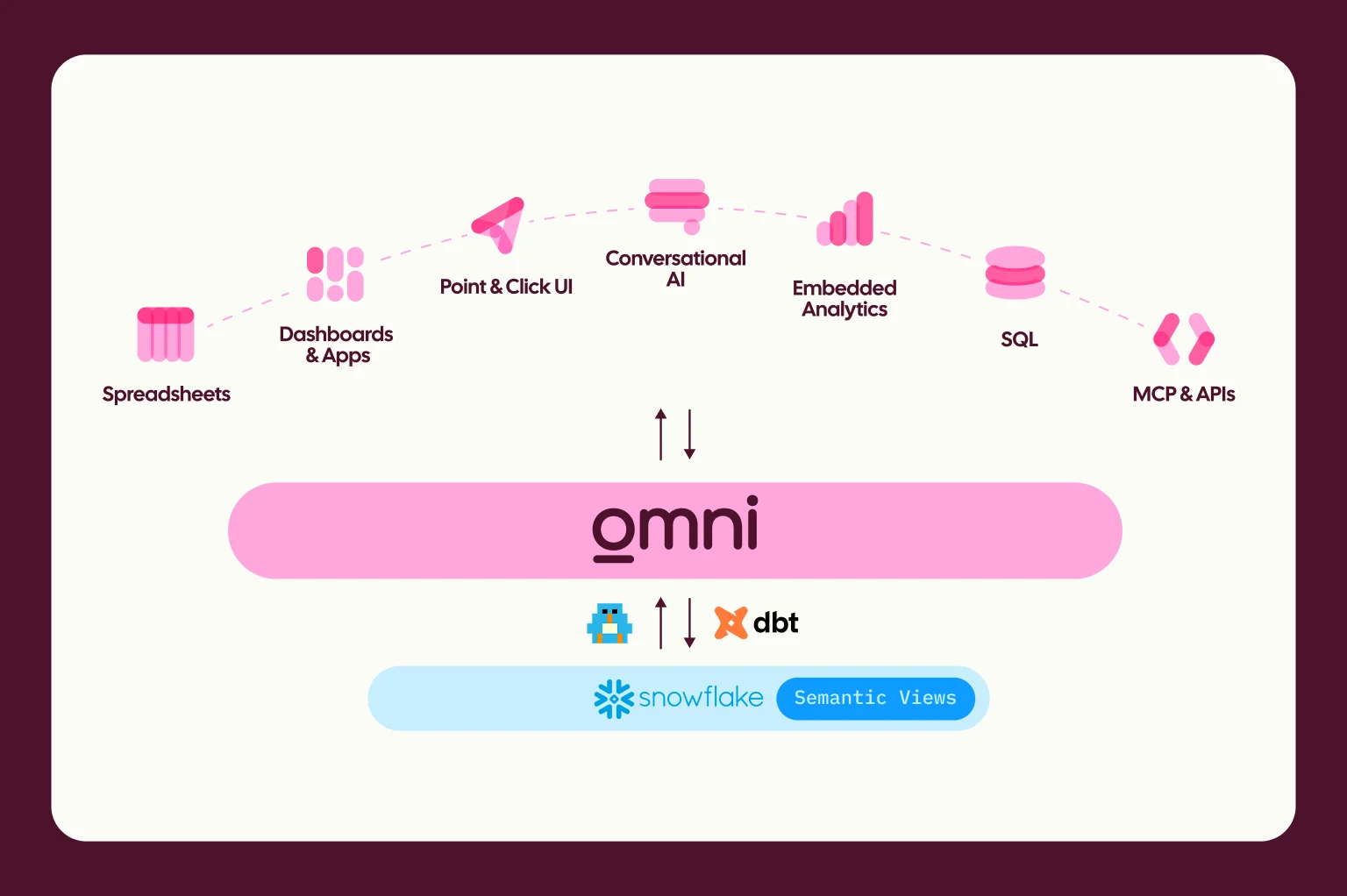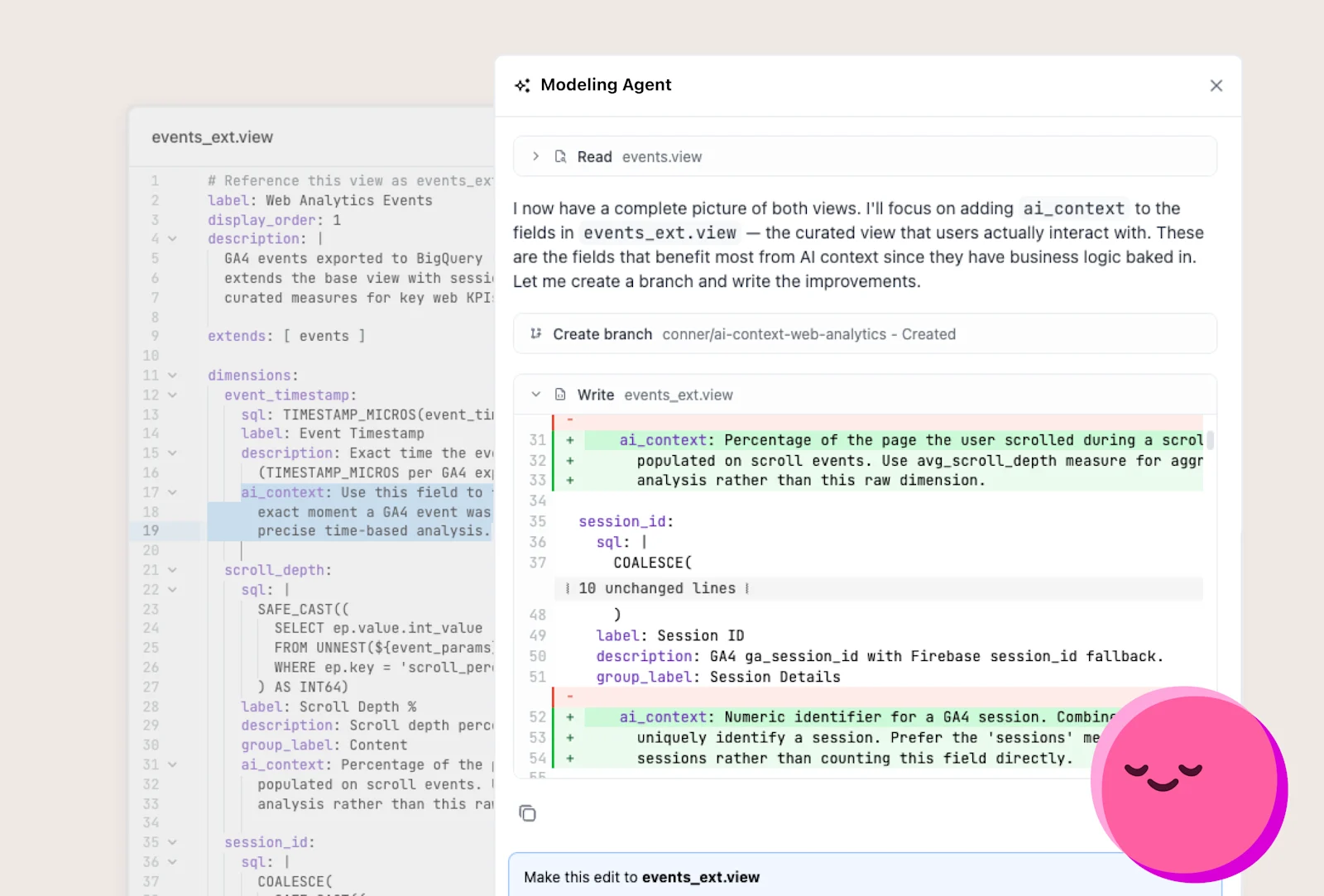
Omni's Modeling Agent lives in the semantic layer and helps you write and maintain your semantic model. Point it at your tables and it defines views, relationships, dimensions, and measures from your database schema. From there, it can refine that into a Topic, a curated dataset designed to help users and agents explore and visualize data.
The semantic model is also injected into the agent’s context window at query time. Think of it as a standard similar to AGENTS.md but with optimistic guarantees on determinism. The Modeling Agent can write and update every piece of it.
The agent can also catch validation issues before they spread, and answer questions as you work. If you're unsure how two views relate or why a field is defined the way it is, simply ask.
It also handles tasks that are tedious to do by hand:
Spotting conflicting AI context across your model
Applying bulk formatting updates
Using files or screenshots to inform changes, like field descriptions
Drafting governance changes, like hiding a field or applying access_grants and access_filters
The Modeling Agent includes built-in skills for common workflows. For example, the "Optimize Topic for AI" skill analyzes a Topic's metadata for token efficiency, clarity, and duplication, then recommends changes you can apply directly.
How changes are applied #
Mode | How it works | Best for |
|---|---|---|
Sandbox | The agent proposes changes as a bundled set so you can review and accept or reject them before anything is written | Exploring ideas, pressure-testing updates, and reviewing larger changes before they enter the model |
Review | The agent writes changes inline, then pauses for approval before continuing | Guided, step-by-step collaboration when you want close oversight as changes are made |
Auto | The agent applies changes immediately to speed up iteration | Fast, low-friction workflows where you want to act quickly |
Omni AI IDE plugins and other ways of modeling #
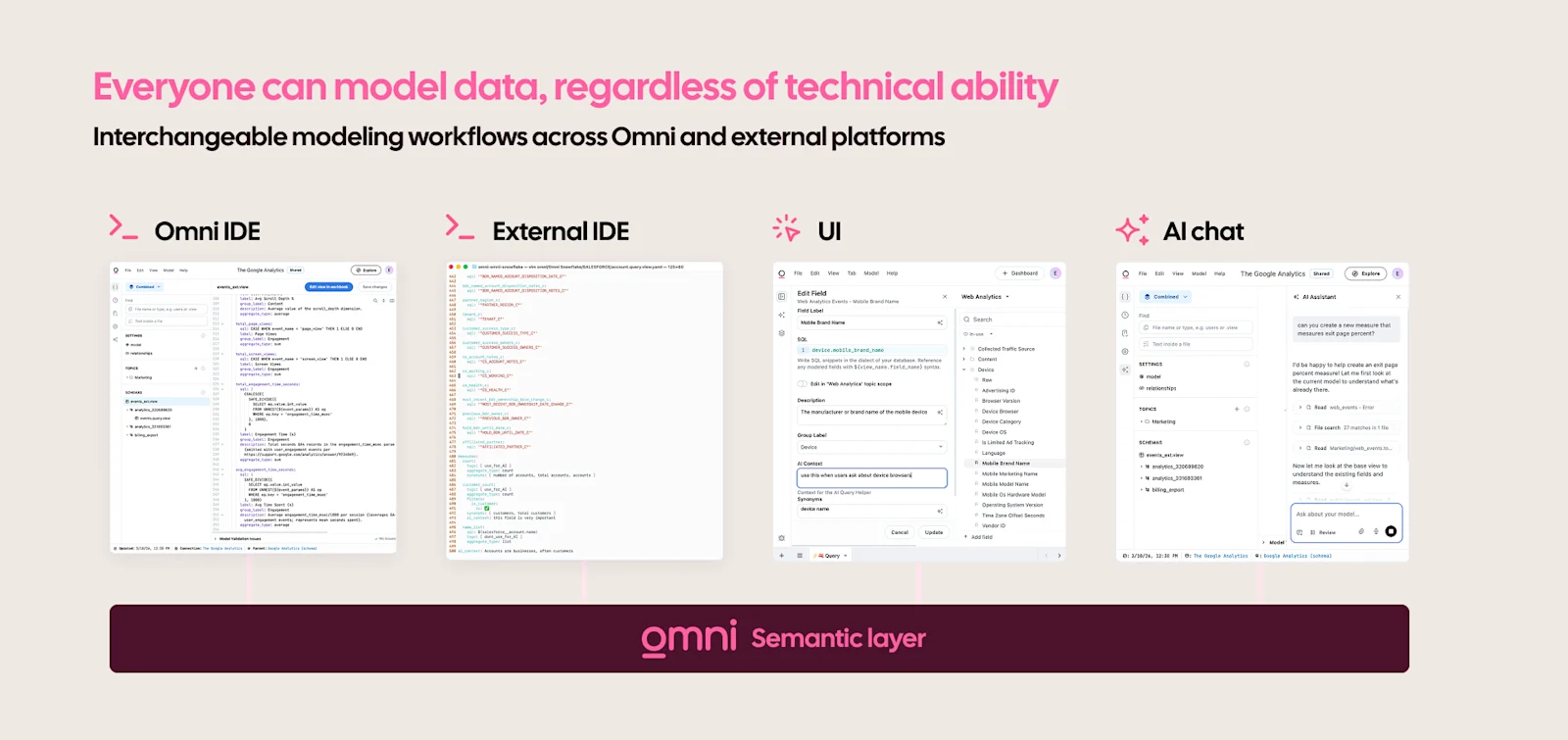
If you prefer your own editor, Omni has plugins for Cursor, Claude Code, and Codex. They use Omni's CLI to explore and edit models, run queries, and manage metadata from wherever you work.
We’ve built multiple ways to help you model, and the flexibility to move between methods. Teams can write raw code, point and click in the UI, or let AI scaffold the first pass and then review.
The goal is to make this easy and possible for anyone, using the tools they are comfortable with.
Get started #
We're working on more built-in skills, usage-driven model suggestions, and integrations that capture context you already have.
Your model will evolve with your business. We want to make that evolution easy.
Read the Modeling Agent docs for setup, example prompts, and more.