Updated 26 August 2026 with the latest updates to apps. For the current capability set, see the apps page and the documentation.
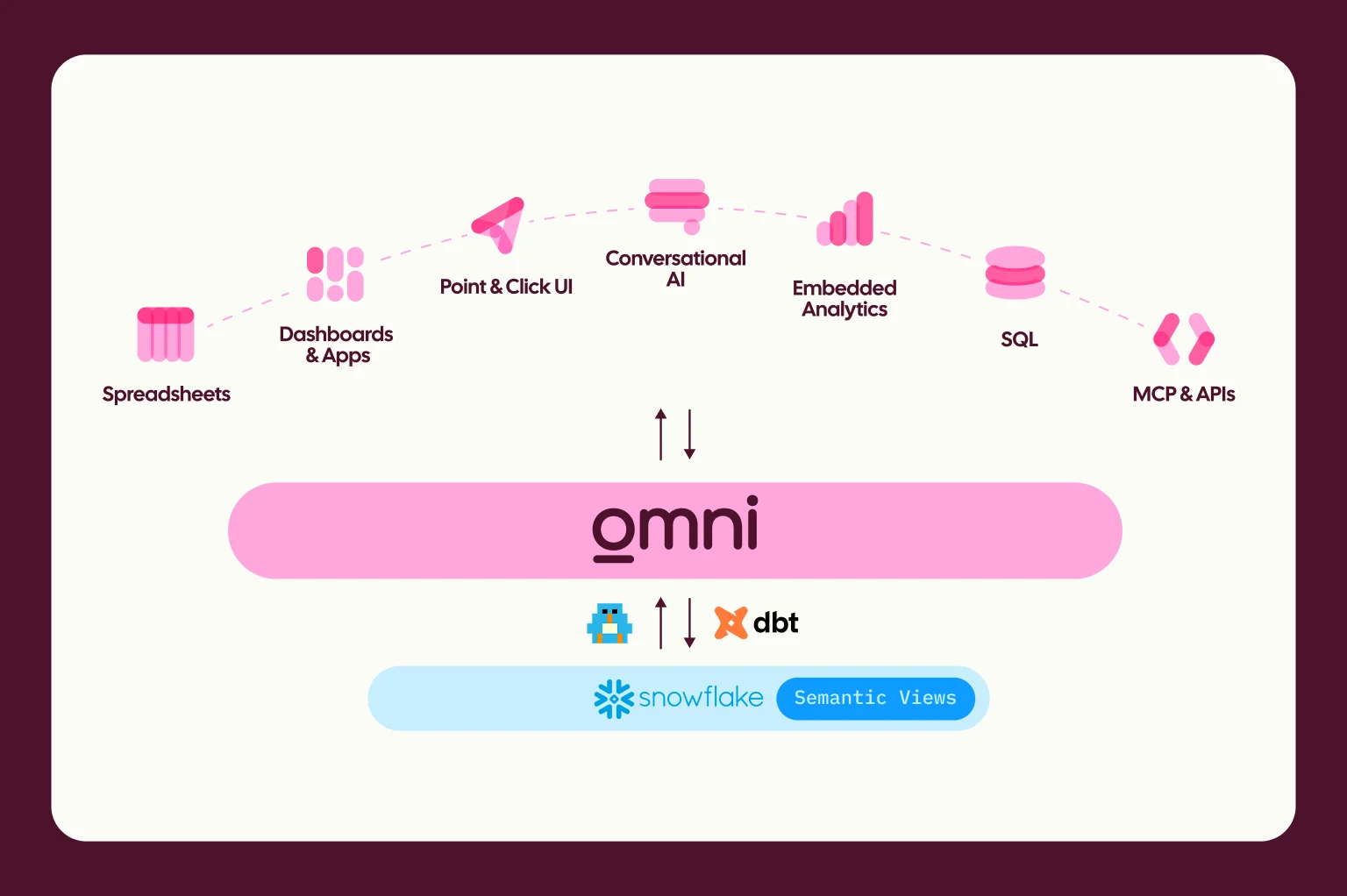
The cost of building a working app on your company's data is approaching zero. But the downstream costs of trusting, maintaining, and managing access haven't gone away. Now that everyone’s building, the burden of governing apps has only grown. This is why we built Omni apps. They let everyone build the tools they need with AI, but they’re fully featured, governed applications that run on the company metrics you've already invested in. They're easy to build, and built to hold up. Omni apps are grounded in your semantic layer, so all your definitions, context, and guardrails are automatically enforced and verifiable. When metric definitions change or access rules are updated, your Omni apps update with them.
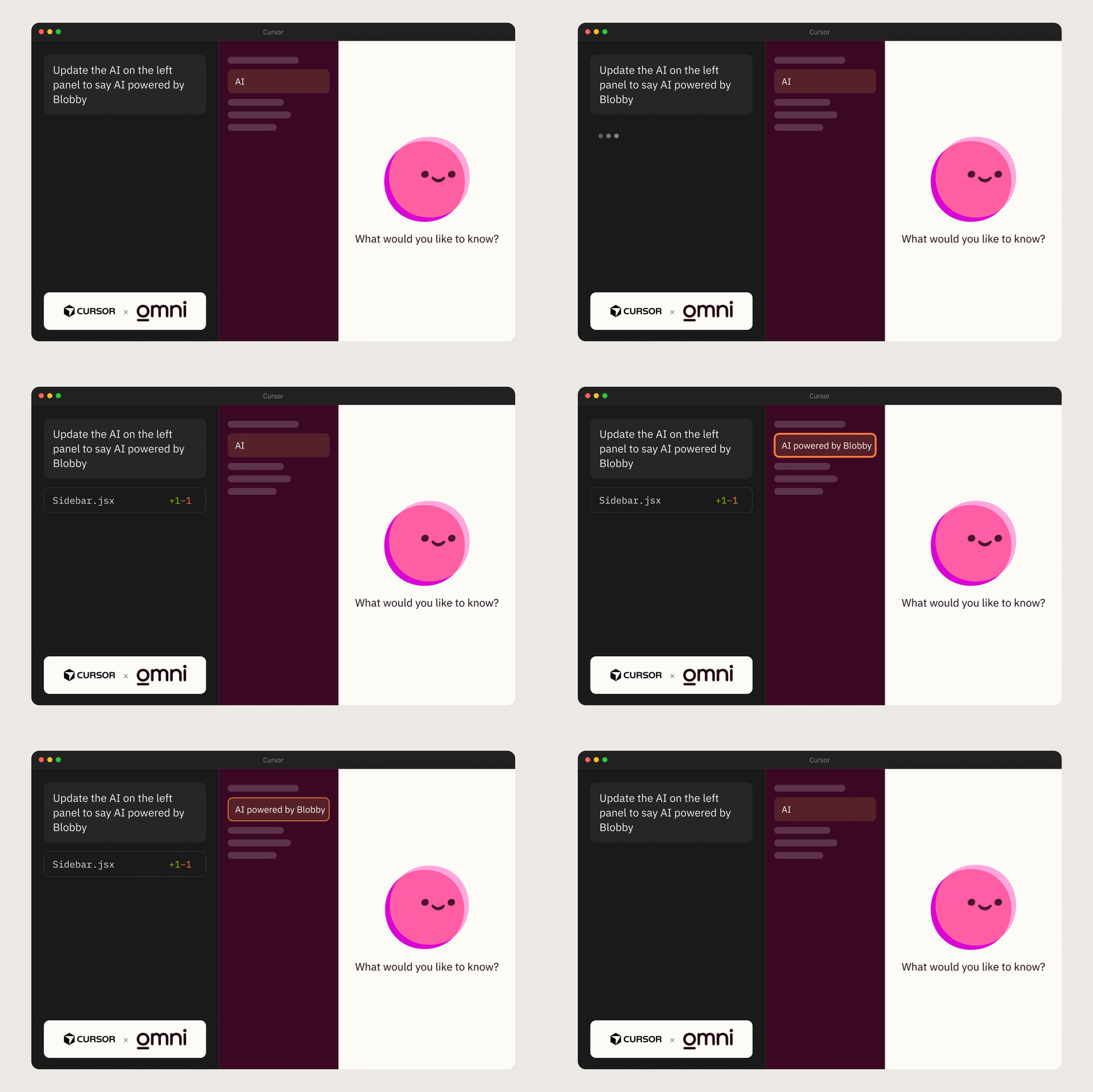
To get started, simply describe the tool you need in Omni, and our agent creates it. Every query in the generated app is a reference to a field in your semantic model, the same one built by your experts and trusted to run your dashboards and AI queries. The app is hosted and shared with a URL, like any other content in Omni.
Trust is the barrier to AI adoption #
People are already vibe coding apps on top of company data, and why wouldn’t they? They’re easy to build and can look pretty great, too. The challenge is that people are also uploading your customer data to AI assistants and hooking AI tools directly into your data warehouse. The friction to build is low, creating the perfect environment for ungoverned apps to proliferate.
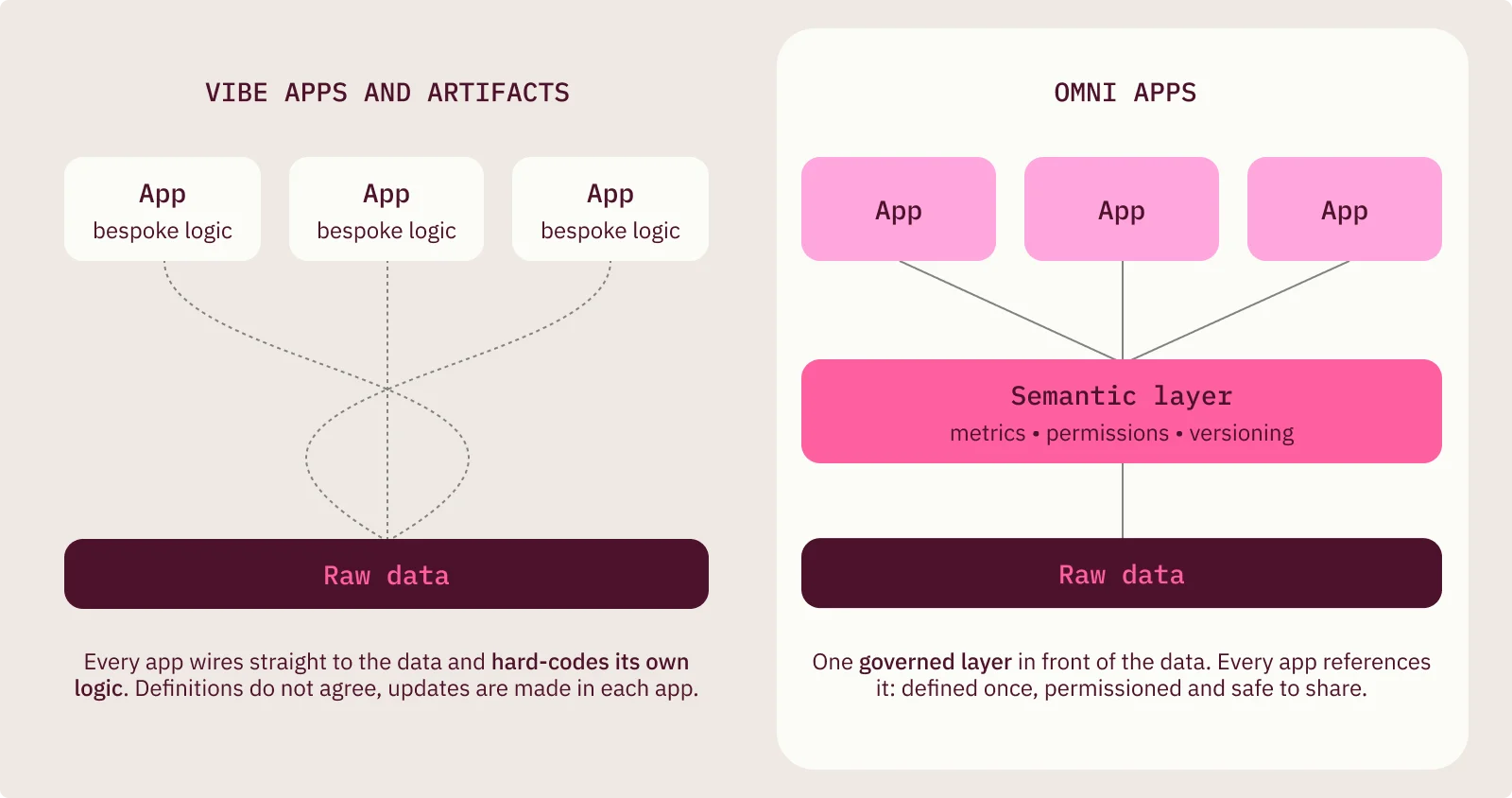
Instead of relying on policies or best practices that people may forget, we built governance directly into how Omni apps work. Apps operate on top of the same semantic model your verified dashboards use; they don’t generate raw SQL or define logic on their own. This means definitions are consistent. This is the key difference for Omni apps: governance isn’t something layered on after the fact or written in a file the agent may or may not follow. Our harness means AI simply can’t bypass the governance boundary. By default, Omni blocks outbound network traffic from an app, so your data stays inside the walled garden. Security policies are defined per app, and any external traffic requires explicit allowlisting. Access works the same way as all other Omni content: permissions, roles, and row-level security all carry through automatically. And because every app query runs through the model, everything remains auditable using the systems you already rely on. They let you build freely without sacrificing speed and governance.
How apps differ from dashboards #
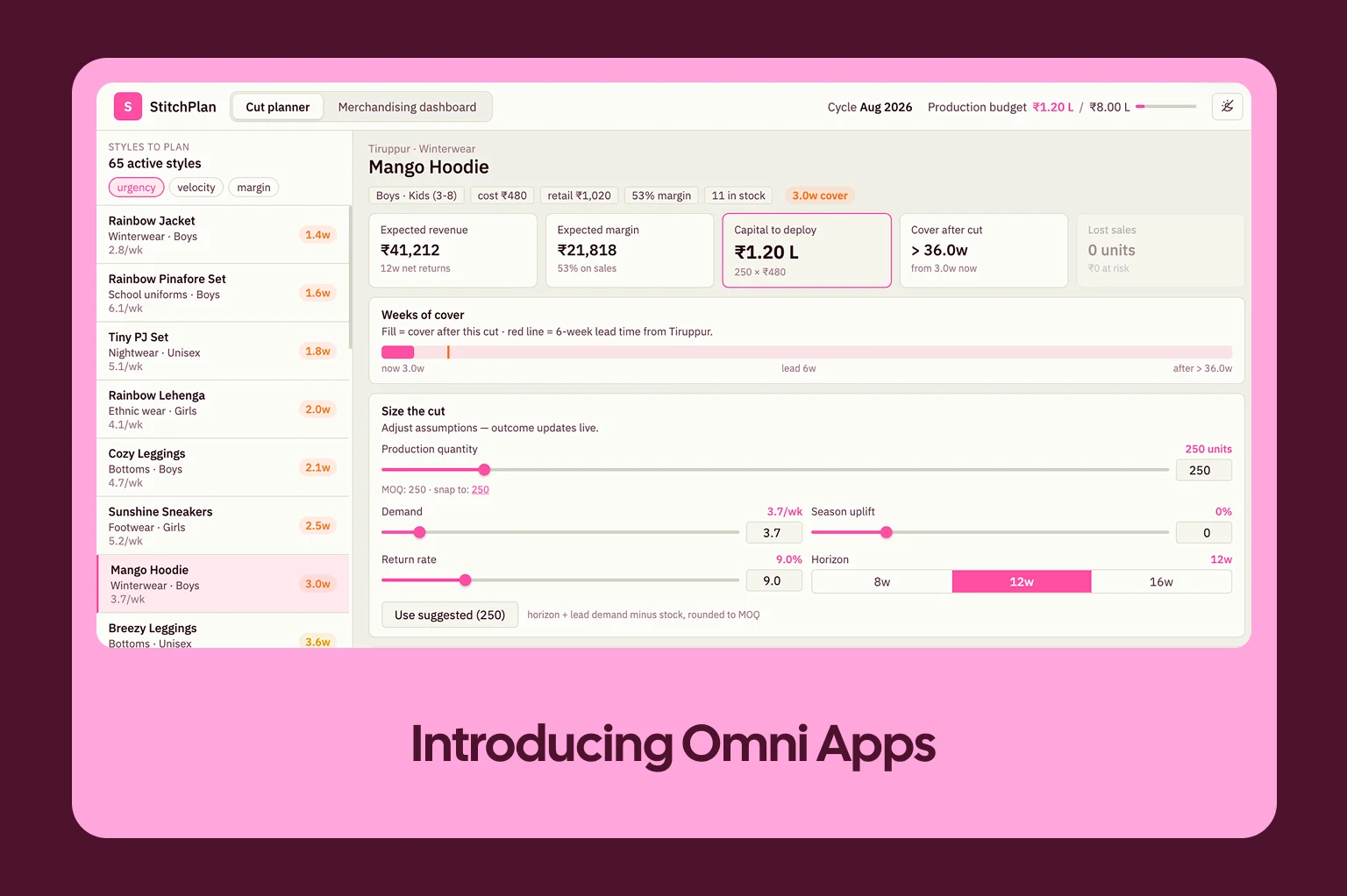
Apps give you a new way to compose data, inputs, and logic into something you can use. If you’ve ever reached a limit with something you wanted to do but couldn't in a dashboard, that’s your sign to reach for an app. See how apps work today. In the first weeks after release, over one-third of customers were already building and using them. And our internal team is having (too much?) fun building them, too. Here are some of the most common ways these differ from traditional dashboards:
Scenario modeling and what-if simulation: embedding scenarios alongside analytics
Ticketing systems: replacing spreadsheet or ticketing processes entirely
Granular drilldowns: data products you can navigate with multiple layers
Deep personalization: built for the person using them
Presentations: replacing slide decks or PDFs
How Kargo is using apps #
Kargo is a premium adtech company that unifies media, creative, and data to power campaigns across CTV, social, open web, and emerging platforms for some of the world’s biggest brands. As their campaign structures grew more complex, Kargo’s analytics team turned to apps to make sense of it all. One of the first Omni apps Kargo built is the Campaign Hierarchy & Dependency Graph, which allows them to visualize the full structural relationship between Campaigns → Placements → Line Items → Creatives → Formats.
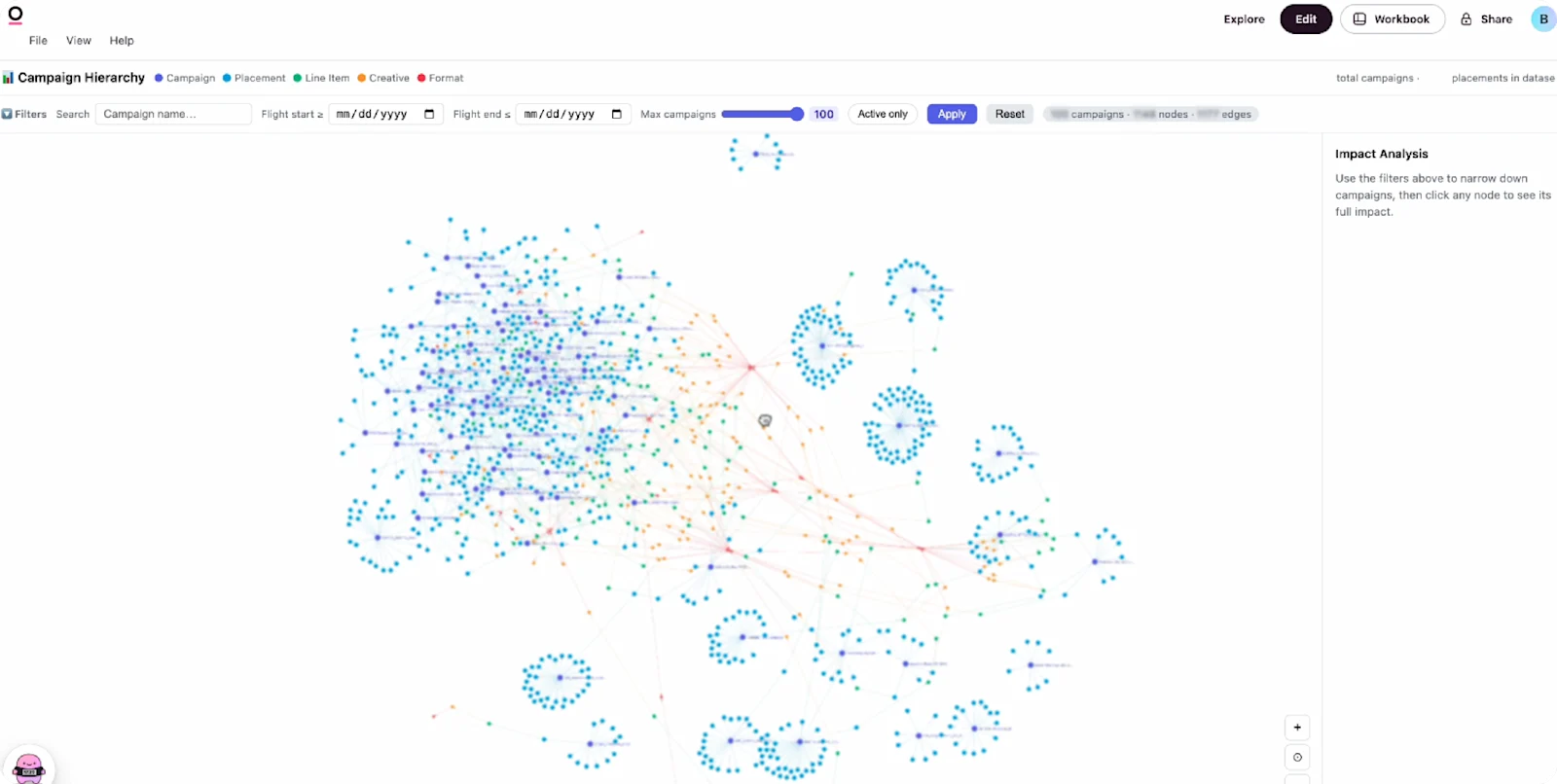
Prior to this, users had to create manual reports to detect any configuration mismatches or format concentration. Now they’re able to leverage this app to get a quick visual analysis of duplicative creatives, incomplete setups, and ad format distribution.
Latest updates to apps #
Since apps first launched in July, we've continued building to help you do more. Here are some of the recent updates we're most excited about:
Writeback to input columns lets users contribute back to an app with new values and notes, like marking a record as reviewed or overriding a forecast.
Embed apps into your product using the same SSO flow as dashboards, for a more branded and custom experience.
Apps can call the Omni API to search content, documents, and models as the person viewing them, so you can build things like a live data dictionary or a custom homepage.
A Create apps permission lets admins choose who can build apps while everyone else can still use them.
To keep up with the latest on apps, check out our docs and follow along with our weekly engineering demos.
Get more inspiration in the apps library #
Browse the apps library for example apps with the exact prompts that built them, ready to copy and adapt.
Start building #
If you're already on Omni, open the AI chat and describe the internal tool you wish you had. Maybe it’s an org chart, pipeline tracker, or something you keep rebuilding in a spreadsheet. Or bring an artifact you built in Claude, so you can make it governed and maintainable. You can also start with the apps documentation for more details, or browse the apps library for prompts to copy, or see what apps can do today. If you're not on Omni yet and your team is already building tools on company data you can't manage, we can help you improve governance without compromising the freedom to build. We’d love to show you ;)