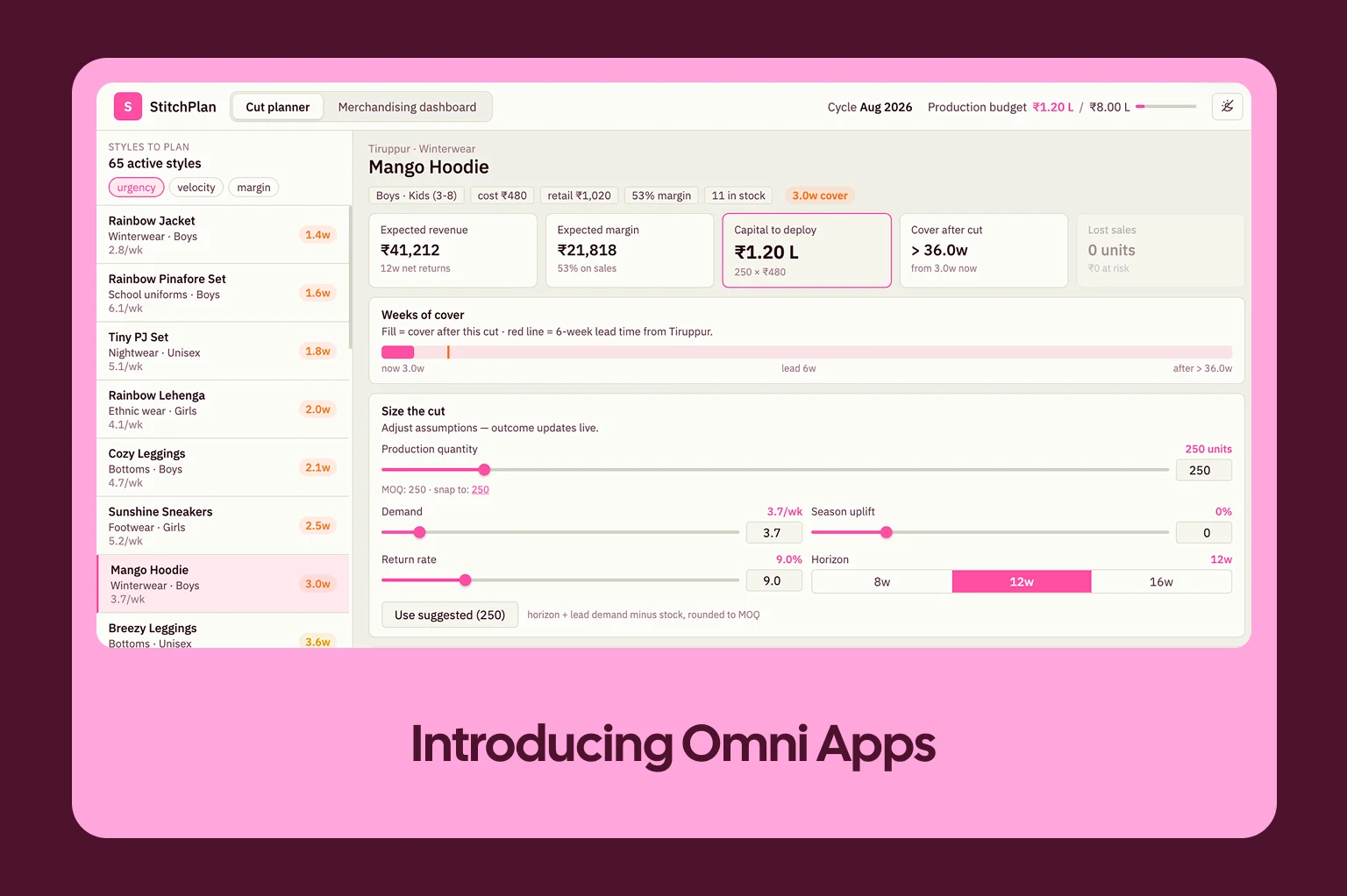
We are excited to announce that Omni’s Claude connector is now live.
Connect Claude Desktop to your Omni account with just two clicks. Then, in any Claude chat, analyze live data from your data warehouse. All answers stay grounded in the business context and security rules of your semantic layer. And with Omni’s Claude skills, you get repeatable workflows for data modeling and more.
With Claude as your control pane, use Omni to bring data into all of your work. For example:
Fill out Notion docs instantly with a root cause analysis of last night’s metrics drop.
Win the day with detailed notes about product usage and Salesforce data for your sales calls.
Draft a HubSpot campaign and pull the contact list based on order volume with a few prompts.
Omni’s context engine makes AI reliable #
Large language models are incredible at reasoning and parsing natural language, but to answer complex data questions, they need to understand your specific business logic and permissions. Omni acts as the semantic brain teaching AI how to understand the nuances of your business.
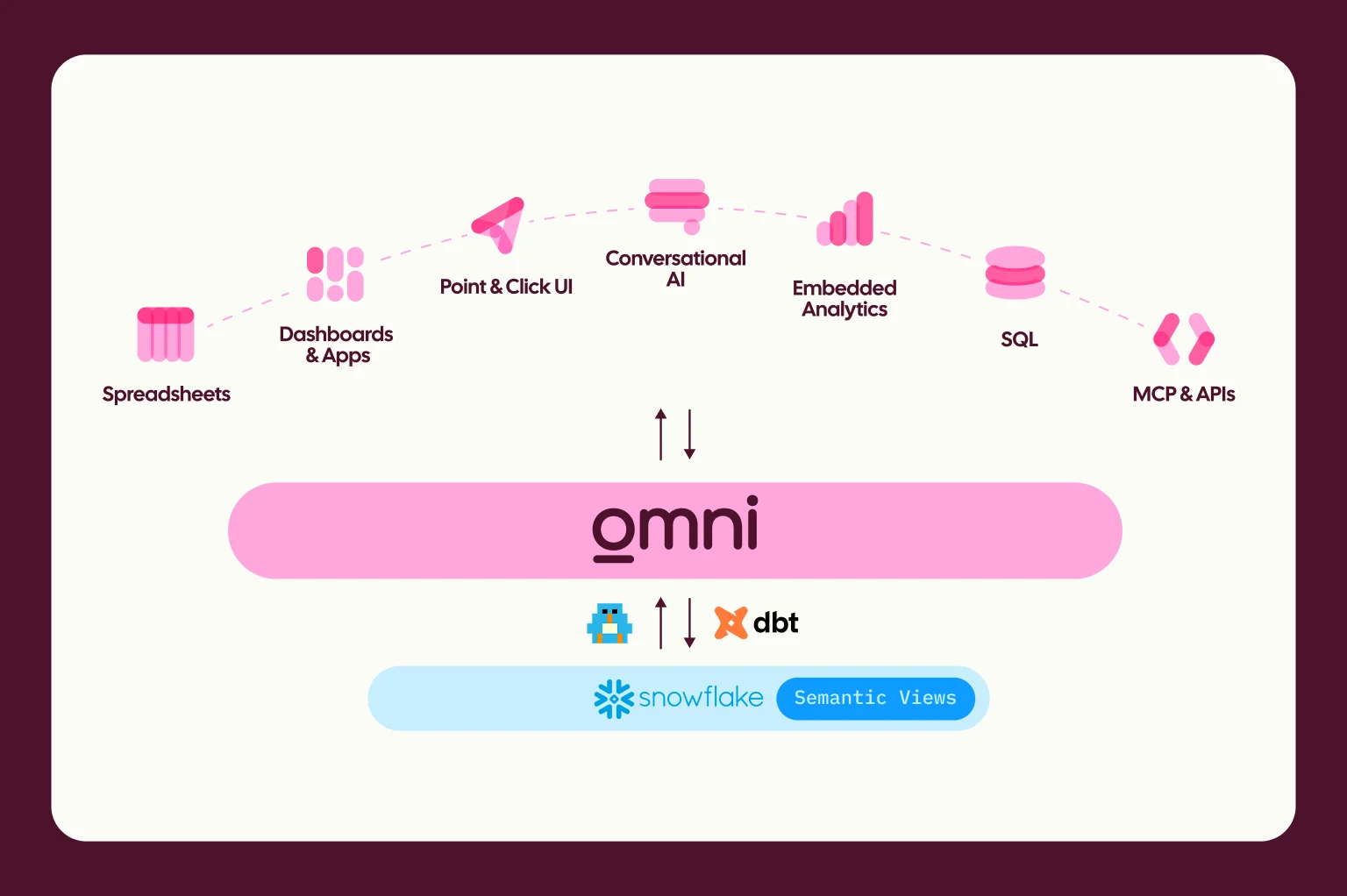
By routing Claude’s requests through Omni’s semantic layer, you bind the AI to your company’s governed business context. Claude handles the natural language reasoning, and Omni ensures the definitions for your metrics and permissions are strictly applied. You get the conversational flexibility of Claude backed by the governance of Topics (curated datasets) in Omni.
Get started in seconds #
Bringing data governed by Omni into Claude takes just a couple clicks:
Navigate to the Omni Analytics connector on the Claude Marketplace.
Click Connect and authenticate* with your Omni account.
Start asking Claude questions about your metrics.
Or, add the connector directly from a chat in Claude Desktop:
*Authentication is handled securely viaOAuth in MCP, so it's automatically tied to your specific user permissions. For this to work, Personal Access Tokens (PATs) must be active for your organization. You can enable this via Settings > API Access > Personal Tokens and flipping the toggle. See our authentication docs for more details.
Example use case: Prep for meetings with Omni & Claude #
Because Claude operates across multiple tools, you can combine the Omni connector with other integrations to automate complex workflows.
For example, preparing for a morning of back-to-back customer meetings usually means digging through multiple tabs. Instead of manually checking Dashboards for every client on your calendar, you can ask Claude to prepare your morning briefing.
By using the Google Calendar and Omni Analytics integrations together, Claude pulls your schedule and automatically layers in the relevant account data.
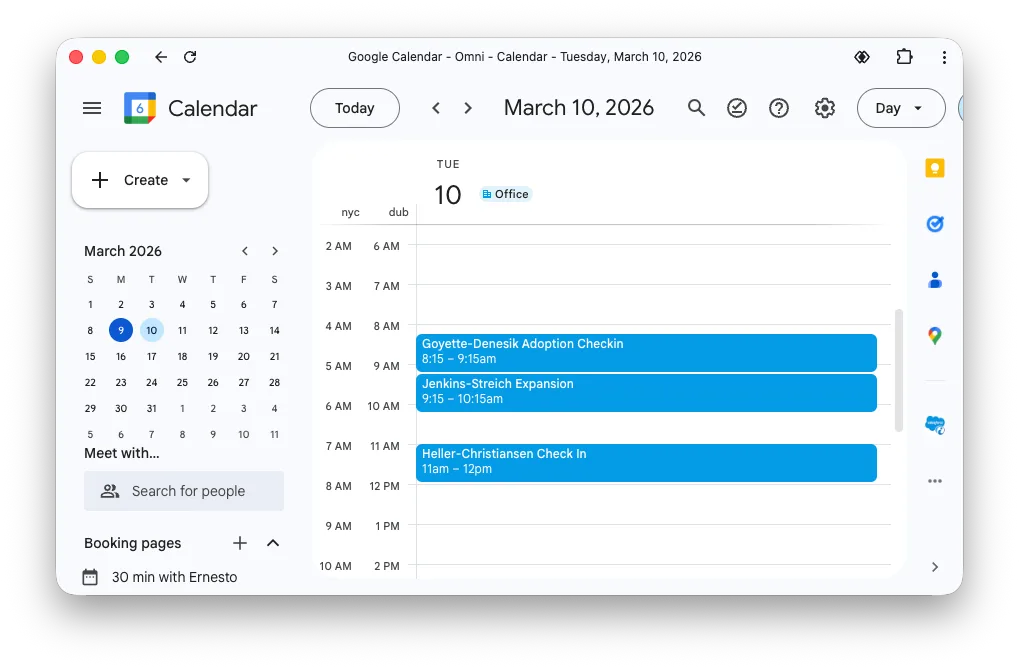
In a single prompt, Claude identifies your upcoming calls and queries Omni for the specific deal context, giving you exactly what you need before jumping on the call:
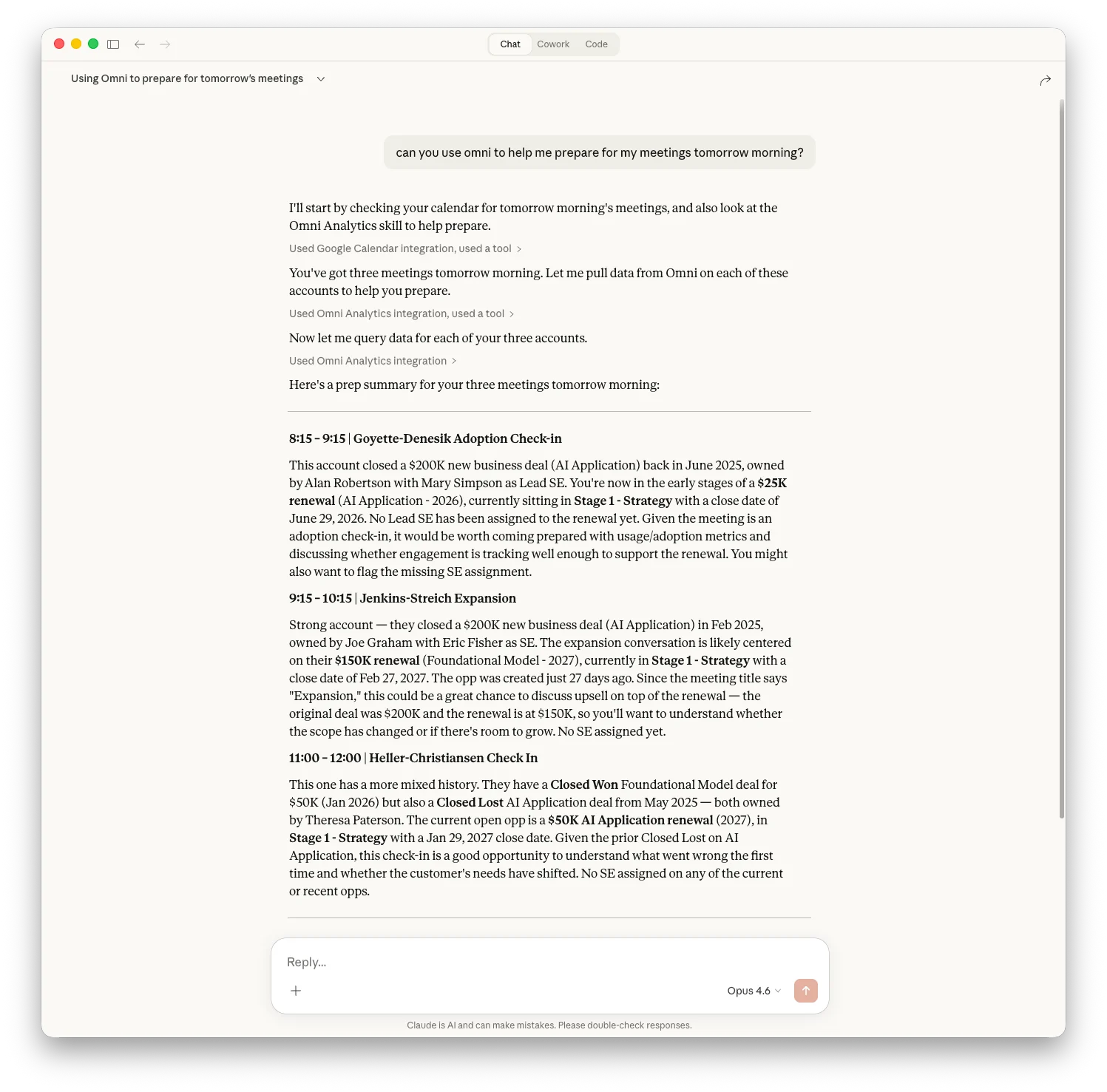
This integration pushes the answers directly to you, eliminating the friction of context-switching between your data and your workflows.
Modeling and managing your data with Claude skills #
Connecting Omni to Claude gives you incredible governed data access, but what if you want to automate repeatable administrative and modeling workflows? That is where Claude skills come in.
The Claude connector is the plumbing. It gives Claude the ability to talk to Omni.
Claude skills are the playbooks. A skill is a set of instructions, packaged as a simple folder, that teaches Claude exactly how to handle specific Omni tasks.
Instead of re-explaining your preferences, processes, and domain expertise in every conversation, skills let you teach Claude once and reuse it. They work incredibly well for orchestrating multi-step administrative processes.
We have built and open-sourced a rich library of Omni skills so you can see exactly how this works in practice. Rather than just asking Claude for a metric, you can use these skills to manage your Omni instance:
Skill | Description |
|---|---|
omni-model-explorer | Discover and inspect models, topics, views, fields, and relationships. Includes field impact analysis |
omni-model-builder | Create and edit views, topics, dimensions, measures, and relationships in YAML |
omni-query | Run queries against Omni's semantic layer and interpret results |
omni-content-explorer | Find, browse, and organize dashboards, workbooks, and folders |
omni-content-builder | Create, update, and manage documents and dashboards programmatically — lifecycle, tiles, filters, layouts |
omni-ai-optimizer | Optimize your Omni data model for Omni's AI agent |
omni-admin | Manage connections, users, groups, permissions, schedules, and token security |
omni-embed | Embed dashboards in external applications — URL signing, custom themes, iframe events |
Skills add a powerful layer that turns raw tool access into reliable, optimized workflows for your data team.
See it yourself #
Want to see a demo live? I’m hosting a webinar on April 2nd where I’ll use Claude to explore, modify, and query Omni’s semantic model. Register here.
Or head over to the Claude connectors list to install the Omni connector and try it yourself. If you want to explore the code and build your own workflows, check out our open-source skills repository on GitHub.