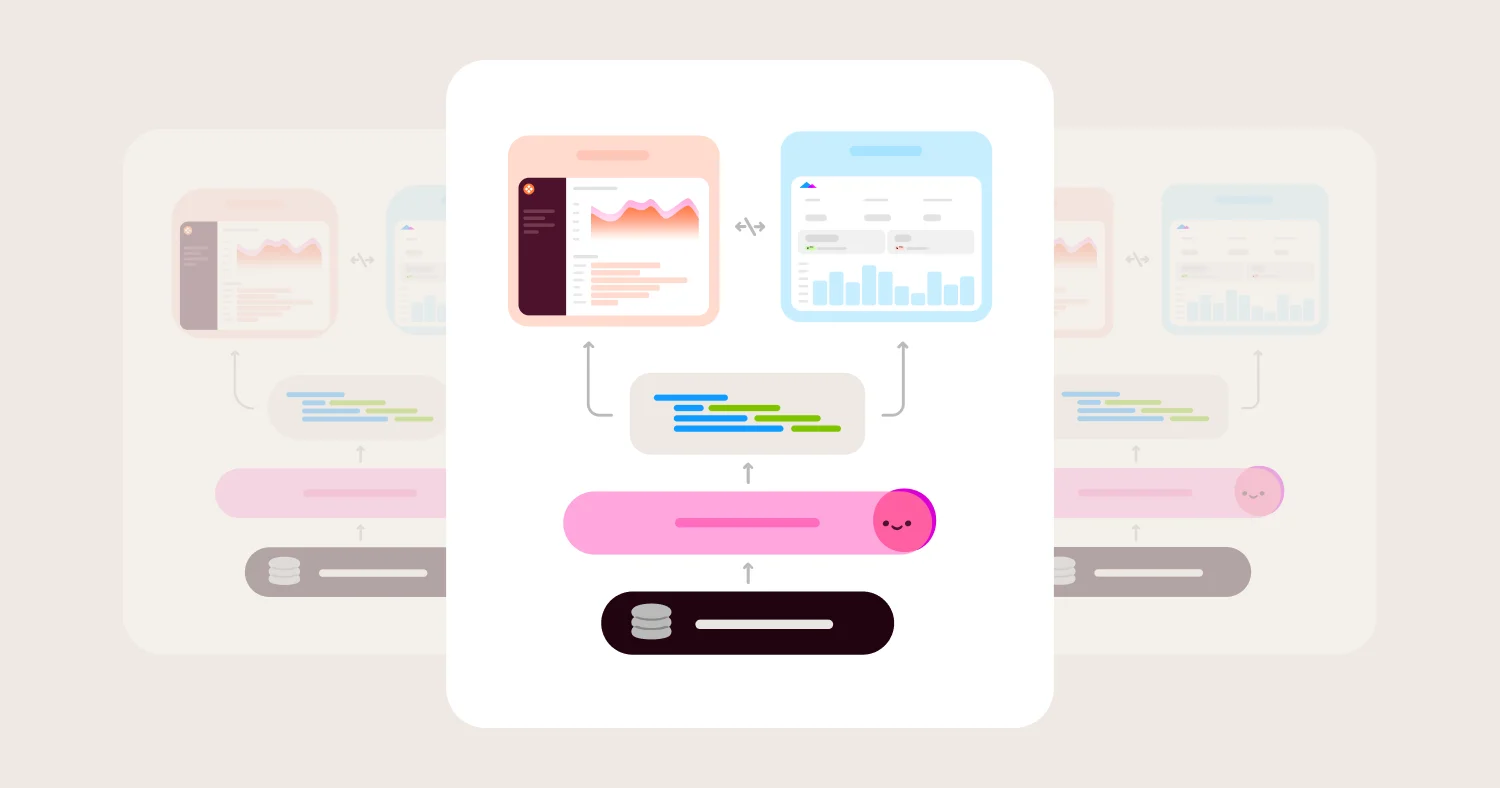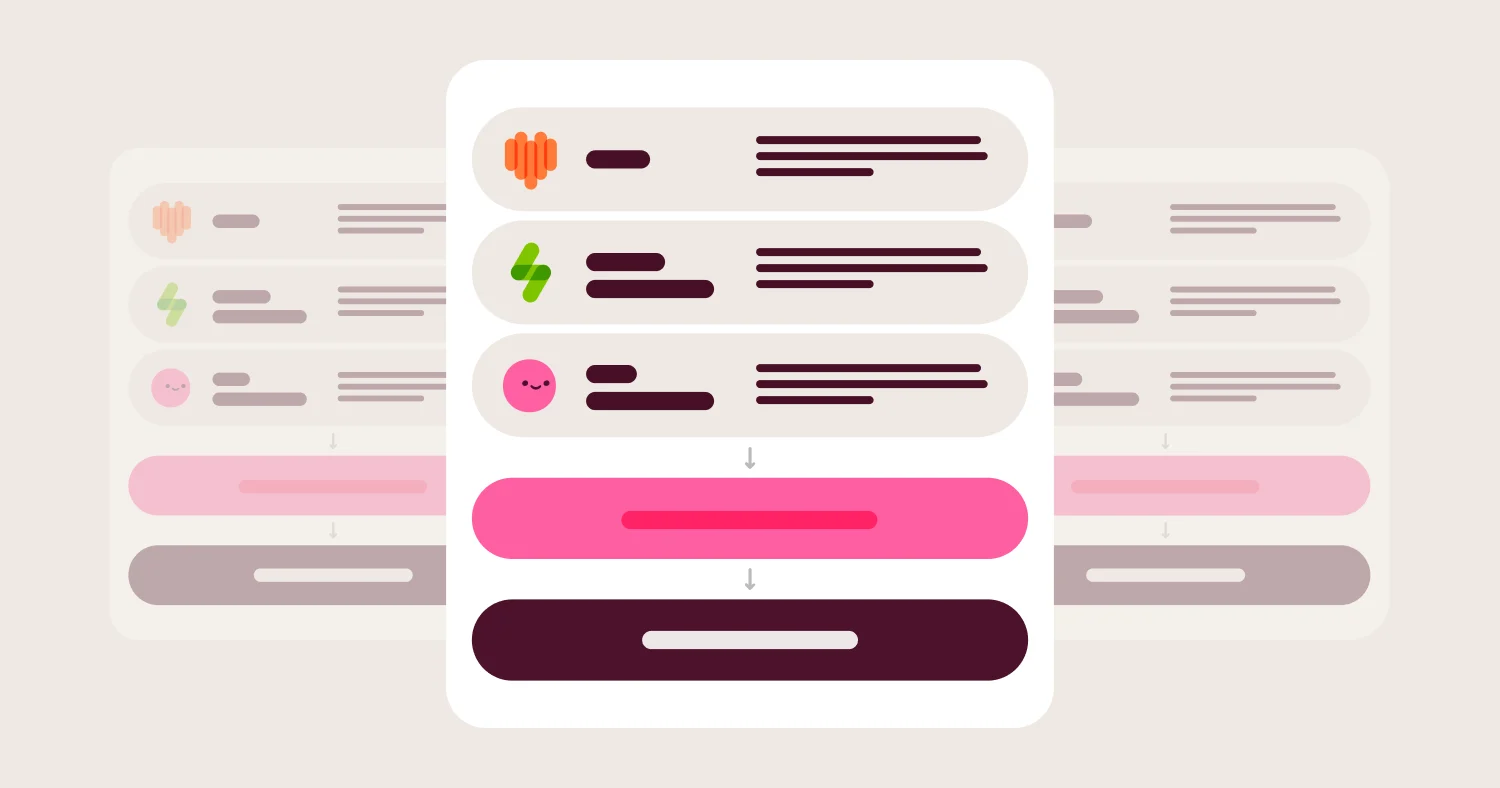
To get accurate answers from AI about your business data, make the AI build every query through a governed semantic layer instead of writing its own SQL. Define each metric once, apply each user's permissions to every query, and show the definition and query behind every answer. Then test the setup against reports you already trust.
Skip that layer, and an AI connected to your warehouse will still answer "What was net revenue last quarter?" in seconds. Ask again tomorrow, or in another tool, and you may get a different number. Neither one shows how it was calculated, and the unchecked number is the one that ends up in the board deck.
The cause is rarely the LLM’s ability to write SQL. Your warehouse doesn't contain "net revenue." It contains an amount column, a refunds table, some test accounts, and a fiscal calendar that starts in February. Somebody has to decide how those combine into net revenue, and if that decision isn't written down somewhere the AI is forced to use, the AI makes it again on every question.
This guide is for BI leads and analytics engineers who want business users to ask questions in plain English and get answers they can trust. It follows one question from Snowflake tables and dbt models through a governed metric definition, user permissions, the generated query, and an inspectable result. It also covers what that governance can and can't guarantee, what MCP does (and doesn't do) for accuracy, and a checklist for testing your own setup. Omni serves as the worked example throughout, because its AI builds every query through the same semantic layer that powers dashboards.
Key takeaways #
AI answers about business data are only as accurate as the definitions the AI is required to use.
Accurate answers come from a chain: governed definition, permissions, compiled query, inspectable result, and ongoing tests.
A trustworthy AI answer shows the metric definition, filters, and query behind the number every time.
Governance makes answers consistent and traceable. Testing against known-good reports keeps the definitions right.
Omni's AI builds queries through its semantic layer and shows each field's definition alongside the answer.
TL;DR #
Short answer: To get accurate answers from AI about business data, define metrics like net revenue once in a governed semantic layer, make the AI build every query through that layer instead of writing raw SQL, enforce each user's permissions on every query, and show the definition and query behind each answer. Then test it: run the same questions repeatedly, compare results to known-good reports, and re-test whenever the model changes. Governance makes answers consistent and traceable, and testing keeps the definitions right.
Why AI gives conflicting answers about business data #
AI gives conflicting answers about business data when it has to reconstruct business logic from raw tables on every question.
Short answer: Business metrics don't exist in the warehouse; they're decisions about how raw columns combine. When an AI writes SQL directly against tables, it makes those decisions again each time, and small differences in joins, filters, or date ranges produce different numbers that all look plausible.
Jamie Davidson uses this exact example in What makes a semantic layer good?: a column called amount isn't revenue. Revenue is "amount where the order completed, minus refunds, excluding internal test accounts, converted to USD at the booking-date rate," and someone still has to decide which date matters. In Why text-to-SQL fails, he describes the result when an AI skips that step: "the real danger is that text-to-SQL fails silently and confidently."
Checkr saw this firsthand. When the team connected an LLM directly to its warehouse, the same question returned different incorrect answers every time, according to Checkr's case study. Sarah Fischbach, Staff Analytics Engineer at Checkr, describes the gap: "Asking a question of AI without any context is like hiring a brilliant analyst who shows up every morning with no memory of your business."
Trace one question: "What was net revenue last quarter?" #
Tracing one question end to end shows where accuracy is won or lost: at the data, the definition, the permissions, the query, and the result.
Short answer: An accurate answer to "What was net revenue last quarter?" depends on six links: clean data in the warehouse, dbt models that encode persistent logic, a governed net revenue definition, a topic that scopes the question, permissions applied to the user, and a result that shows its definition and query. A break in any link produces a confident wrong number.
The setup below is illustrative: an e-commerce company on Snowflake, with dbt for transformation and Omni for BI and AI. The YAML follows Omni's documented syntax.
Step 1: The data and the dbt model #
The raw data in Snowflake has orders, refunds, currency rates, and a flag for internal test accounts. Logic that every downstream tool needs belongs in dbt, where it's versioned and tested. Here, the dbt model fct_orders removes test accounts and computes net_amount_usd (order amount minus refunds, converted at the booking-date rate).
# dbt: models/marts/fct_orders.yml (illustrative)
models:
- name: fct_orders
description: One row per order. Test accounts are excluded.
columns:
- name: net_amount_usd
description: Order amount minus refunds, in USD at the booking-date exchange rate.
- name: status
description: Order status. Only completed orders count toward revenue.
data_tests:
- accepted_values:
arguments:
values: ['completed', 'refunded', 'cancelled']
That documentation and those tests aren't just for analytics engineers. With Omni's dbt integration, a schema refresh also runs a dbt sync: column descriptions become field descriptions, and accepted_values become the field's all_values, which Omni uses for filter suggestions and AI context (dbt metadata reference). Gordon Rose explains the practical effect in Run BI like software: when someone asks for "US data only," the AI can match "US" to the stored value "USA."
Step 2: The governed metric definition #
The semantic layer turns the dbt column into a named, governed metric. In Omni, net revenue is a measure with a definition, a description people can read, synonyms for how people actually ask, and AI context for edge cases:
# Omni view: fct_orders (illustrative)
measures:
net_revenue:
sql: ${fct_orders.net_amount_usd}
aggregate_type: sum
format: usdcurrency
filters:
status:
is: completed
description: Completed orders net of refunds, in USD at the booking-date rate. Test accounts excluded in dbt.
synonyms: [net sales, revenue, net rev]
ai_context: |
Use this field for revenue questions unless the user asks for gross or booked revenue.
Using aggregate_type matters for accuracy. Omni's measure docs note that it lets Omni apply symmetric aggregation to protect against join fan-out, the error behind a familiar failure in Colin Zima's benchmark: a coding agent hand-wrote its own join and put the top campaign at $55.5 billion in pipeline.
Step 3: Deciding what "last quarter" means #
"Last quarter" is ambiguous. On October 8, 2026, the last calendar quarter is July through September. If the fiscal year starts February 1, the last completed fiscal quarter is May through July. Both are reasonable readings, and they produce different numbers.
Governance settles the ambiguity before anyone asks. In Omni, the model file sets the fiscal calendar, and fiscal quarter and fiscal year timeframes don't work without it (fiscal_month_offset docs):
# Omni model file
fiscal_month_offset: 11 # fiscal year starts February 1
The topic's AI context then tells the AI which reading the business uses, as shown in the next step.
Step 4: The topic that scopes the question #
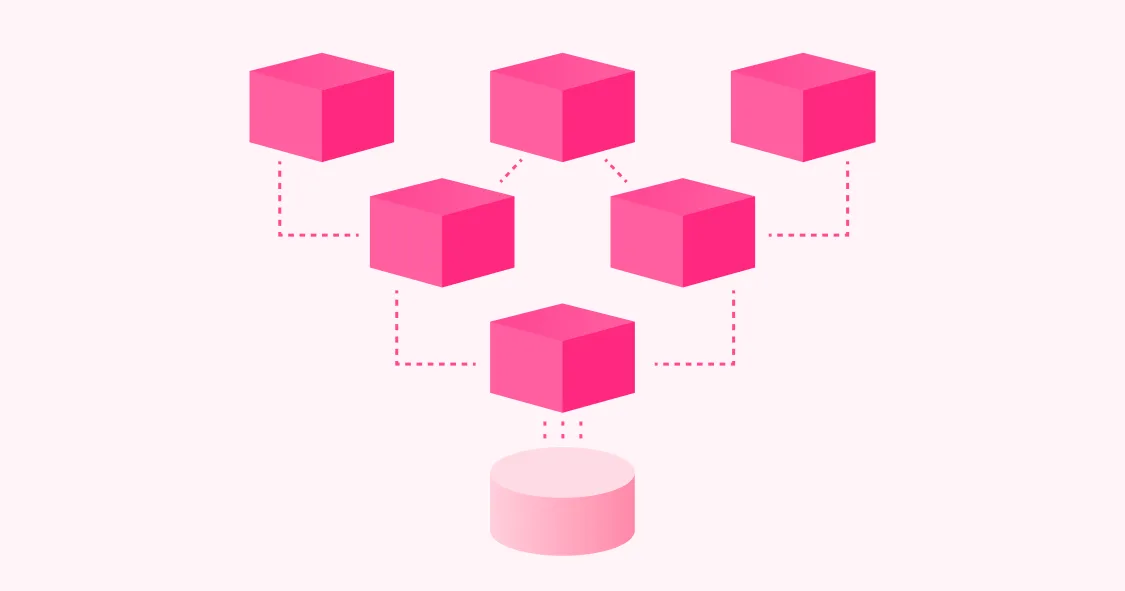
A topic is a curated dataset that tells the AI which tables to join and which fields are in bounds. Jamie Davidson describes the design in Teach AI to understand your business with Omni Topics: a topic "prevents hallucination by constraining the input and output space," and "every AI query runs inside a Topic's boundaries, full stop."
# Omni topic: revenue (illustrative)
base_view: fct_orders
joins:
dim_customers: {}
fields: [all_views.*, -tag:pii]
ai_context: |
"Last quarter" means the most recent completed fiscal quarter. Our fiscal year starts February 1.
If the user says "calendar quarter," use calendar quarters instead.
The fields line removes anything tagged PII, and Omni's docs state that it "enforces restrictions at query runtime, not just in the field browser" (fields docs). Topics can also carry sample queries, such as a worked "net revenue last quarter" example the AI can reference.
Step 5: Permissions for the person asking #
A regional finance manager asking about net revenue should see her region, not the company total. In Omni, an access filter ties a field to a user attribute, so every query from that user is filtered automatically (access_filters docs):
# added to the revenue topic (illustrative adaptation)
access_filters:
- field: dim_customers.region
user_attribute: region
values_for_unfiltered: [all_regions]
This applies to AI queries too. Omni's AI security docs explain that "because the AI uses an abstract query format and not SQL to create queries, the generated query respects the permissions set in Omni." Teams that also want Snowflake's own permissions enforced per user can connect with Snowflake OAuth, so "Omni enforces that user's Snowflake database-level permissions when they run queries." The tradeoff, per Omni's docs, is that caches aren't shared across users, which lowers cache hit rates and raises warehouse cost.
Step 6: The generated query and the inspectable result #
When the user asks the question, Omni's AI agent picks the topic, selects net_revenue and the fiscal quarter timeframe, and Omni compiles that selection into SQL. Only metadata about the query, prompt, and topic fields is sent to the LLM for query generation (AI security). The SQL that runs against Snowflake looks roughly like this:
-- Simplified illustration, not Omni's literal output
SELECT SUM(o.net_amount_usd) AS net_revenue
FROM analytics.fct_orders AS o
JOIN analytics.dim_customers AS c ON o.customer_id = c.customer_id
WHERE o.status = 'completed'
AND c.region = 'EMEA' -- access filter from the user's region attribute
AND o.booked_at >= '2026-05-01'
AND o.booked_at < '2026-08-01' -- most recent completed fiscal quarter
The answer is only as useful as its evidence. Omni's AI chat docs say the agent "generates a live query you can inspect, refresh, or roll up into a dashboard," and a field details panel shows each field's name, its definition (the SQL or calculation behind it), and its description from the model, "helping you verify the AI selected appropriate fields." Users with the right role can view the full dialect SQL in the workbook Inspector and run it in another SQL tool to confirm the number.
Steven Talbot summarizes the difference in Magic sauce after all: "Text-to-SQL gives you an answer. Parsed OmniSQL gives you an answer you can inspect, edit, and tie back to the semantic model."
How a BI semantic layer grounds AI answers #
A BI semantic layer grounds AI answers by giving the AI a fixed set of governed metrics, joins, and rules to build queries from, instead of raw tables.
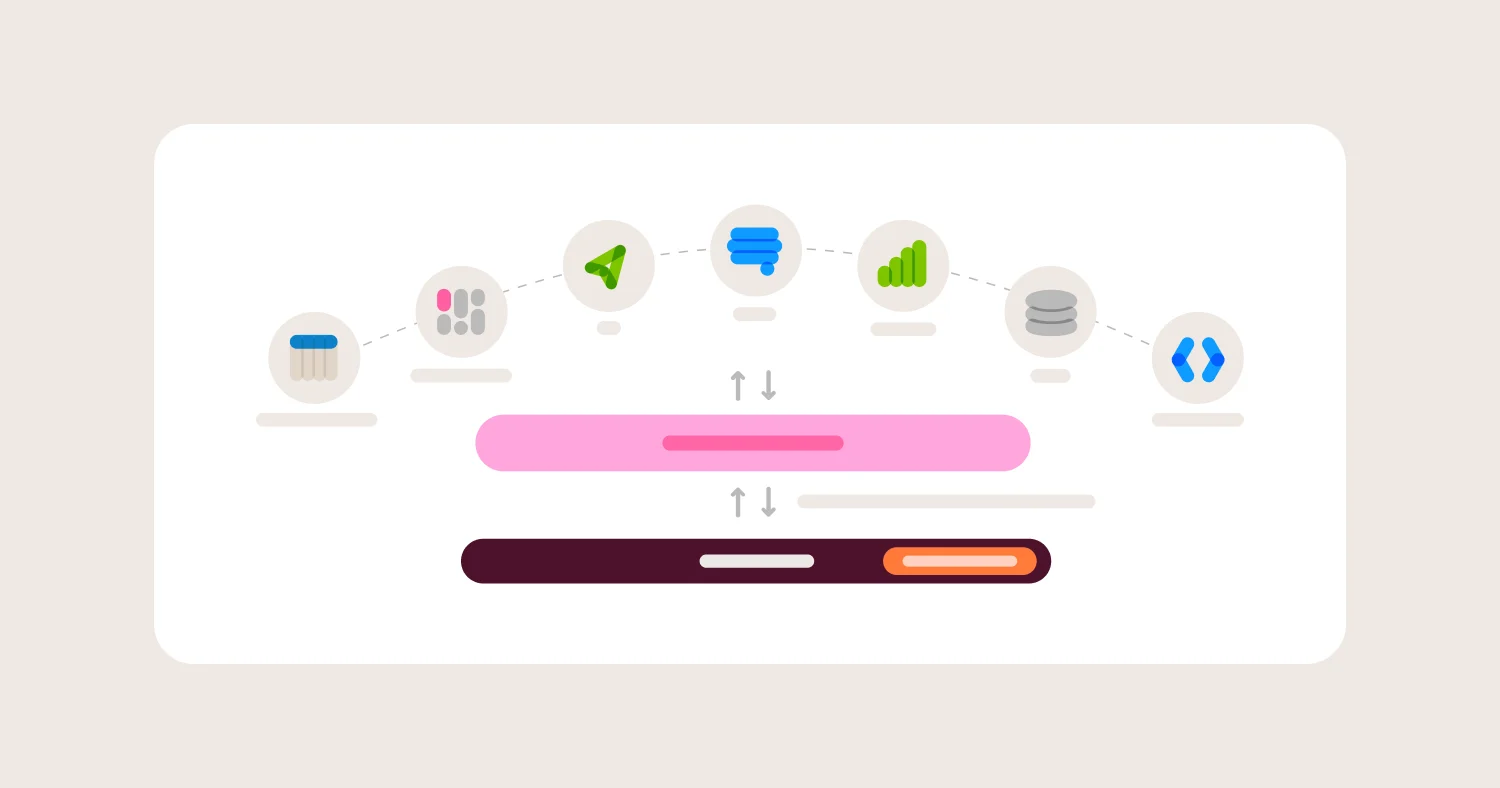
Short answer: The semantic layer sits between the warehouse and every consumer, including AI. Persistent logic stays in the warehouse and dbt. The semantic layer adds metric definitions, join paths, business context, and permissions, and the AI is required to compose queries from those parts. That's what makes the same question return the same number across a dashboard, a spreadsheet, and a chat.
A good BI semantic layer also stays extensible to what's upstream rather than replacing it. In the walkthrough, dbt owns test-account exclusion and currency conversion, and Omni owns the metric, the fiscal interpretation, the AI context, and the permissions. Omni can also import metrics teams have already defined elsewhere: dbt Semantic Layer metrics (a one-way import) and Snowflake Semantic Views, which Peter Whitehead covers in How to use Snowflake Semantic Views with Omni's semantic layer.
Tom Imbert, Director of Data & Analytics at me&u, describes the payoff in me&u's case study: "whatever entry point people are most comfortable with, whether it's a workbook, Blobby [Omni's AI agent], or Claude, it's the same governed model underneath. Same joins, definitions, and access controls."
For a broader introduction to semantic layers, see Omni's Semantic Layer for AI and BI (2026). For why a semantic layer should serve both dashboards and agents, see Your Semantic Layer Should Be Universal, Not Just Headless.
What governance can and cannot guarantee #
Governance for AI analytics is the set of definitions, permissions, and review processes that constrain what an AI can query and how.
Short answer: Governance can guarantee that every consumer uses the same definition, that permissions apply to every query path, and that every number can be traced to its query. Governance can't guarantee that the definition itself is right, that the AI interprets every ambiguous question correctly, or that the underlying data is complete and fresh.
What governance can guarantee:
Consistency. Every dashboard, spreadsheet, and AI answer that uses net_revenue uses the same logic.
Enforced permissions. Access filters apply to AI queries the same way they apply to dashboards.
Traceability. Every answer has a definition, a filter set, and SQL behind it that someone can inspect.
Reviewed change. Definition changes go through branches and review instead of silent edits.
What governance cannot guarantee:
That the definition is correct. If net revenue forgets a refund type, every answer is consistently wrong. Consistency makes the error easier to find, but it doesn't prevent it.
That the data is complete or fresh. A failed dbt run or late-arriving refunds will flow straight through. Omni caches query results for six hours by default (caching docs), so check the cache policy for time-sensitive metrics.
That AI summaries do math correctly. The governed query returns the right number, but a written summary that computes a percentage change on top of it can still slip. Omni's Evals judge checks specifically for "mental math" and "period-over-period errors."
That every question is answerable. If net revenue by sales channel isn't modeled, the right behavior is a clear "I can't answer that from this topic," not a guess.
Jon Palmer states the bar plainly in Why the best dashboard might be no dashboard at all: "Something that is right most of the time cannot inform decision-making. Not something we can take to our board, or, God forbid, to an auditor."
What MCP is #
MCP, the Model Context Protocol, is an open standard for connecting AI applications to external systems like databases, BI tools, and file stores.
Short answer: MCP lets AI assistants like Claude or ChatGPT call tools that another system exposes, such as "list approved metrics" or "run a governed query." MCP is plumbing: it controls how an AI reaches your data and context. Whether the answer is right still depends on what the MCP server exposes and what rules it enforces.
Anthropic open-sourced MCP in November 2024 as "a new standard for connecting AI assistants to the systems where data lives." The MCP specification defines servers that offer resources, prompts, and tools, and it's explicit about its limits: "MCP itself cannot enforce these security principles at the protocol level." The protocol leaves enforcement to whoever builds the server.
That makes the server's design the thing to evaluate. An MCP server that exposes a "run any SQL" tool gives an AI assistant the same freedom to guess that text-to-SQL does. An MCP server that only exposes governed queries carries the semantic layer's rules into the assistant. Omni's MCP server follows the second pattern:
Tools like pickTopic, getData, and askOmni work through Omni's model and topics, and runQuery refuses keys that would run raw SQL (MCP tools).
"All MCP queries use the permissions of the authenticated user."
Authentication uses OAuth 2.1 with PKCE, so each session runs as a real Omni user (MCP authentication).
One more thing to know: once results reach an assistant like Claude, they live in that tool. Omni's docs note that "by using the MCP Server, your data will be in the tool where you use the MCP Server," so apply your AI vendor policies accordingly.
Which AI tools explain metric definitions with each answer? #
An AI analytics tool explains metric definitions with each answer when it retrieves the governed definition at question time and shows it next to the result.
Short answer: Look for an AI assistant that queries a semantic layer at question time, shows which metric and filters it used, and displays each metric's definition and description with the answer. Omni does this through a field details panel on every AI-generated query. Other semantic-layer-based tools, including the dbt Semantic Layer through its MCP server, Cube, and ThoughtSpot, also expose governed definitions to AI, so test each one on whether the definition actually appears with the answer and whether the AI is required to use it.
Two tests separate tools that explain definitions from tools that only have them:
Does the definition appear with the answer? A user should see "Net Revenue: completed orders net of refunds, in USD" next to the number without asking a follow-up.
Is the AI required to use the definition? Some tools give the AI the semantic model as reference material it may ignore. In Colin Zima's benchmark, a coding agent given the semantic model plus a playbook still trailed Omni's enforced harness by 21 points on 100 real questions.
If you want the AI to also explain its reasoning in words, Omni's AI optimization guide shows how to add model-level AI context that asks the agent to explain how it picked fields before generating a query. For a full comparison of AI BI tools, see AI-Powered BI Tools (2026) and Best Conversational Analytics Tools (2026).
Checklist: testing AI answer accuracy, access controls, and auditability #
Testing AI answers means checking accuracy, consistency, permissions, and traceability on your own data before business users rely on them.
Short answer: Build a set of 20 to 25 real questions with known answers, run them repeatedly, test them as users with different permissions, and confirm every answer can be traced to a definition and query. Re-run the set whenever the model changes.
Accuracy and consistency:
Write 20 to 25 real business questions with answers already verified in trusted reports, including at least five that involve fiscal periods
Include ambiguous phrasings ("last quarter," "revenue," "customers") and confirm the AI resolves them the way the business does
Ask each question twice, ideally on different days, and compare the numbers
Include multi-table questions that could cause join fan-out
Include questions the model can't answer and confirm the AI says so instead of guessing
In Omni, run these as an Eval prompt set (up to 25 prompts) against a branch before promoting model changes
Access controls:
Ask the same question as users with different attributes (two regions, an admin, a viewer) and confirm each sees only what they should
Try to reach restricted fields through the AI by name and by synonym
Repeat the permission tests through every entry point, including MCP clients like Claude or ChatGPT
If using per-user warehouse credentials, confirm warehouse policies apply as expected
Auditability:
For five answers, open the definition and SQL and rerun the SQL directly in Snowflake
Confirm a business user can see the metric definition and filters without asking an analyst
Change a definition on a branch and confirm the change is reviewable before it reaches users
Check that query activity is captured in audit logs your security team can access
FAQ #
How do you get accurate answers from AI about business data? #
Accurate AI answers about business data come from defining metrics once in a governed semantic layer, requiring the AI to build queries through that layer, enforcing each user's permissions, and showing the definition and query behind every answer. Teams should then test a fixed set of real questions repeatedly and re-test whenever the model changes.
Why does AI give different answers to the same question? #
AI gives different answers to the same question when it writes SQL against raw tables, because it re-decides joins, filters, and date ranges each time. Grounding the AI in governed metric definitions and topics makes those decisions once, so the same question resolves to the same query.
Can a semantic layer guarantee that AI answers are correct? #
No. A semantic layer guarantees that every answer uses the same definition and respects permissions, and it makes every number traceable. It can't guarantee that the definition is right, that the AI interprets every ambiguous question correctly, or that upstream data is complete.
What is MCP in analytics? #
MCP (Model Context Protocol) is an open standard, introduced by Anthropic in November 2024, that lets AI assistants call tools exposed by other systems, such as a BI platform's governed query tools. MCP governs how an assistant reaches data, and accuracy depends on whether the MCP server enforces governed definitions and user permissions.
Which AI assistants explain metric definitions each time someone asks a question? #
AI assistants built on a semantic layer can show the governed definition with each answer. Omni displays each field's definition and description alongside every AI-generated query, and its AI builds queries through the semantic layer rather than raw SQL. When evaluating any tool, check that the definition appears with the answer and that the AI is required to use it.
How does dbt help AI answer business questions accurately? #
dbt encodes persistent logic like test-account exclusion and currency conversion, and its documentation and tests become context for AI. In Omni, dbt column descriptions become field descriptions and accepted_values tests become valid filter values used in AI context, which helps the AI match questions to the right fields and values.
How do you make AI respect row-level security? #
AI respects row-level security when its queries run through the same permission system as dashboards rather than through a shared service account. In Omni, access filters tied to user attributes apply to AI queries, MCP queries run with the authenticated user's permissions, and Snowflake OAuth can enforce each user's warehouse permissions as well.
How do you test the accuracy of an AI analytics tool? #
Test an AI analytics tool with 20 to 25 real questions that have verified answers, including fiscal-period, multi-table, ambiguous, and unanswerable questions. Run each question more than once, test as users with different permissions, and trace several answers back to their SQL. Omni's Evals feature automates this against a model branch before changes are promoted.
Methodology #
This guide was written for BI leads and analytics engineers evaluating how to make AI answers about business data accurate, consistent, and auditable. It follows one question through a representative Snowflake, dbt, and Omni setup rather than comparing vendors. Omni-specific behavior is drawn from Omni's product documentation as of October 2026, and YAML examples follow Omni's documented syntax; the SQL is a simplified illustration. MCP details come from Anthropic's announcement and the MCP specification. The guide treats governance as necessary but not sufficient, so its checklist assumes every setup needs ongoing testing.
The guide builds on Omni's published research and customer experience:
What makes a semantic layer good?, Why text-to-SQL fails, Why AI needs a semantic model, and Teach AI to understand your business with Omni Topics by Jamie Davidson: why AI needs governed definitions and how topics constrain it
Benchmarking Omni's agentic analytics harness by Colin Zima: accuracy and consistency results on 100 real questions
Magic sauce after all by Steven Talbot: why inspectable queries beat raw text-to-SQL
Why the best dashboard might be no dashboard at all by Jon Palmer: the accuracy bar for AI answers
Run BI like software: Three ways data teams use Omni's dbt integration by Gordon Rose: how dbt context improves AI answers
How to use Snowflake Semantic Views with Omni's semantic layer by Peter Whitehead: extending to warehouse-native definitions
How I built a skill for monthly FP&A review by Joe Seib: a finance team relying on AI because it runs on the semantic layer
Related Omni guides:
Disclosure: Omni publishes this guide and uses its own product as the worked example. The checklist and the limits of governance apply to any AI analytics tool.